Product listing
Zap Viewer — Render History Inside Blender
By SuHyoung Lee ·
$19.00
List price: $19.00
Listing details
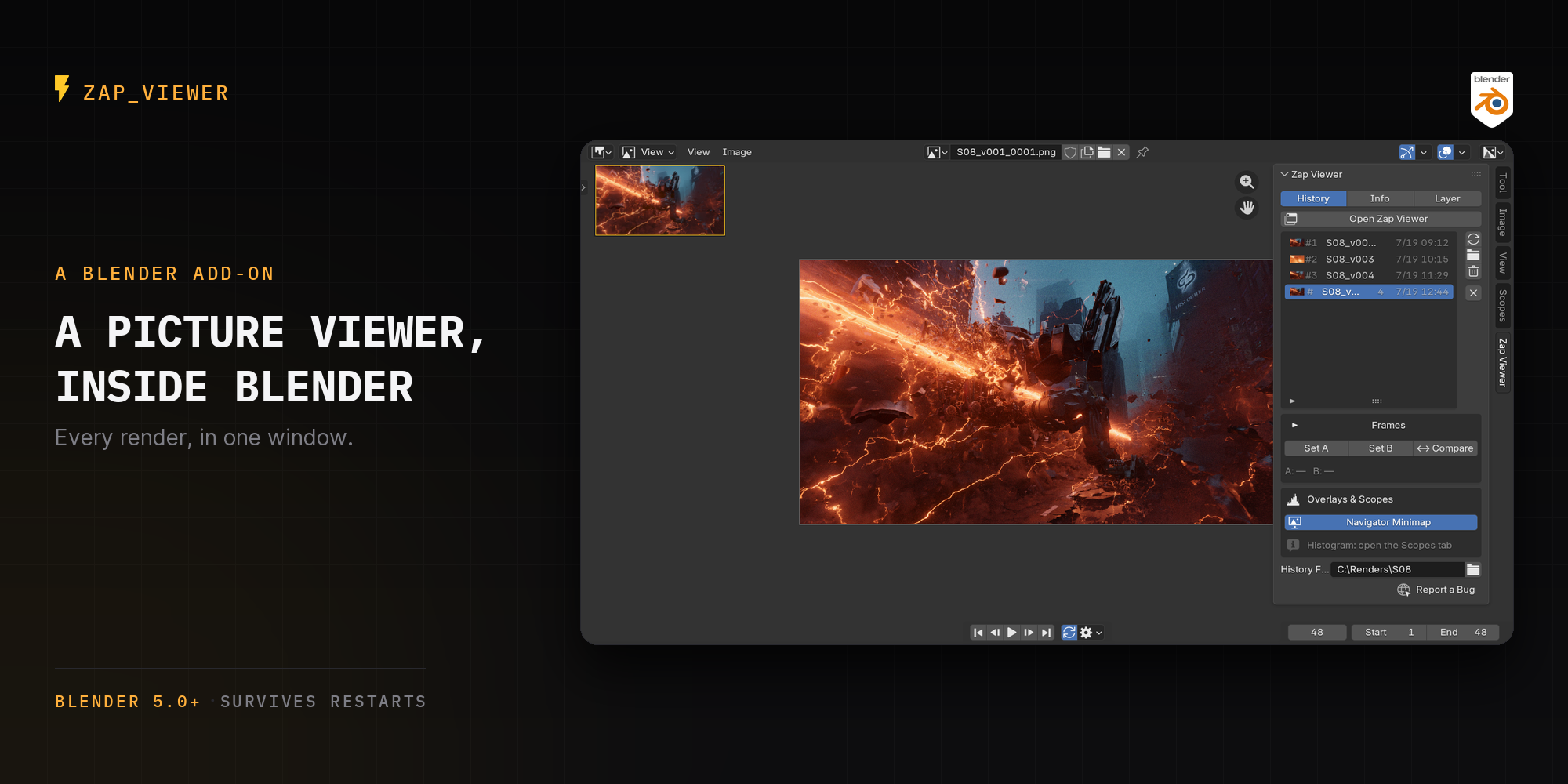
A Picture Viewer for Blender: every render in one window. Compare them side by side, play a sequence back to catch a bad frame, and read the per-frame render times Blender doesn't keep.
Categories
Tags
Installation
- Download Zap Viewer — Render History Inside Blender and check which Blender versions the creator supports. Keep the installable archive (for example,
Zap_Viewer_—_Render_History_Inside_Blender.zip) intact. If the download is a bundle, extract it first to find the add-on archive. - In Blender, go to Edit → Preferences → Add-ons. In Blender 4.2 and newer, open the top-right menu and choose Install from Disk. In older versions, click Install….
- Select the add-on archive (for example,
Zap_Viewer_—_Render_History_Inside_Blender.zip) or its standalone.pyfile and confirm the installation. - Find the add-on in the Add-ons list and tick its checkbox if it isn’t already enabled.
Check the creator’s instructions for any extra setup, such as dependencies or license activation.
Compare with other products
Choose a category to find products to compare with this listing.
Product versions
-
v2.9.0 published
Created Aug 4, 2026 · Published Aug 4, 2026
Release notes (source)
<p>Choose where renders are kept, stop animations taking twice the disk, and let old test renders expire.</p><ul>
<li>
<b>Animation frames: copy, or point at them.</b> Blender already wrote your animation to your output path. Keep a copy so nothing can overwrite it, or point at those frames and take no extra disk. An F12 still is always saved either way.</li>
<li>
<b>Choose where the history lives.</b> Beside the .blend, one folder away from your projects, a folder you pick — or packed inside the .blend itself, so the project travels as one file.</li>
<li>
<b>Renders can expire.</b> Off by default. Lock what you want to keep, and it only ever deletes files Zap Viewer wrote into its own folder — your own renders are dropped from the list, never from disk.</li>
<li>
<b>A scrub track on the transport,</b> plus reverse playback, an Open Folder button, and clearer Still / Sequence rows.</li>
<li>Fixes: a still rendered with write_still produced no history entry at all; two renders in the same second could collide; zero-byte placeholder files counted as frames.</li>
</ul><p>Nothing changes unless you change it — every new option ships off, so this update behaves exactly like v2.8.0 until you open the settings.</p>
-
v2.8.0 published
Created Aug 4, 2026 · Published Jul 27, 2026
Release notes (source)
<p>The release before v2.9.0, kept here so it stays available.</p>