Product listing
Wall Thickness Checker for 3D Printing
By Hanru Croucamp ·
$9.00 On sale
List price: $12.00
Listing details
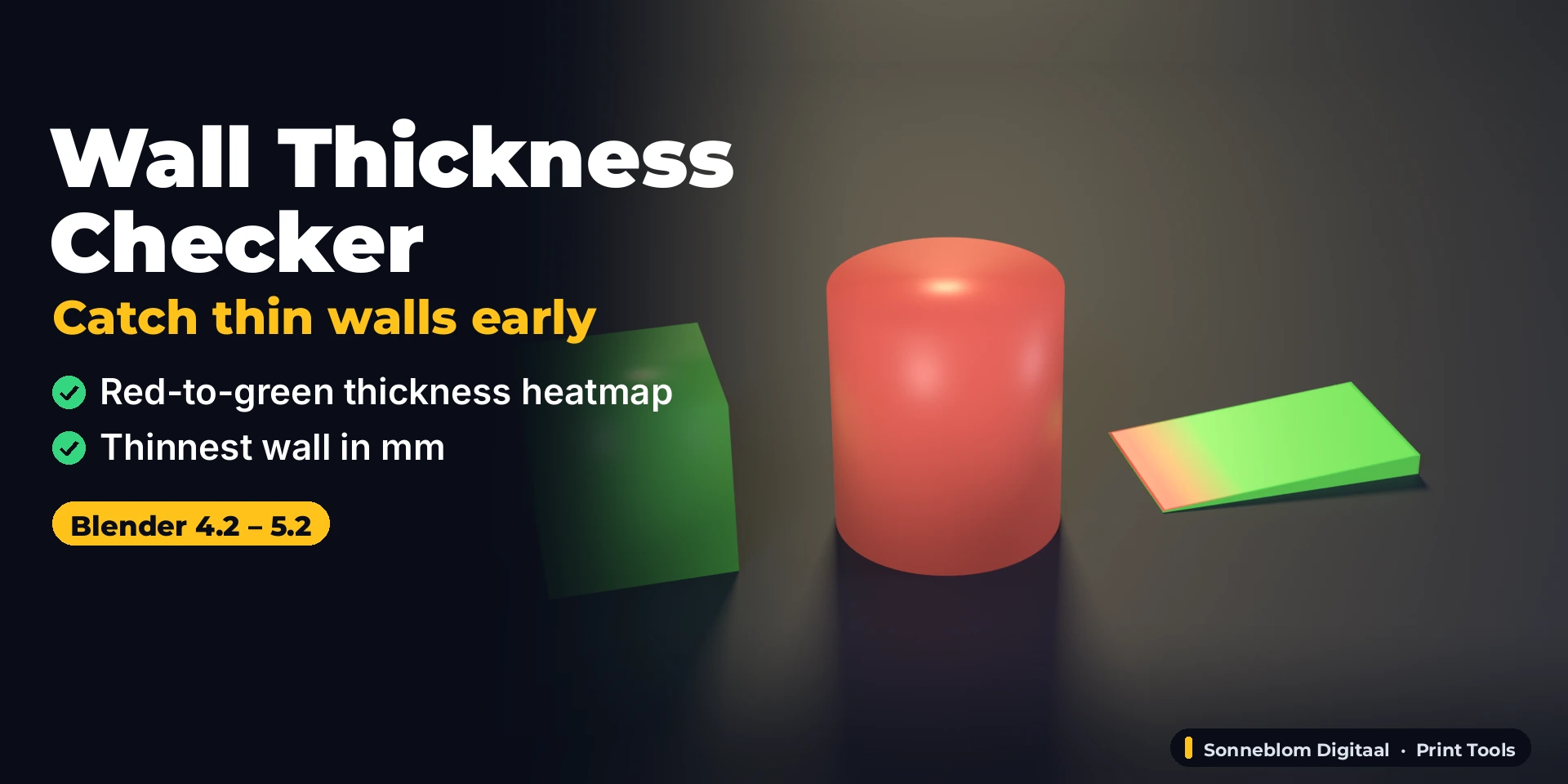
Find walls too thin to print before they fail: a red-to-green heatmap, FDM and resin presets, and the thin faces selected in Edit Mode.
Categories
Tags
Installation
- Download Wall Thickness Checker for 3D Printing and check which Blender versions the creator supports. Keep the installable archive (for example,
Wall_Thickness_Checker_for_3D_Printing.zip) intact. If the download is a bundle, extract it first to find the add-on archive. - In Blender, go to Edit → Preferences → Add-ons. In Blender 4.2 and newer, open the top-right menu and choose Install from Disk. In older versions, click Install….
- Select the add-on archive (for example,
Wall_Thickness_Checker_for_3D_Printing.zip) or its standalone.pyfile and confirm the installation. - Find the add-on in the Add-ons list and tick its checkbox if it isn’t already enabled.
Check the creator’s instructions for any extra setup, such as dependencies or license activation.
Compare with other products
Choose a category to find products to compare with this listing.
Product versions
-
1.1.0 published
Created Nov 10, 2026 · Published Nov 10, 2026
Release notes (source)
<p>Units default to 1 mm with a red warning, a clear warning when most faces find no opposite wall or the mesh is open, FDM and Resin presets, Select thin faces (Edit Mode), Clear heatmap, and every setting in Adjust Last Operation (F9).</p>
-
1.0.1 published
Created Oct 28, 2026 · Published Oct 28, 2026
Release notes (source)
<p>Tested on Blender 5.2.2 LTS (and 4.2 LTS)</p><p>Tested and certified on Blender 5.2.2 LTS (and 4.2 LTS); LICENSE file added, author name tidied; no API changes needed.</p>