Product listing
Precision Holes & Inserts
By Hanru Croucamp ·
$10.50 On sale
List price: $14.00
Listing details
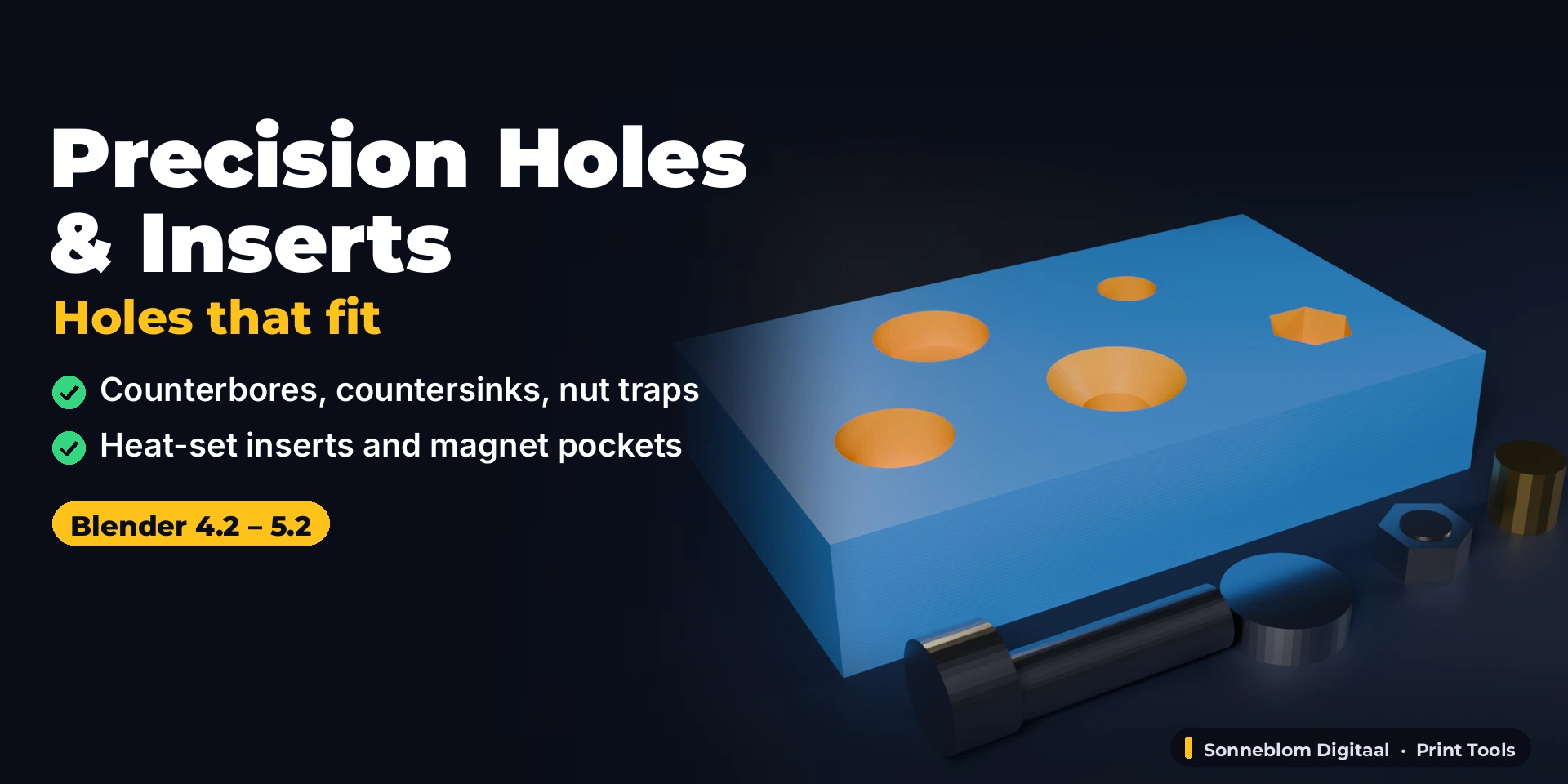
Cut counterbores, countersinks, heat-set insert pockets, hex nut traps and magnet pockets into your 3D-print parts with metric presets, compensated sizes and teardrops for horizontal holes.
Categories
Tags
Installation
- Download Precision Holes & Inserts and check which Blender versions the creator supports. Keep the installable archive (for example,
Precision_Holes_&_Inserts.zip) intact. If the download is a bundle, extract it first to find the add-on archive. - In Blender, go to Edit → Preferences → Add-ons. In Blender 4.2 and newer, open the top-right menu and choose Install from Disk. In older versions, click Install….
- Select the add-on archive (for example,
Precision_Holes_&_Inserts.zip) or its standalone.pyfile and confirm the installation. - Find the add-on in the Add-ons list and tick its checkbox if it isn’t already enabled.
Check the creator’s instructions for any extra setup, such as dependencies or license activation.
Compare with other products
Choose a category to find products to compare with this listing.
Product versions
-
1.1.1 published
Created Nov 10, 2026 · Published Nov 10, 2026
Release notes (source)
<p>Every setting in Adjust Last Operation (F9). Keep editable is on by default. New Load Hole Settings and Update Selected Hole (rebuild a hole with another type or size in place). New entry chamfer and hex nut rotation. The final result is checked before anything is applied (not watertight, or a hole that removes no material, stays an editable Boolean, also in Apply Holes). A cutter still used by a duplicated part is kept. Units default to 1 mm with a red hint.</p>