Product listing
Light Control for Workbench (for Blender ≤ 3.x)
By MST ·
From $15.00
Listing details
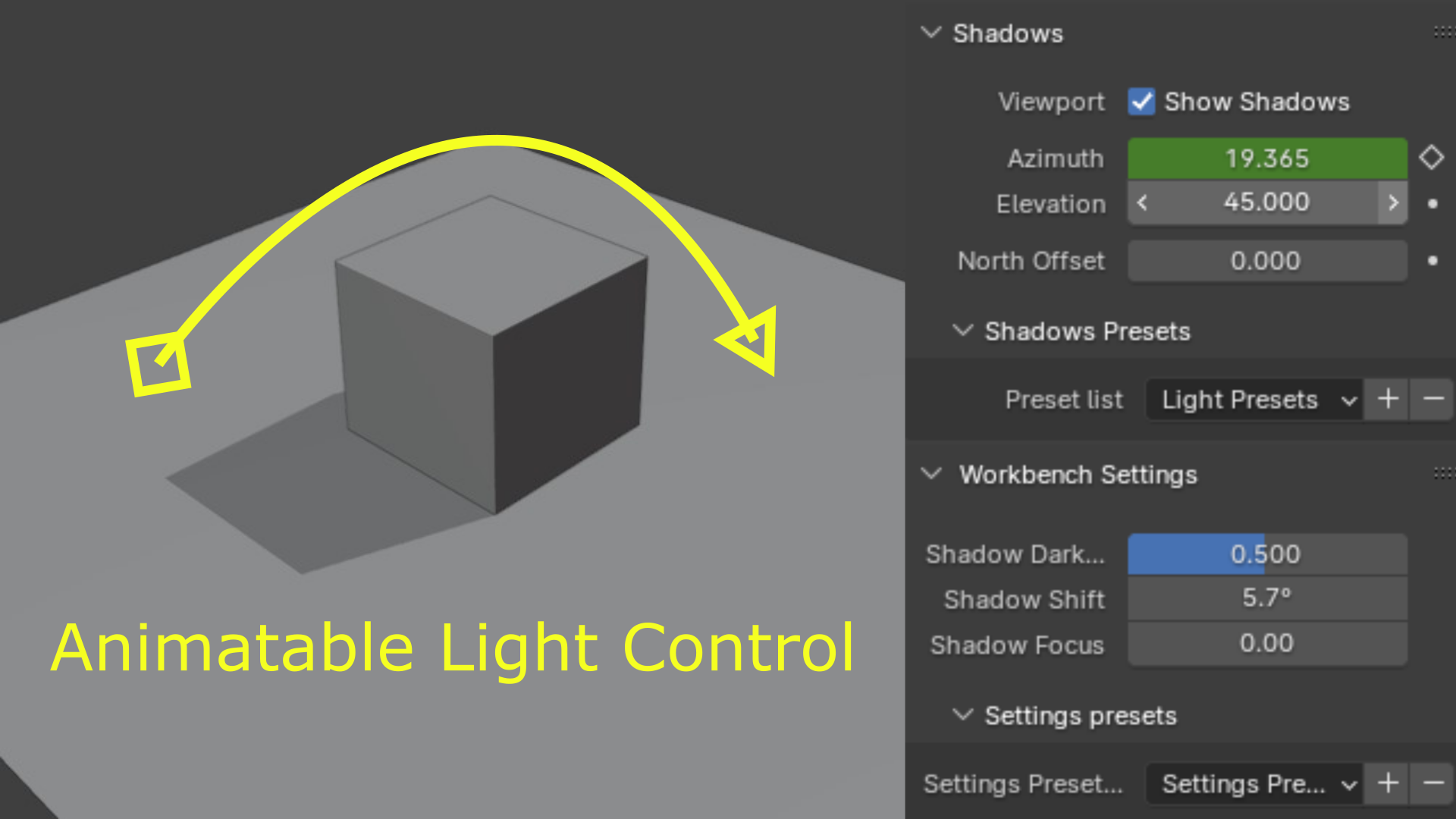
Viewport Light Control for Blender Workbench, change and control of light in workbench with azimut and altitude parameters
Categories
Tags
Installation
- Download Light Control for Workbench (for Blender ≤ 3.x) and check which Blender versions the creator supports. Keep the installable archive (for example,
Light_Control_for_Workbench_(for_Blender_≤_3.x).zip) intact. If the download is a bundle, extract it first to find the add-on archive. - In Blender, go to Edit → Preferences → Add-ons. In Blender 4.2 and newer, open the top-right menu and choose Install from Disk. In older versions, click Install….
- Select the add-on archive (for example,
Light_Control_for_Workbench_(for_Blender_≤_3.x).zip) or its standalone.pyfile and confirm the installation. - Find the add-on in the Add-ons list and tick its checkbox if it isn’t already enabled.
Check the creator’s instructions for any extra setup, such as dependencies or license activation.
Compare with other products
Choose a category to find products to compare with this listing.
Variants
-
Animatable light control for Blender Workbench published
Price: $15.00 · List price: $15.00