Product listing
Tuftwork (Beta): Hair Cards for Blender
By Tito Belgrave ·
$15.00
List price: $15.00
Listing details
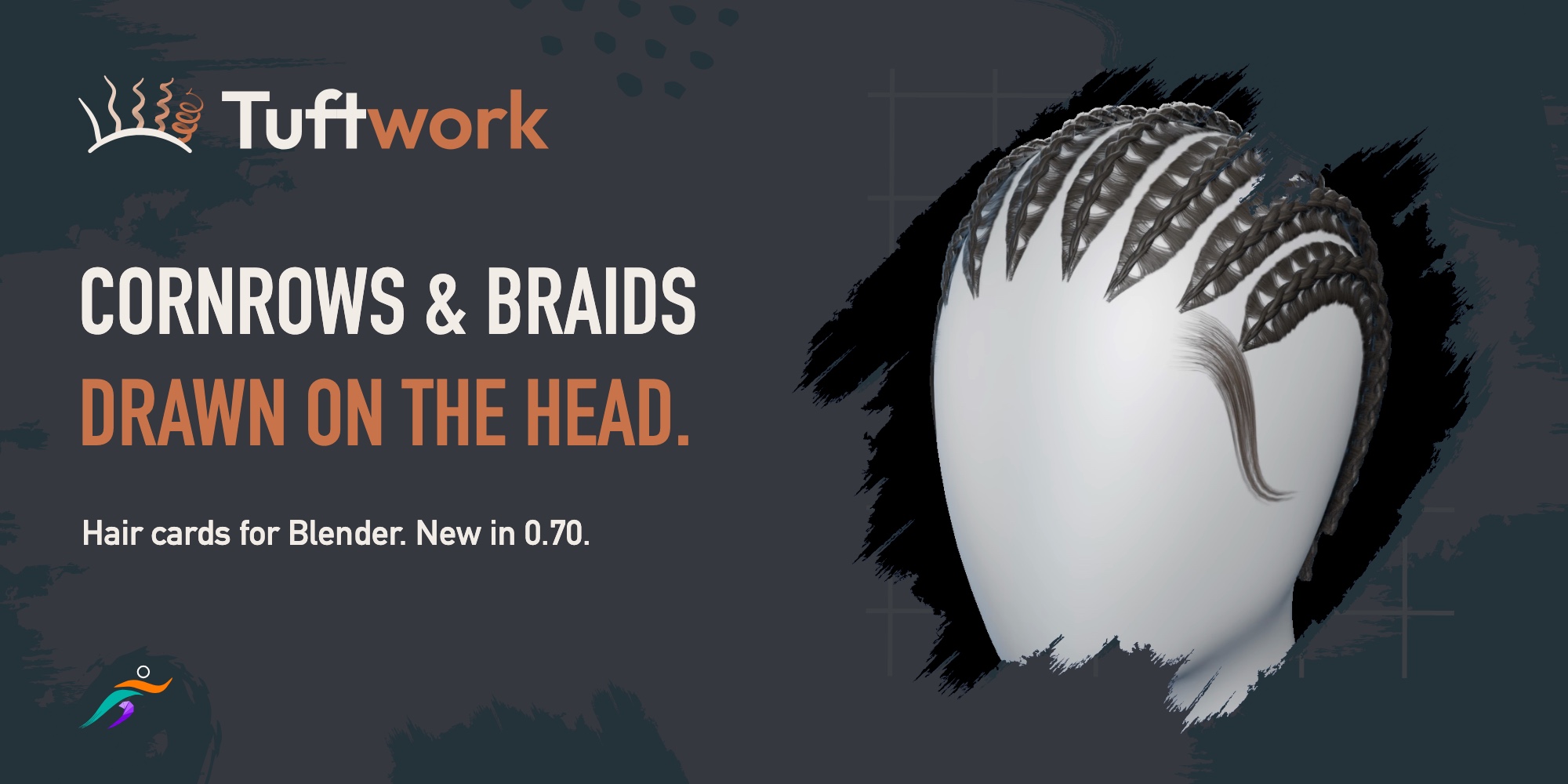
Hair cards are tough work, draw them on the head with Tuftwork for Blender. Now with cornrows, box braids, beads and baby hair, with Tuftworks non-destructive workflow, every card stays editable. Free on the Ispyr Games Discord during the beta.
Categories
Tags
Compare with other products
Choose a category to find products to compare with this listing.
Product versions
-
0.70.0 published
Created Nov 3, 2026 · Published Nov 3, 2026
Release notes (source)
<p>Braids are here! Draw cornrows and box braids straight on the scalp, thread beads onto them, lay down baby hair, and track hair triangles live in the viewport.</p><p><b>New in 0.70.0</b></p><p>• Cornrows, draw a stroke on the scalp for a parted section, clumped feeding hair, and 3-strand weave, with shared part lines and automatic T-junctions</p><p>• Box Braids, place four-sided parted boxes one by one, or drag a stroke with Fill Box Braids to lay out a grid<br>• Direct Edit Handles, adjust row paths, section widths, box corners, rotation, and hanging tails directly on the head<br>• Beads & Custom Accessories, thread beads or custom meshes onto braids, slide them on the braid diagram, and pinch the weave with Braid Squeeze<br>• Comb & Gravity on Braids, sweep and drape hanging braids on the GPU while roots stay planted<br>• Baby Hair, new Short Hair region kind for single-stroke forehead and temple swoops, down to a single wispy card<br>• Live Hair Triangle Counts in the bottom-left viewport (Selected Hair, Total Hair, and Accessories, excluding the head mesh)</p><p><b>Improved & Fixed</b></p><p>• 6 to 8x faster cornrow sliders when dragging on a multi-row head<br>• Braids added to the Shift+Q wheel with updated human-made panel icons<br>• Comb Trim/Grow accuracy, single-step Undo on profile graphs, and Mirror/Dense Braid look fixes</p><p>To update, Edit > Preferences > Get Extensions > Install from Disk, select tuftwork-0.70.0.zip (keep it zipped), and restart Blender.</p>