Product listing
Slow-Mo Generator - Blender Speed Ramps & Animation Retiming
By Rasheed Shaikh ·
From $2.70
Listing details
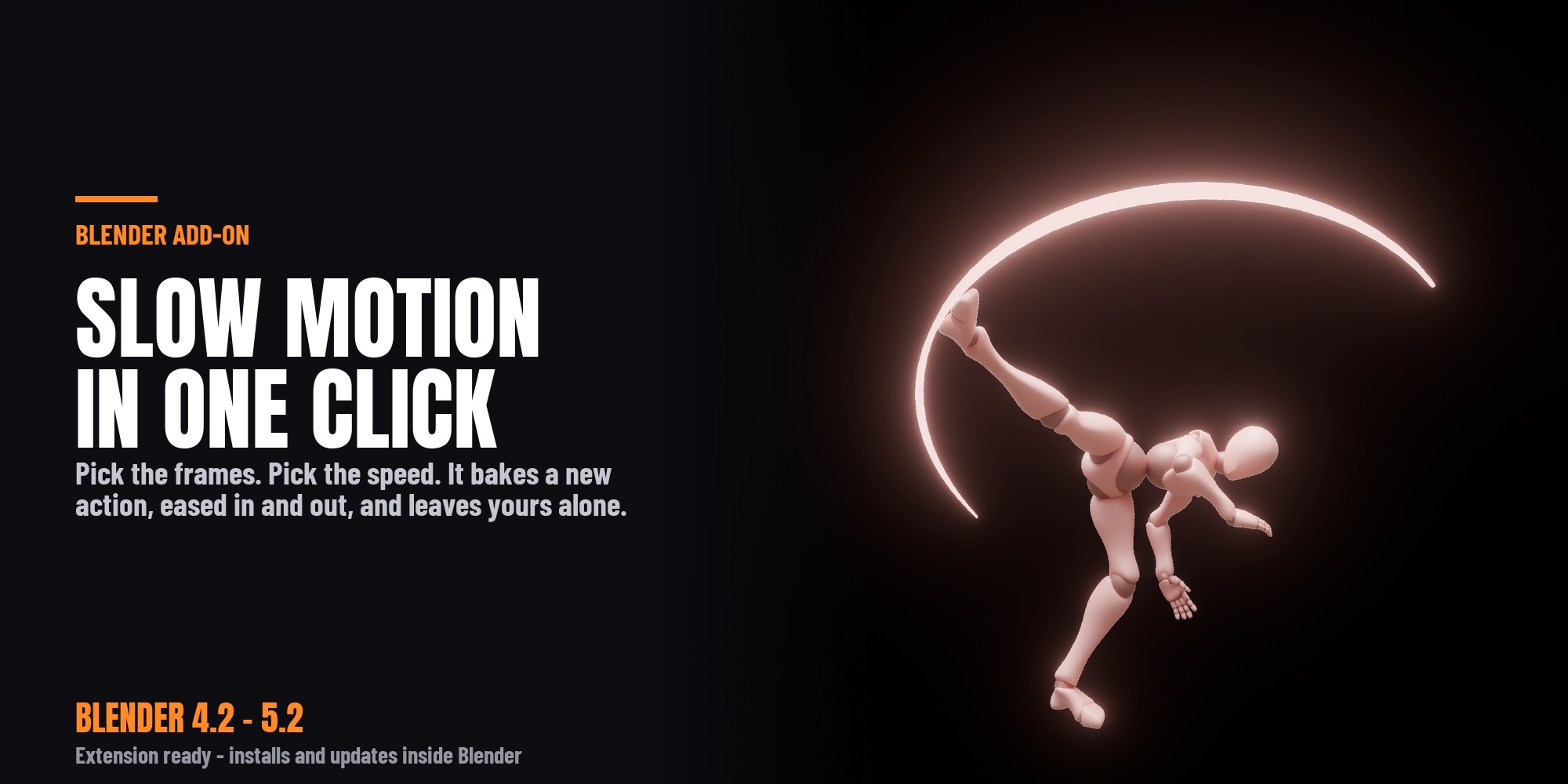
Slow motion that eases in and out instead of snapping into it. Pick the frames, pick how slow, press one button - your original animation stays untouched.
Categories
Tags
Installation
- Download Slow-Mo Generator - Blender Speed Ramps & Animation Retiming and check which Blender versions the creator supports. Keep the installable archive (for example,
Slow-Mo_Generator_-_Blender_Speed_Ramps_&_Animation_Retiming.zip) intact. If the download is a bundle, extract it first to find the add-on archive. - In Blender, go to Edit → Preferences → Add-ons. In Blender 4.2 and newer, open the top-right menu and choose Install from Disk. In older versions, click Install….
- Select the add-on archive (for example,
Slow-Mo_Generator_-_Blender_Speed_Ramps_&_Animation_Retiming.zip) or its standalone.pyfile and confirm the installation. - Find the add-on in the Add-ons list and tick its checkbox if it isn’t already enabled.
Check the creator’s instructions for any extra setup, such as dependencies or license activation.
Compare with other products
Choose a category to find products to compare with this listing.
Variants
-
Slow-Mo Generator published
Price: $2.70 · List price: $3.00 · On sale
Variant versions
-
1.5.0 published
Created Sep 6, 2026 · Published Sep 6, 2026
Release notes (source)
<p>New in 1.5.0</p><p><br></p><p>- FIXES BLENDER 5.x. On Blender 5.0 and newer, version 1.4 did nothing at all:</p><p> it reported "Slow motion baked." and left your animation untouched. If you are</p><p> on 5.0, 5.1 or 5.2, this update is the whole reason to install it.</p><p>- Now ships as a Blender Extension. On Blender 4.2 and newer you can drag the</p><p> zip straight into Blender, and if you have connected Superhive as a remote</p><p> repository it appears under Preferences > Get Extensions with one-click</p><p> install and update.</p><p>- Failures are reported to you instead of to the console. If there is nothing to</p><p> retime, the add-on now says so in the status bar rather than claiming success.</p><p>- Undo now works on the bake.</p><p>- Tested on Blender 4.2 LTS, 4.5 LTS, 5.1 and 5.2 LTS - actually run on all</p><p> four, not "should work".</p><p><br></p><p>Upgrading from 1.4</p><p><br></p><p>Version 1.5 installs as a NEW add-on rather than replacing 1.4, because the two</p><p>are packaged differently. Before installing, go to Preferences > Add-ons, find</p><p>the old Slow-Mo Generator, disable it and press Remove. Then install 1.5.</p><p><br></p><p>If you skip that step, 1.5 tells you: the panel shows "Slow-Mo Generator 1.4 is</p><p>still enabled" until you remove it.</p>
-