Product listing
Set the Scene - Blender Studio Lighting Presets & Backdrops: 39 Light Rigs, Product Photography Sets
By Rasheed Shaikh ·
From $17.10
Listing details
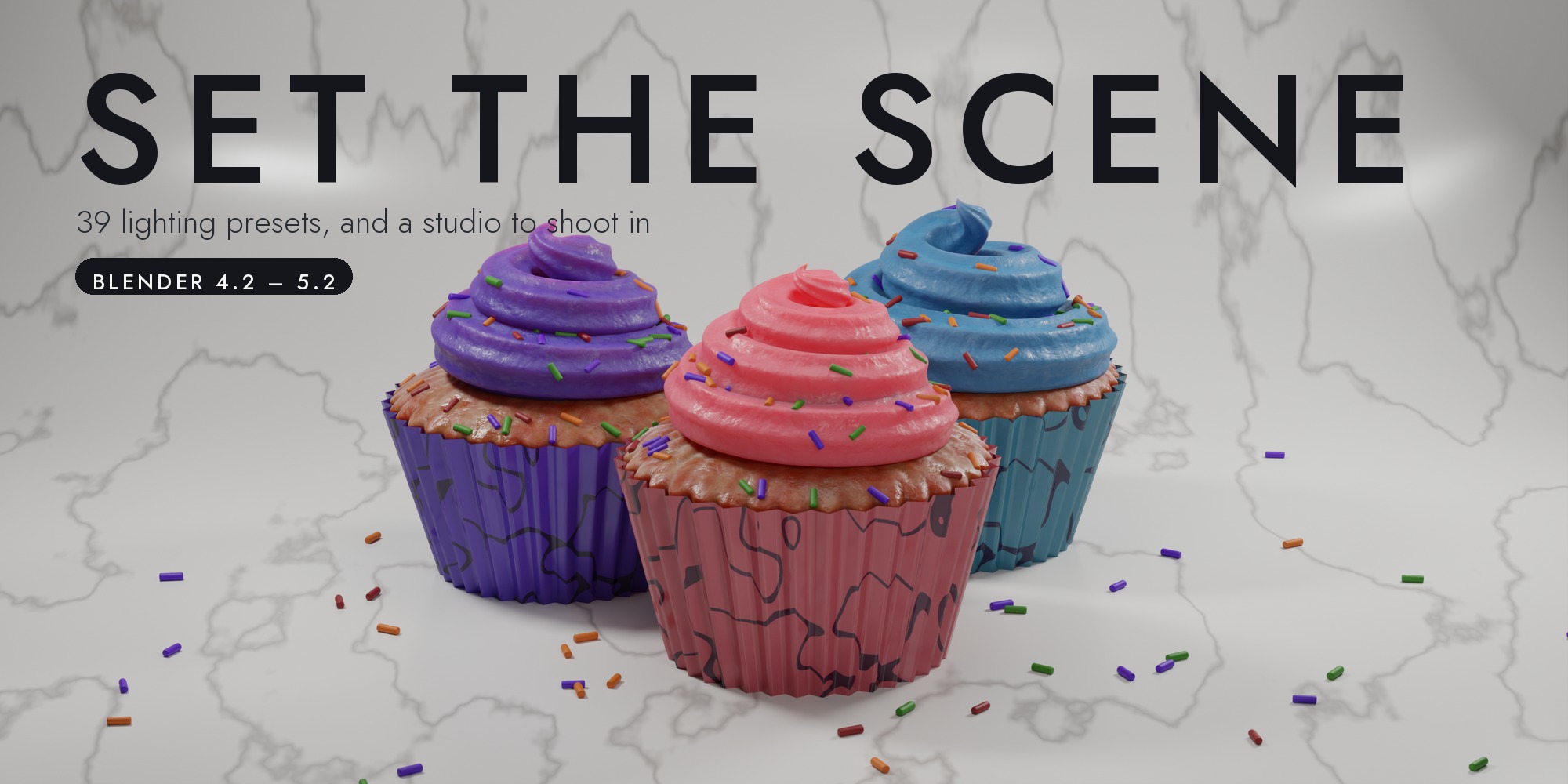
39 studio lighting presets and a backdrop that sizes itself to your camera. Pick a look, pick a surface, render. Blender 4.2-5.2, Cycles and EEVEE.
Categories
Tags
Installation
- Download Set the Scene - Blender Studio Lighting Presets & Backdrops: 39 Light Rigs, Product Photography Sets and check which Blender versions the creator supports. Keep the installable archive (for example,
Set_the_Scene_-_Blender_Studio_Lighting_Presets_&_Backdrops:_39_Light_Rigs,_Product_Photography_Sets.zip) intact. If the download is a bundle, extract it first to find the add-on archive. - In Blender, go to Edit → Preferences → Add-ons. In Blender 4.2 and newer, open the top-right menu and choose Install from Disk. In older versions, click Install….
- Select the add-on archive (for example,
Set_the_Scene_-_Blender_Studio_Lighting_Presets_&_Backdrops:_39_Light_Rigs,_Product_Photography_Sets.zip) or its standalone.pyfile and confirm the installation. - Find the add-on in the Add-ons list and tick its checkbox if it isn’t already enabled.
Check the creator’s instructions for any extra setup, such as dependencies or license activation.
Compare with other products
Choose a category to find products to compare with this listing.
Variants
-
Single User published
Price: $17.10 · List price: $19.00 · On sale
Variant versions
-
1.1.0 published
Created Oct 2, 2026 · Published Oct 2, 2026
Release notes (source)
<p>What's new in 1.1.0. There are GIFs on the product page.</p><p><br></p><p>New</p><p>- Silhouette and Rim + Top presets. That makes 39 lighting presets.</p><p>- Face Camera button. Turns the whole rig to face your camera.</p><p>- Curve control for the Infinity Curve. Leave it on Auto, or turn Auto off and set how soft the corner between floor and wall is. It stays where you put it, so the hard line at the bottom of the wall can't come back on its own.</p><p>- Panel hints. If a preset needs a light wall and your set is dark (Black Acrylic, Black Sweep, Slate), the panel tells you. Nothing in your scene changes.</p><p><br></p><p>Changed</p><p>- Replace Existing is now on by default. Click through the presets and each one swaps out the last. Turn it off to stack presets.</p><p>- Rim Light is rebuilt. It's now a strong, thin edge of light from behind, and it lights every part of a character.</p><p>- The portrait presets look different from each other now, and Ring Light is a real ring of lamps, so the catchlight is round.</p><p>- Bright Field gives a clean white background even when the wall is far away.</p><p>- Every preset and set thumbnail is re-rendered.</p><p><br></p><p>Fixed</p><p>- The rig and the set measure your whole object, wheels, hair and clothes included. A car's tyres now sit on the floor instead of sinking into it.</p><p>- Portrait presets find a posed character's head on their own.</p><p>- EEVEE: fill and rim lights no longer drop out.</p>
-
1.0.0 published
Created Sep 19, 2026 · Published Sep 19, 2026
Release notes (source)
<p>1.0.0 — first release</p><p>Set the Scene is 37 studio lighting presets and a studio set to stand your subject on, in one panel on the Render tab.</p><p><b>LIGHTING</b></p><ul>
<li>37 lighting rigs, each with a rendered thumbnail so you pick a look by looking at it. Rembrandt, clamshell, butterfly, split, loop, bright field, dark field, noir, golden hour, uplight, ring light, window light and the rest — built as ordinary Blender lights in their own collection, with nothing locked, nothing driven and no custom node group.</li>
<li>Four master controls that move the whole rig at once — intensity, colour temperature, key-to-fill ratio and orbit. They are absolute rather than incremental: every light stores what the preset authored and each slider recomputes from that, so 1.0 → 3.0 → 1.0 returns exactly where you started.</li>
<li>Fit To Subject. Distance, source size and power scale with the object, so the same preset reads the same on a 1.8 m figure and a 12 cm bottle.</li>
<li>Save your own. Light something by hand, press Save Preset, and it joins the library. Presets are stored outside the add-on folder, so an update cannot delete them — and if you set a Presets Folder in preferences they follow you across Blender versions.</li>
<li>Batch apply. Select several objects and light each one, fitted to its own size rather than all of them sharing one rig.</li>
</ul><p><b>THE SET</b></p><ul>
<li>Four shapes — Infinity Curve (the seamless cyclorama), Flat Backdrop, Vanishing Plane and Riser. Mesh, built in your scene, yours to edit. Every edge carries a bevel, because a perfectly sharp edge catches no highlight and is one of the reliable tells that a render is a render.</li>
<li>Twelve procedural surfaces — White, Grey and Black Sweep, Gloss White, Black Acrylic, Acrylic Riser, Marble Slab, Slate, Concrete, Butcher's Block, Linen Drape, and Floating. Nothing to download and nothing in your project folder.</li>
<li>Six live controls on whichever surface you picked — pattern, roughness, relief, texture scale, rotation and tint — each recomputed from what the material was authored with rather than from wherever the slider was last. Reset puts it back exactly.</li>
<li>The set is sized from your CAMERA, not from your object. A backdrop measured off a bounding box is wrong by roughly fifteen times across the range from a bottle to a standing figure; measured off the frustum there is no visible background edge at either end. With no camera in the scene it falls back to the subject and tells you so.</li>
<li>Floating gives you the shadow with no set behind it — your subject on transparent, grounded, ready to composite.</li>
<li>Light Passes Through, on by default, so the presets that place a light under the floor on purpose still do what they were authored to do.</li>
</ul><p><b>ANIMATED LIGHTING</b></p><ul><li>Thirteen effects that key the lights rather than replace them — Orbit, Follow, Sweep, Flicker, Noise Flicker, Strobe, Pulse, Breathe, Bounce, Fade, Colour Fade, RGB Cycle and Light Swarm. Pick one, set its parameters, press Apply.</li><li>They work on ANY light, not only on a rig this add-on built. Select a lamp you placed by hand and it is animated the same way.</li><li>What you get back is ordinary Blender F-curves on ordinary Blender lights, so you can open the Graph Editor and edit or delete any of it. Clear Animation removes what was applied and puts the rig back where it started.</li></ul><p><b>ENGINES</b></p><p>Cycles and EEVEE, on Blender 4.2 LTS through 5.2. Two differences are Blender's rather than this add-on's and both are named in the panel: the shadow catcher is Cycles only, and the planar reflection probe that sharpens the gloss surfaces is EEVEE only — in Cycles the reflection is traced and needs no probe.</p><p>Tested on Blender 4.2 LTS, 4.5 LTS, 5.1 and 5.2.</p><p><b>IF YOU OWN LIGHT IT UP</b></p><p>You already have all of this. Set the Scene detects the suite, declines to register and says where the sets are, so installing both cannot collide.</p>
-