Product listing
KoreOutliner — Auto Focus & Highlight in Outliner
By KoreSo ·
$1.00
List price: $1.00
Listing details
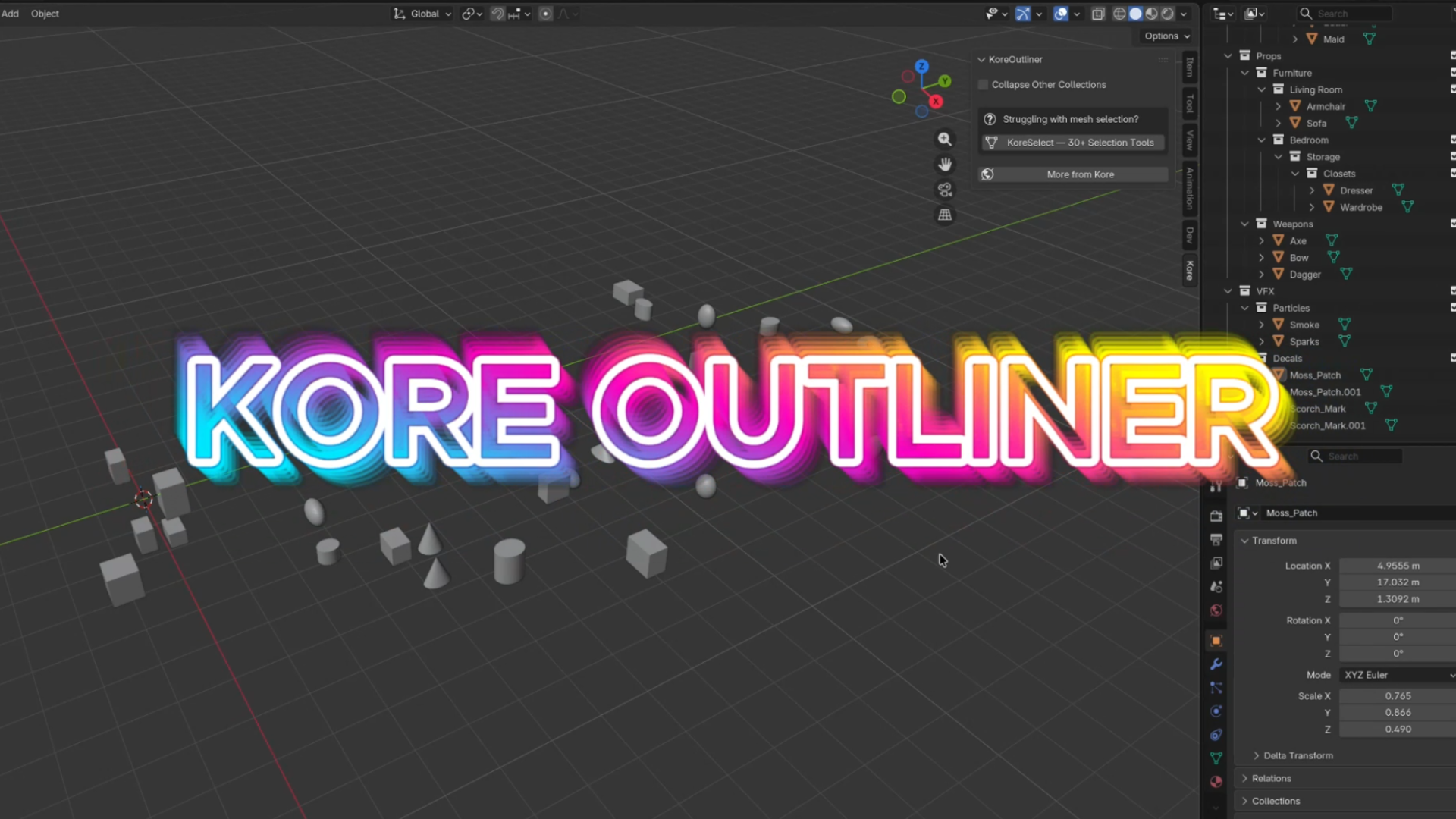
Never lose your object in the Outliner again. Automatically scrolls and highlights the active object when you click in the 3D Viewport. Expands collapsed collections to reveal nested objects. Free, lightweight, Blender 3.6-5.1.
Categories
Tags
Installation
- Download KoreOutliner — Auto Focus & Highlight in Outliner and check which Blender versions the creator supports. Keep the installable archive (for example,
KoreOutliner_—_Auto_Focus_&_Highlight_in_Outliner.zip) intact. If the download is a bundle, extract it first to find the add-on archive. - In Blender, go to Edit → Preferences → Add-ons. In Blender 4.2 and newer, open the top-right menu and choose Install from Disk. In older versions, click Install….
- Select the add-on archive (for example,
KoreOutliner_—_Auto_Focus_&_Highlight_in_Outliner.zip) or its standalone.pyfile and confirm the installation. - Find the add-on in the Add-ons list and tick its checkbox if it isn’t already enabled.
Check the creator’s instructions for any extra setup, such as dependencies or license activation.
Compare with other products
Choose a category to find products to compare with this listing.
Product versions
-
1.0.1 published
Created Oct 7, 2026 · Published Oct 7, 2026
Release notes (source)
<ul><li>Much faster when you select lots of objects at once</li><li>Works correctly with more than one Blender window open</li><li>Collapse Other Collections now closes everything else, not just one level</li><li>Deeply nested objects now scroll fully into view</li><li>Outliner stays up to date after undo/redo, moving objects between collections and opening a file</li><li>Works with Blender 5.2</li></ul>