Product listing
Drop to Bed
By Hanru Croucamp ·
$0.75 On sale
List price: $1.00
Listing details
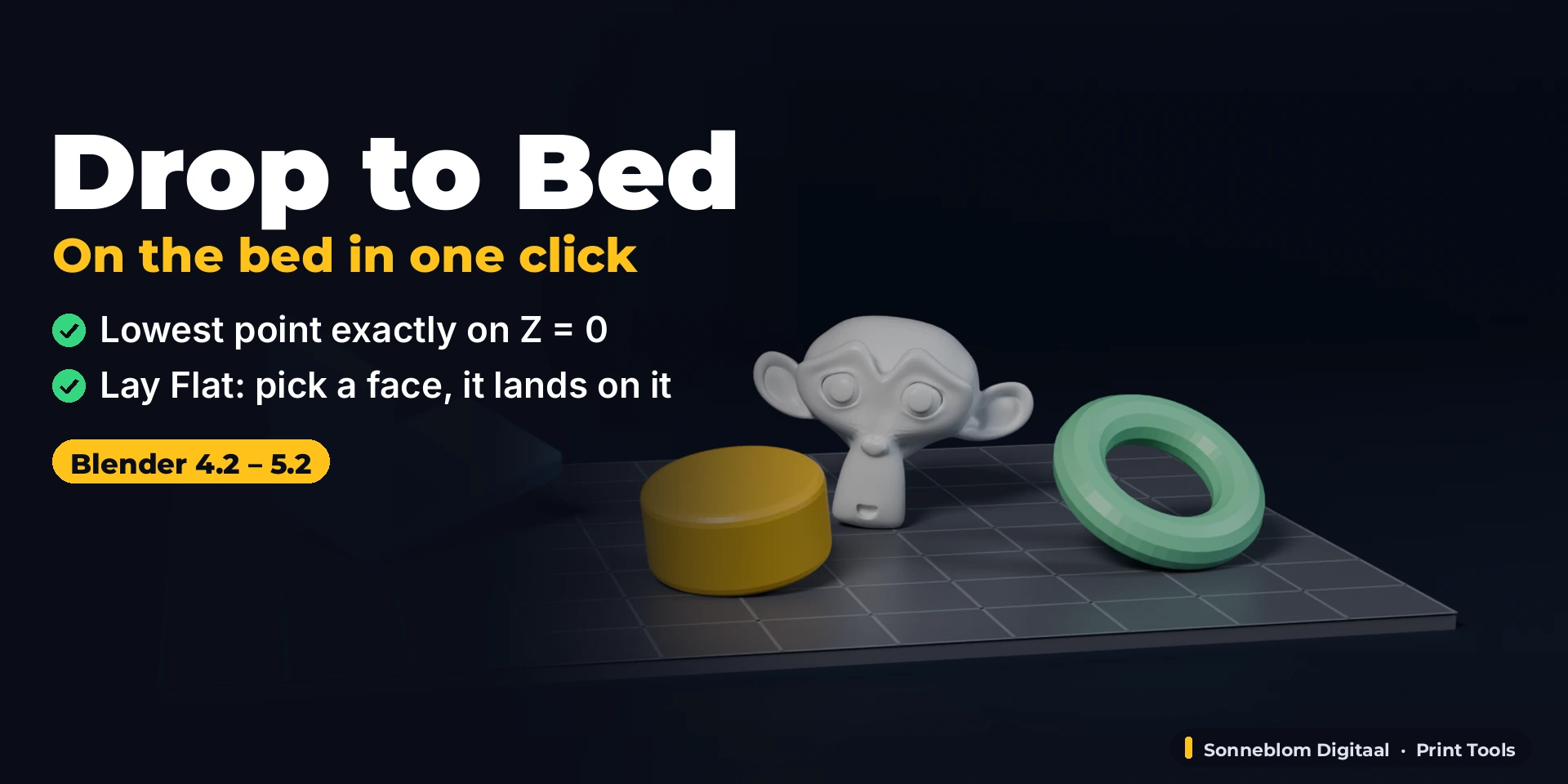
Put your models exactly on the build plate in one click, centred and with the origin at the bottom, lay them on their biggest flat side, and adjust it all afterwards with F9.
Categories
Tags
Installation
- Download Drop to Bed and check which Blender versions the creator supports. Keep the installable archive (for example,
Drop_to_Bed.zip) intact. If the download is a bundle, extract it first to find the add-on archive. - In Blender, go to Edit → Preferences → Add-ons. In Blender 4.2 and newer, open the top-right menu and choose Install from Disk. In older versions, click Install….
- Select the add-on archive (for example,
Drop_to_Bed.zip) or its standalone.pyfile and confirm the installation. - Find the add-on in the Add-ons list and tick its checkbox if it isn’t already enabled.
Check the creator’s instructions for any extra setup, such as dependencies or license activation.
Compare with other products
Choose a category to find products to compare with this listing.
Product versions
-
1.1.1 published
Created Nov 10, 2026 · Published Nov 10, 2026
Release notes (source)
<p>F9 (Adjust Last Operation) in Edit Mode now starts again from where the object was, also with Origin = Bottom centre. The face-height note after Lay Flat is correct with Origin = Bottom centre. Clearer units warning.</p>
-
1.1.0 published
Created Nov 10, 2026 · Published Nov 10, 2026
Release notes (source)
<p><b>1.1.0</b>: every setting in Adjust Last Operation (F9) for Drop to Bed and both Lay Flat tools, so a change does not mean undo and start over; new Lay Flat: Auto (biggest flat side, F9 Side for the next one); printer bed presets; units default to 1 mm with a red warning when the model size does not fit the setting.</p>