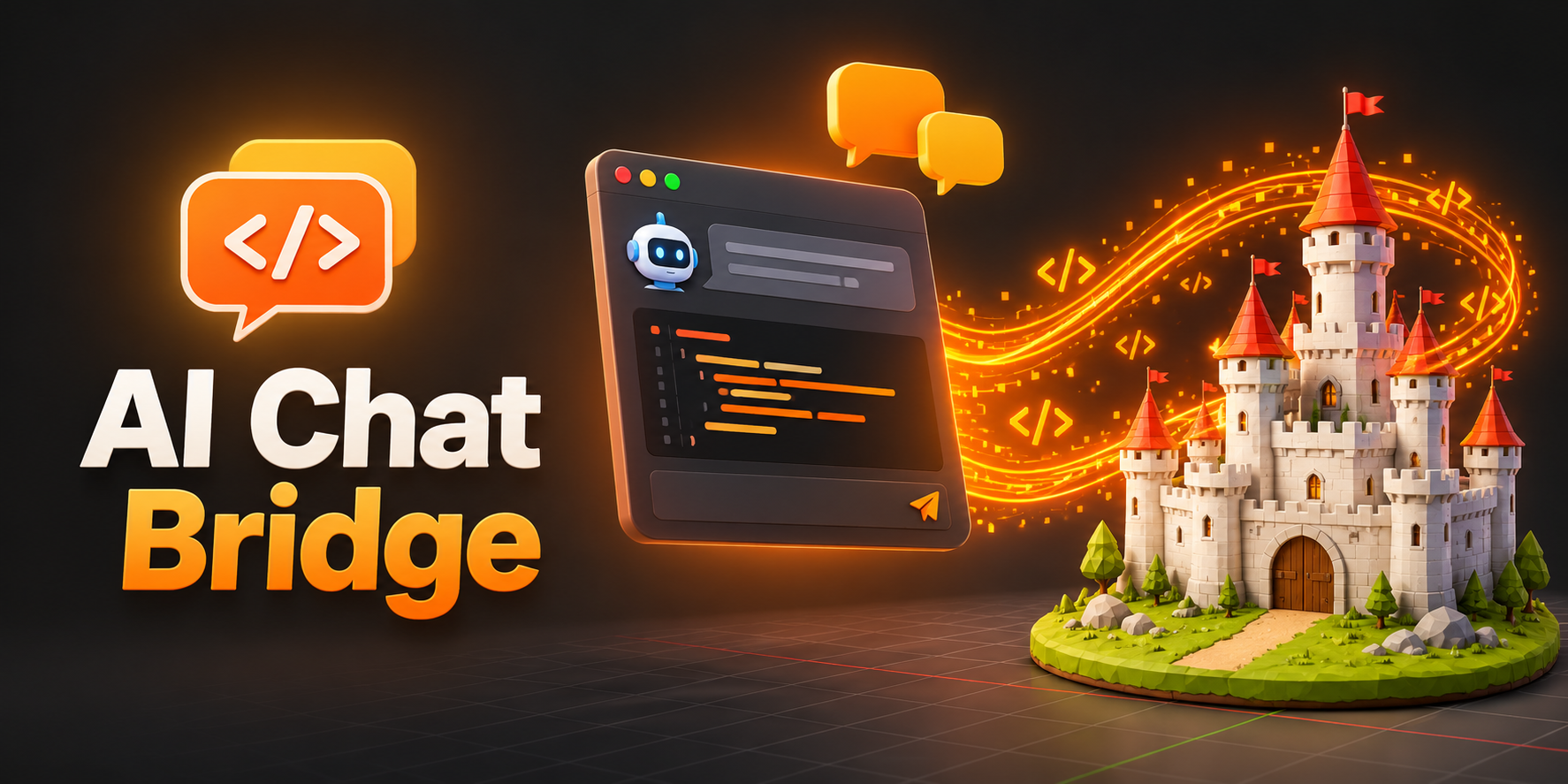
Still copying AI code into Blender by hand? 😩
AI Chat Bridge sends the Python your chatbot writes straight into Blender. Ask, check the script, press OK, done. 🧱
⚠️ This is NOT an MCP. The AI never sees or controls Blender. The extension just copies the code from your chat, like you would.
✅ ChatGPT, Claude, DeepSeek, Gemini and Qwen
✅ A Run in Blender button on every code box
✅ Review every script first, or switch to one-click mode
✅ Errors copied for you to paste back to the AI
✅ No API key needed
Blender add-on + browser extension 👉 [link in bio]
#blender #blender3d #b3d #blenderpython #blenderaddon #3dmodeling #chatgpt #claudeai #deepseek #gemini #qwen #aitools #procedural #gamedev
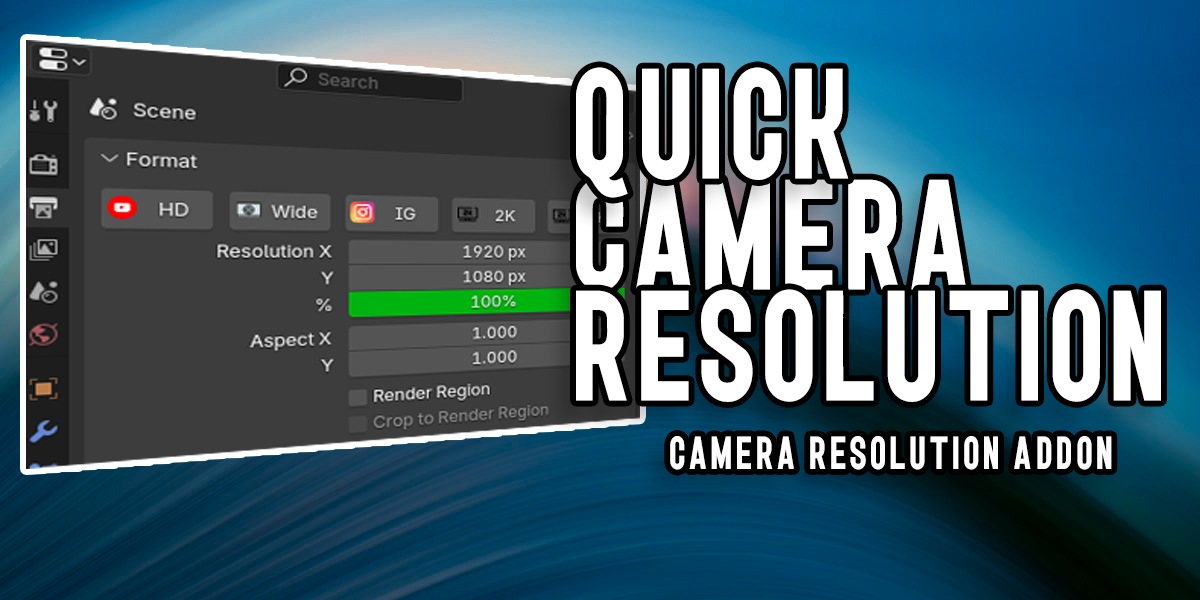
Introducing the "Quick Camera Resolution" addon for Blender! With this tool, changing the camera resolution type in Blender has never been easier.
Tired of having to manually change the camera resolution for every project? Have you wasted time and energy adjusting camera settings over and over again? With "Quick Camera Resolution", you can change the camera resolution in the blink of an eye.
This addon adds an easy to use button on the Blender toolbar that allows you to change the camera resolution with just one click. No more wasting time digging through Blender menus to find the camera resolution option!
"Quick Camera Resolution" is compatible with all recent versions of Blender and is easy to install. With this tool, you can improve your workflow in Blender and save valuable time to focus on the creativity and production of your projects.
Stop wasting time manually adjusting camera resolution. Download “Quick Camera Resolution” today and make camera setup easier and faster than ever!