Product listing
AI Chat Bridge : Run blender python scripts directly from your browser
By Dani K Daniel ·
$3.00
List price: $3.00
Listing details
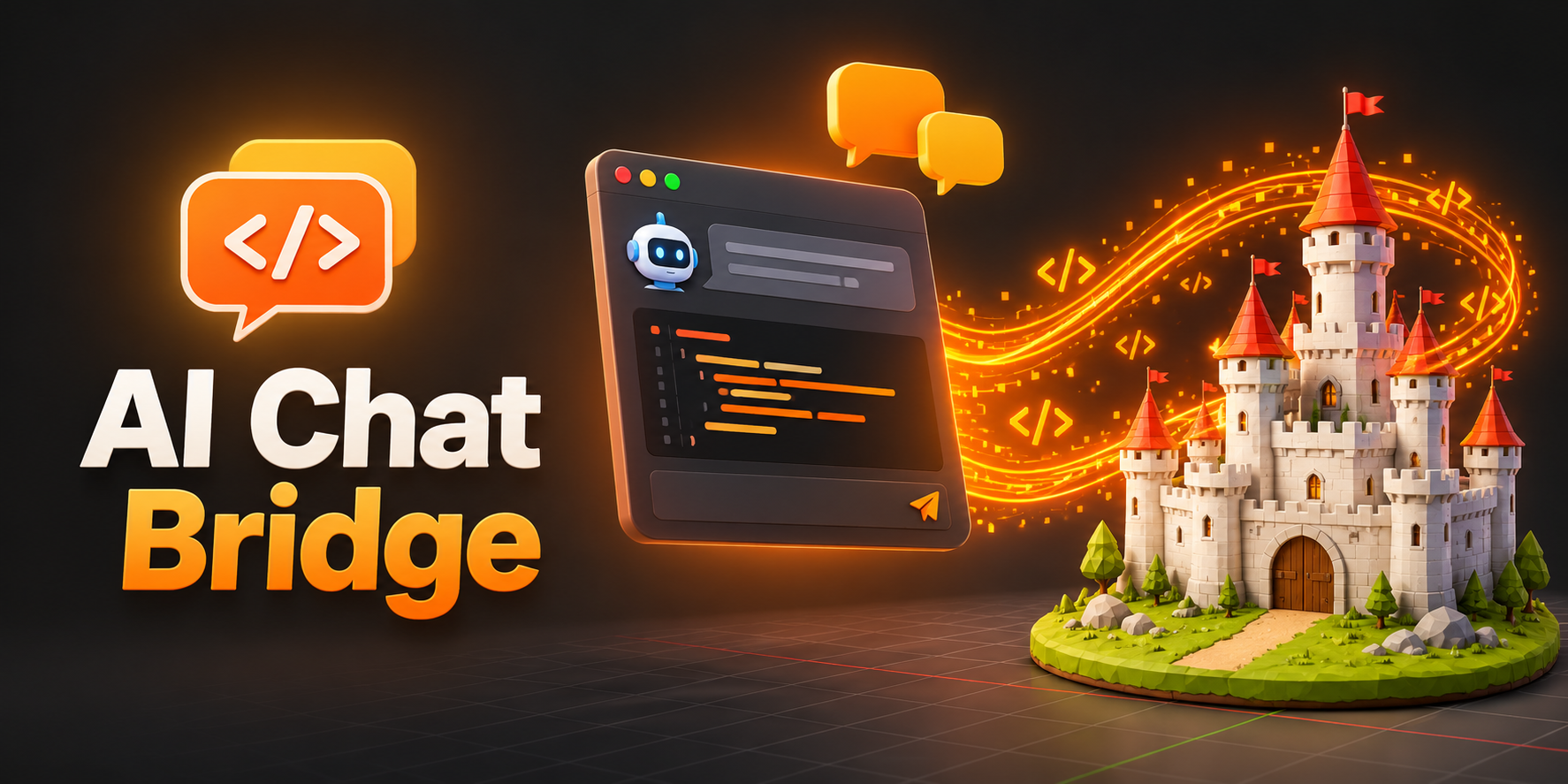
Still copying AI code into Blender by hand? 😩 AI Chat Bridge sends the Python your chatbot writes straight into Blender. Ask, check the script, press OK, done. 🧱 ⚠️ This is NOT an MCP. The AI never sees or controls Blender. The extension just copies the code from your chat, like you would. ✅ ChatGPT, Claude, DeepSeek, Gemini and Qwen ✅ A Run in Blender button on every code box ✅ Review every script first, or switch to one-click mode ✅ Errors copied for you to paste back to the AI ✅ No API key needed Blender add-on + browser extension 👉 [link in bio] #blender #blender3d #b3d #blenderpython #blenderaddon #3dmodeling #chatgpt #claudeai #deepseek #gemini #qwen #aitools #procedural #gamedev
Categories
Tags
Installation
- Download AI Chat Bridge : Run blender python scripts directly from your browser and check which Blender versions the creator supports. Keep the installable archive (for example,
AI_Chat_Bridge_:_Run_blender_python_scripts_directly_from_your_browser.zip) intact. If the download is a bundle, extract it first to find the add-on archive. - In Blender, go to Edit → Preferences → Add-ons. In Blender 4.2 and newer, open the top-right menu and choose Install from Disk. In older versions, click Install….
- Select the add-on archive (for example,
AI_Chat_Bridge_:_Run_blender_python_scripts_directly_from_your_browser.zip) or its standalone.pyfile and confirm the installation. - Find the add-on in the Add-ons list and tick its checkbox if it isn’t already enabled.
Check the creator’s instructions for any extra setup, such as dependencies or license activation.
Compare with other products
Choose a category to find products to compare with this listing.