Product listing
Weights and Bones
By Makatopia ·
$19.99
List price: $19.99
Listing details
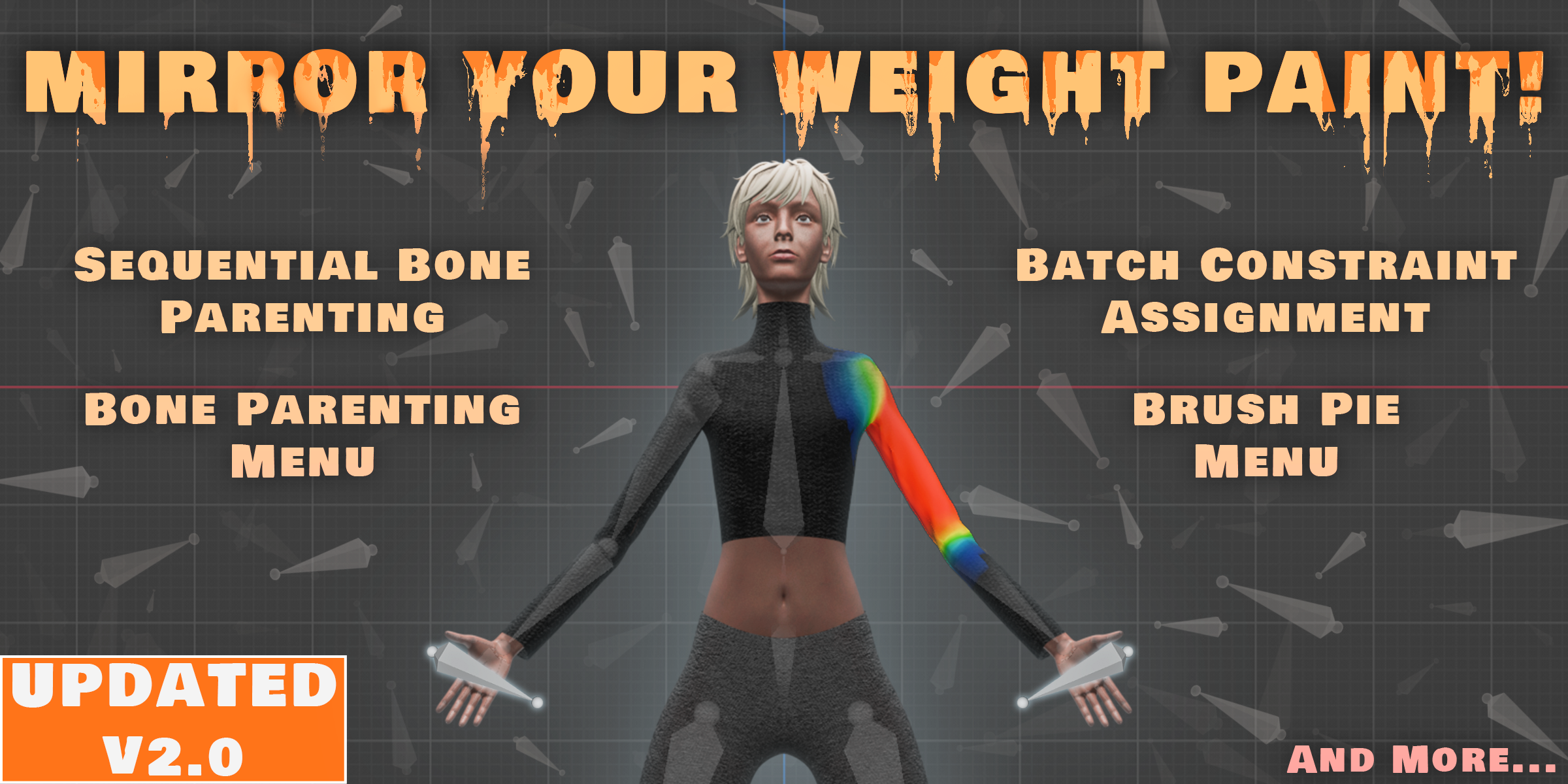
Simplify your Blender work with 'Weights and Bones'. Offering features like Asymmetric Weight Paint Mirroring, Batch Constraint Assignment, and more, this addon makes weight painting and bone editing tasks easier.
Categories
Tags
Installation
- Download Weights and Bones and check which Blender versions the creator supports. Keep the installable archive (for example,
Weights_and_Bones.zip) intact. If the download is a bundle, extract it first to find the add-on archive. - In Blender, go to Edit → Preferences → Add-ons. In Blender 4.2 and newer, open the top-right menu and choose Install from Disk. In older versions, click Install….
- Select the add-on archive (for example,
Weights_and_Bones.zip) or its standalone.pyfile and confirm the installation. - Find the add-on in the Add-ons list and tick its checkbox if it isn’t already enabled.
Check the creator’s instructions for any extra setup, such as dependencies or license activation.
Compare with other products
Choose a category to find products to compare with this listing.
Product versions
-
2.0.3 (Blender 4.3–5.0+) published
Created Jul 17, 2026 · Published Jul 17, 2026
Release notes (source)
<p>Fixed a crash caused by an incorrect addon-preferences lookup. Affected all users on 2.0.2 - please update.</p>
-
2.0.2 (Blender 4.3–5.0+) published
Created May 17, 2026 · Published May 17, 2026
Release notes (source)
<p>Added Blender extension manifest for Blender 4.2+ extension support. No feature changes.</p>
-
2.0.1 (Blender 4.3–5.0+) published
Created Nov 17, 2025 · Published Nov 17, 2025
Release notes (source)
<ul style="margin-top:0.6em;margin-bottom:0.65em;unicode-bidi:plaintext;padding-left:0px;margin-left:1.7em;">
<li class="maps-to-line" style="margin-bottom:0.4em;">
<b>Mirror Weights Panel</b> - Completely redesigned and now works with any naming convention (suffix/prefix) and custom identifiers. No longer hardcoded to .L/.R!</li>
<li class="maps-to-line" style="margin-bottom:0.4em;">
<b>Bone Parenting Menu</b> - Reworked for cleaner UI and workflow</li>
<li class="maps-to-line" style="margin-bottom:0.4em;">
<b>Sequential Bone Parenting</b> - Completely redesigned with more options and improved usability</li>
<li class="maps-to-line" style="margin-bottom:0.4em;">
<b>Batch Constraints</b> - UI refresh and improvements</li>
<li class="maps-to-line" style="margin-bottom:0.4em;">
<b>Brush Pie Menu</b> - Code optimization and bug fixes</li>
<li class="maps-to-line" style="margin-bottom:0.4em;">
<b>Addon Preferences</b> - All keymaps now in one place, plus new 'Mirror Naming Convention' section</li>
<li class="maps-to-line" style="margin-bottom:0.4em;">
<b>Addon renamed</b> - "Weight Paint and Bones A Blender Toolkit" -> "Weights and Bones"</li>
<li class="maps-to-line" style="margin-bottom:0.4em;">
<b>Batch Mirror - </b>New progress overlay.</li>
<li class="maps-to-line" style="margin-bottom:0.4em;">
<span style="font-weight:bolder;">Batch Mirror - </span>Added an advanced validation system to detect naming issues and show clear warnings.</li>
<li class="maps-to-line" style="margin-bottom:0.4em;">
<b>General - </b>Internal code cleanup and optimizations.</li>
<li class="maps-to-line" style="margin-bottom:0.4em;">
<span style="font-weight:bolder;">General - </span>Numerous small tweaks and UI polish.</li>
</ul>
-
1.3.1 (Blender 4.3–4.5) published
Created Jul 16, 2025 · Published Jul 15, 2025
Release notes (source)
<p>-Fixed console error when pressing F3 (Operator Search Menu) in Object Mode.<br><br><b>No functional changes to existing features.</b></p>
-
1.3.0 (Blender 4.3–4.5) published
Created Mar 23, 2025 · Published Mar 22, 2025
Release notes (source)
<p><b>Fixed brush pie menu for Blender 4.3+</b> - Complete compatibility with Blender's new asset system</p><p><b>Full blend mode support</b> - Added comprehensive mapping for all blend modes</p><p><b>Visual feedback improvements</b> - Added checkmarks to show active brushes and blend modes</p><p><b>Better validation</b> - Improved brush name validation with helpful error messages</p><p><b>Unified Settings helper</b> - Added info popup explaining how Blender's unified settings affect brush behavior</p><p><b>International support</b> - Improved file encoding for users with non-English characters</p><p><b>Various interface improvements</b></p>
-
1.2.0 (Blender 3.0-4.2) published
Created Mar 23, 2025 · Published Nov 17, 2024
Release notes (source)
<p><b>Completely redesigned bone selection interface (ctrl+shift+Q)</b> - Transformed from a popup menu to a dedicated floating panel in the 3D View</p><p><b>Better multi-selection workflow</b> - You can now check multiple bones with checkboxes without the panel closing after each action</p><p><b>Persistent interface</b> - No need to constantly reopen the menu when performing multiple operations</p><p><b style="font-size: var(--bs-body-font-size); text-align: var(--bs-body-text-align);">Cleaner visual design</b><span style="font-size: var(--bs-body-font-size); font-weight: var(--bs-body-font-weight); text-align: var(--bs-body-text-align);"> - Improved spacing and organization for better usability</span></p>
-
1.1.0 (Blender 3.0-4.2) published
Created Mar 23, 2025 · Published Sep 3, 2023
Release notes (source)
<p><br></p>