Product listing
Virtual Layer Displacement 2.2
By Stephan Seeliger ·
$10.00
List price: $10.00
Listing details
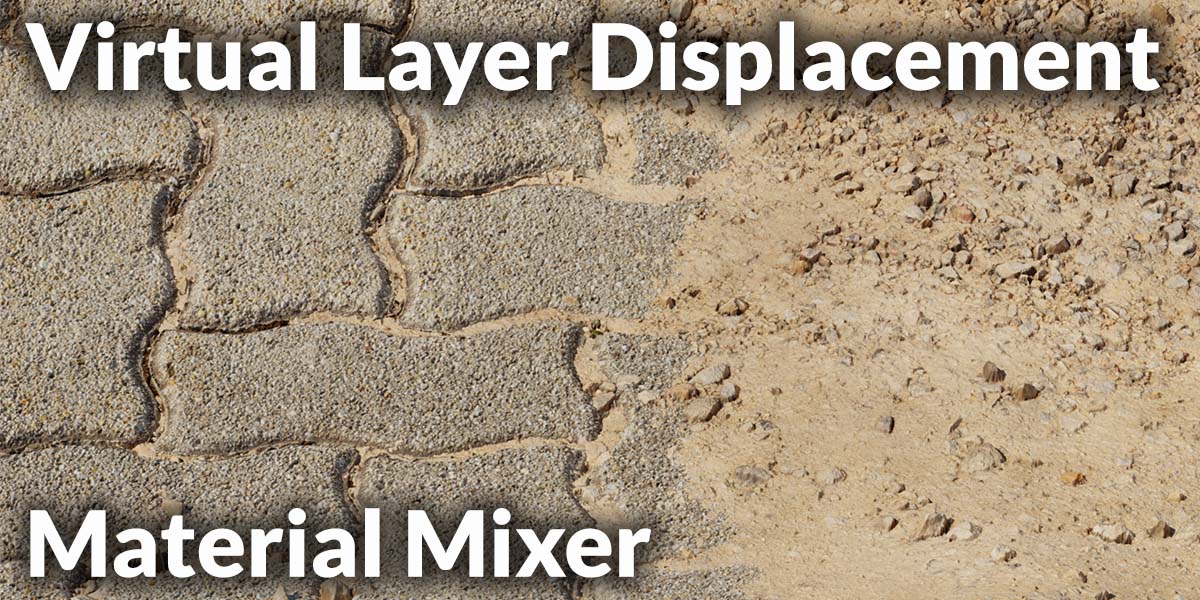
Transform your Blender workflow with the Virtual Layer Displacement Node. Easily blend two PBR materials based on height, adding depth and dimension to your designs. Simply connect your texture sets, adjust the level slider, and customize with an image texture. Get ready to take your Blender scenes to the next level!
Categories
Tags
Installation
- Download Virtual Layer Displacement 2.2 and check which Blender versions the creator supports. Keep the installable archive (for example,
Virtual_Layer_Displacement_2.2.zip) intact. If the download is a bundle, extract it first to find the add-on archive. - In Blender, go to Edit → Preferences → Add-ons. In Blender 4.2 and newer, open the top-right menu and choose Install from Disk. In older versions, click Install….
- Select the add-on archive (for example,
Virtual_Layer_Displacement_2.2.zip) or its standalone.pyfile and confirm the installation. - Find the add-on in the Add-ons list and tick its checkbox if it isn’t already enabled.
Check the creator’s instructions for any extra setup, such as dependencies or license activation.
Compare with other products
Choose a category to find products to compare with this listing.
Product versions
-
VLD_2_2_2_Addon published
Created Oct 17, 2025 · Published Oct 17, 2025
Release notes (source)
<p>🔥 UPDATE v2.2 - OPTIMIZED FOR BLENDER 4.5 & 5</p><p><br></p><p>Virtual Layer Displacement has been completely reworked and is now fully optimized for Blender 4.5 and Blender 5.</p><p><br></p><p>INSTALLATION:</p><p>1. Download the new .zip file from Superhive Market</p><p>2. In Blender: Edit → Preferences → Extensions</p><p>3. Click "Install from Disk"</p><p>4. Select the downloaded file</p><p>5. Enable the addon</p>