Product listing
Variant Switch Blender Addon
By Shijie Yu ·
$16.50
List price: $16.50
Listing details
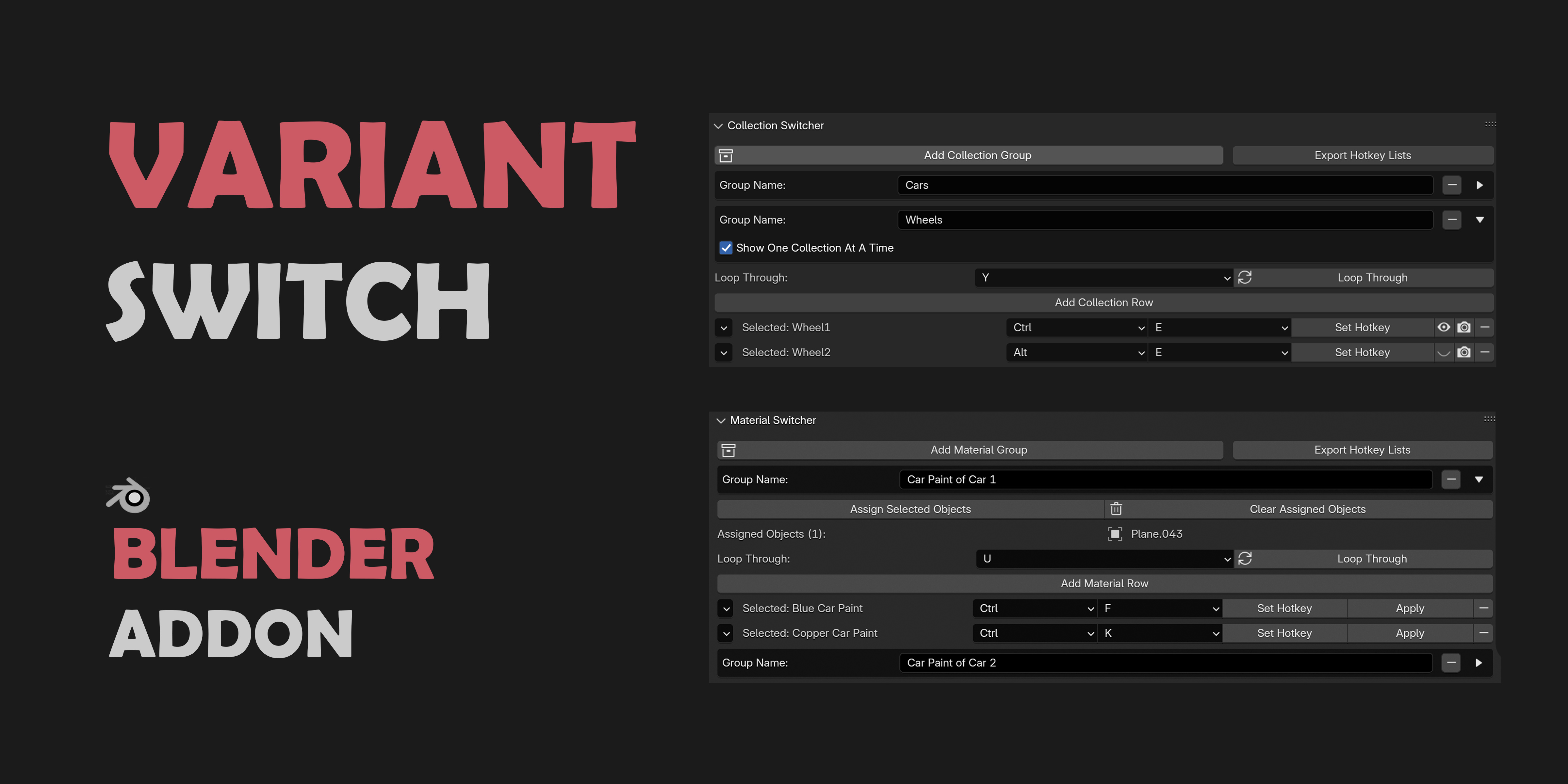
Transform Your Workflow with Our New Variant Switch Blender Addon! 🚀🎨 Boost your productivity with smarter material and collection switch! This powerful Blender addon lets you: ✨ Assign hotkeys to quickly switch materials and collections. 🔄 Seamlessly loop through materials and collections with ease. 💾 Save custom hotkey setups with your Blender files. 🎨 Present your design variations in a more efficient way. Whether you're a pro or a hobbyist, this addon streamlines your design process, saving you time and effort. Get ready to focus on creativity and let the addon handle the tedious tasks! 👉 Download now and supercharge your Blender workflow!
Categories
Tags
Installation
- Download Variant Switch Blender Addon and check which Blender versions the creator supports. Keep the installable archive (for example,
Variant_Switch_Blender_Addon.zip) intact. If the download is a bundle, extract it first to find the add-on archive. - In Blender, go to Edit → Preferences → Add-ons. In Blender 4.2 and newer, open the top-right menu and choose Install from Disk. In older versions, click Install….
- Select the add-on archive (for example,
Variant_Switch_Blender_Addon.zip) or its standalone.pyfile and confirm the installation. - Find the add-on in the Add-ons list and tick its checkbox if it isn’t already enabled.
Check the creator’s instructions for any extra setup, such as dependencies or license activation.
Compare with other products
Choose a category to find products to compare with this listing.