Product listing
Undo History
By MNC Development ·
From $10.00
Listing details
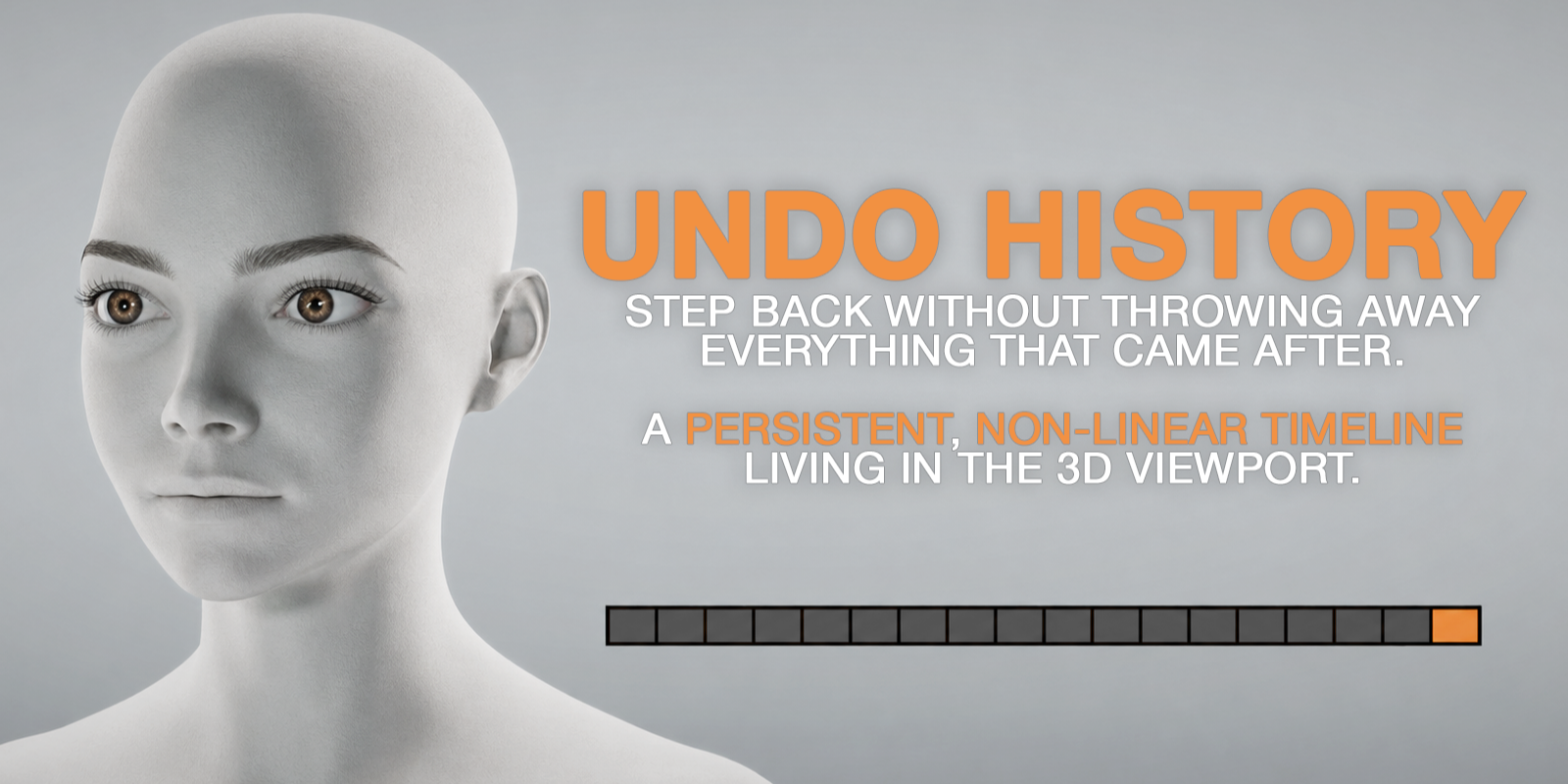
Undo History gives Blender a persistent, non-linear timeline in the viewport. Click any point to jump back, and forward again, without ever losing your later work.
Categories
Tags
Installation
- Download Undo History and check which Blender versions the creator supports. Keep the installable archive (for example,
Undo_History.zip) intact. If the download is a bundle, extract it first to find the add-on archive. - In Blender, go to Edit → Preferences → Add-ons. In Blender 4.2 and newer, open the top-right menu and choose Install from Disk. In older versions, click Install….
- Select the add-on archive (for example,
Undo_History.zip) or its standalone.pyfile and confirm the installation. - Find the add-on in the Add-ons list and tick its checkbox if it isn’t already enabled.
Check the creator’s instructions for any extra setup, such as dependencies or license activation.
Compare with other products
Choose a category to find products to compare with this listing.
Variants
-
Indie License published
Price: $25.00 · List price: $25.00
Variant versions
-
1.3 published
Created Oct 27, 2026 · Published Oct 27, 2026
Release notes (source)
<p><span style="font-weight: 700; color: rgb(42, 31, 66); font-family: Inter, sans-serif;">Version 1.3.0</span></p><p><span style="color: rgb(42, 31, 66); font-family: Inter, sans-serif; font-weight: 700;">Performance:</span><span style="font-weight: 700; color: rgb(42, 31, 66); font-family: Inter, sans-serif;"></span></p><ul><li><font color="#2a1f42" face="Inter, sans-serif">Moving back and forth along the timeline is faster on dense meshes.</font></li><li><font color="#2a1f42" face="Inter, sans-serif">Long jumps across many states are now considerably faster.</font></li><li><font color="#2a1f42" face="Inter, sans-serif">The history uses noticeably less memory, especially on meshes with UV maps or other attributes.</font></li></ul>
-
1.2 published
Created Sep 25, 2026 · Published Sep 25, 2026
Release notes (source)
<p><b>Version 1.2.0</b></p><p><b>New option</b></p><p><b>Multiresolution Sculpting</b> — Preferences › Performance, experimental, off by default<br>Records sculpting done through a Multiresolution modifier above level 0, which was previously invisible to the history. A state is recorded once each stroke ends, and restoring one brings back the sculpted surface.<br>Every state stores considerably more data than an ordinary sculpt state. Expect a short pause after each stroke and a noticeably larger history.</p>
-
1.1 published
Created Sep 18, 2026 · Published Sep 18, 2026
Release notes (source)
<p><span style="font-weight: bolder;">Version 1.1.0</span></p><p><span style="font-weight: bolder;">New options:</span></p><p><span style="font-weight: bolder;">Defer Capture Until Stroke Ends</span> — Preferences › Performance, on by default<br>Postpones all history work while a brush stroke is in progress, so the stroke itself stays responsive on heavy meshes. The state is recorded once you release the brush.</p><p><br></p><p><span style="font-weight: bolder;">Skip Sculpt Rebuild</span> — Preferences › Performance, experimental, off by default<br>Avoids rebuilding Blender's internal sculpt data when restoring a state, which makes jumping between states noticeably faster on heavy meshes. Brush accuracy and viewport display may become unreliable until you leave and re-enter Sculpt Mode, so try it on your own scene before keeping it on.</p><p><br></p><p><span style="font-weight: bolder;">Compression </span>can now be turned off completely<br>Setting Compression Level to 0 no longer just lowers compression, it disables it entirely — the fastest option for recording, at the cost of a larger history. The setting now ranges from 0 to 3.</p><p><br></p><p><span style="font-weight: bolder;">Performance:</span></p><p>Recording and restoring states have been substantially reworked for heavy meshes. Sculpting is now more fluid, jumping between states is quicker, and the history takes up considerably less memory.<br>Measured on a 2.5 million vertex mesh, recording a brush stroke is 11× faster, navigation 6× faster, and memory use 42% smaller than in 1.0.</p>
-
-
Studio License published
Price: $75.00 · List price: $75.00
Variant versions
-
1.3 published
Created Oct 27, 2026 · Published Oct 27, 2026
Release notes (source)
<p><span style="font-weight: 700; color: rgb(42, 31, 66); font-family: Inter, sans-serif;">Version 1.3.0</span></p><p><span style="color: rgb(42, 31, 66); font-family: Inter, sans-serif; font-weight: 700;">Performance:</span><span style="font-weight: 700; color: rgb(42, 31, 66); font-family: Inter, sans-serif;"></span></p><ul><li><font color="#2a1f42" face="Inter, sans-serif">Moving back and forth along the timeline is faster on dense meshes.</font></li><li><font color="#2a1f42" face="Inter, sans-serif">Long jumps across many states are now considerably faster.</font></li><li><font color="#2a1f42" face="Inter, sans-serif">The history uses noticeably less memory, especially on meshes with UV maps or other attributes.</font></li></ul>
-
1.2 published
Created Sep 25, 2026 · Published Sep 25, 2026
Release notes (source)
<p><span style="font-weight: bolder;">Version 1.2.0</span></p><p><span style="font-weight: bolder;">New option</span></p><p><span style="font-weight: bolder;">Multiresolution Sculpting</span> — Preferences › Performance, experimental, off by default<br>Records sculpting done through a Multiresolution modifier above level 0, which was previously invisible to the history. A state is recorded once each stroke ends, and restoring one brings back the sculpted surface.<br>Every state stores considerably more data than an ordinary sculpt state. Expect a short pause after each stroke and a noticeably larger history.</p>
-
1.1 published
Created Sep 18, 2026 · Published Sep 18, 2026
Release notes (source)
<p><span style="font-weight: bolder;">Version 1.1.0</span></p><p><span style="font-weight: bolder;">New options:</span></p><p><span style="font-weight: bolder;">Defer Capture Until Stroke Ends</span> — Preferences › Performance, on by default<br>Postpones all history work while a brush stroke is in progress, so the stroke itself stays responsive on heavy meshes. The state is recorded once you release the brush.</p><p><br></p><p><span style="font-weight: bolder;">Skip Sculpt Rebuild</span> — Preferences › Performance, experimental, off by default<br>Avoids rebuilding Blender's internal sculpt data when restoring a state, which makes jumping between states noticeably faster on heavy meshes. Brush accuracy and viewport display may become unreliable until you leave and re-enter Sculpt Mode, so try it on your own scene before keeping it on.</p><p><br></p><p><span style="font-weight: bolder;">Compression </span>can now be turned off completely<br>Setting Compression Level to 0 no longer just lowers compression, it disables it entirely — the fastest option for recording, at the cost of a larger history. The setting now ranges from 0 to 3.</p><p><br></p><p><span style="font-weight: bolder;">Performance:</span></p><p>Recording and restoring states have been substantially reworked for heavy meshes. Sculpting is now more fluid, jumping between states is quicker, and the history takes up considerably less memory.<br>Measured on a 2.5 million vertex mesh, recording a brush stroke is 11× faster, navigation 6× faster, and memory use 42% smaller than in 1.0.</p>
-
-
Enterprise License published
Price: $200.00 · List price: $200.00
Variant versions
-
1.3 published
Created Oct 27, 2026 · Published Oct 27, 2026
Release notes (source)
<p><span style="font-weight: 700; color: rgb(42, 31, 66); font-family: Inter, sans-serif;">Version 1.3.0</span></p><p><span style="color: rgb(42, 31, 66); font-family: Inter, sans-serif; font-weight: 700;">Performance:</span><span style="font-weight: 700; color: rgb(42, 31, 66); font-family: Inter, sans-serif;"></span></p><ul><li><font color="#2a1f42" face="Inter, sans-serif">Moving back and forth along the timeline is faster on dense meshes.</font></li><li><font color="#2a1f42" face="Inter, sans-serif">Long jumps across many states are now considerably faster.</font></li><li><font color="#2a1f42" face="Inter, sans-serif">The history uses noticeably less memory, especially on meshes with UV maps or other attributes.</font></li></ul>
-
1.2 published
Created Sep 25, 2026 · Published Sep 25, 2026
Release notes (source)
<p><span style="font-weight: bolder;">Version 1.2.0</span></p><p><span style="font-weight: bolder;">New option</span></p><p><span style="font-weight: bolder;">Multiresolution Sculpting</span> — Preferences › Performance, experimental, off by default<br>Records sculpting done through a Multiresolution modifier above level 0, which was previously invisible to the history. A state is recorded once each stroke ends, and restoring one brings back the sculpted surface.<br>Every state stores considerably more data than an ordinary sculpt state. Expect a short pause after each stroke and a noticeably larger history.</p>
-
1.1 published
Created Sep 18, 2026 · Published Sep 18, 2026
Release notes (source)
<p><span style="font-weight:bolder;">Version 1.1.0</span></p><p><span style="font-weight:bolder;">New options:</span></p><p><span style="font-weight:bolder;">Defer Capture Until Stroke Ends</span> — Preferences › Performance, on by default<br>Postpones all history work while a brush stroke is in progress, so the stroke itself stays responsive on heavy meshes. The state is recorded once you release the brush.</p><p><br></p><p><span style="font-weight:bolder;">Skip Sculpt Rebuild</span> — Preferences › Performance, experimental, off by default<br>Avoids rebuilding Blender's internal sculpt data when restoring a state, which makes jumping between states noticeably faster on heavy meshes. Brush accuracy and viewport display may become unreliable until you leave and re-enter Sculpt Mode, so try it on your own scene before keeping it on.</p><p><br></p><p><span style="font-weight:bolder;">Compression </span>can now be turned off completely<br>Setting Compression Level to 0 no longer just lowers compression, it disables it entirely — the fastest option for recording, at the cost of a larger history. The setting now ranges from 0 to 3.</p><p><br></p><p><span style="font-weight:bolder;">Performance:</span></p><p>Recording and restoring states have been substantially reworked for heavy meshes. Sculpting is now more fluid, jumping between states is quicker, and the history takes up considerably less memory.<br>Measured on a 2.5 million vertex mesh, recording a brush stroke is 11× faster, navigation 6× faster, and memory use 42% smaller than in 1.0.</p>
-
-
Individual License published
Price: $10.00 · List price: $10.00
Variant versions
-
1.3 published
Created Oct 27, 2026 · Published Oct 27, 2026
Release notes (source)
<p><span style="font-weight: 700; color: rgb(42, 31, 66); font-family: Inter, sans-serif;">Version 1.3.0</span></p><p><span style="color: rgb(42, 31, 66); font-family: Inter, sans-serif; font-weight: 700;">Performance:</span><span style="font-weight: 700; color: rgb(42, 31, 66); font-family: Inter, sans-serif;"></span></p><ul><li><font color="#2a1f42" face="Inter, sans-serif">Moving back and forth along the timeline is faster on dense meshes.</font></li><li><font color="#2a1f42" face="Inter, sans-serif">Long jumps across many states are now considerably faster.</font></li><li><font color="#2a1f42" face="Inter, sans-serif">The history uses noticeably less memory, especially on meshes with UV maps or other attributes.</font></li></ul>
-
1.2 published
Created Sep 25, 2026 · Published Sep 25, 2026
Release notes (source)
<p><span style="font-weight: bolder;">Version 1.2.0</span></p><p><span style="font-weight: bolder;">New option</span></p><p><span style="font-weight: bolder;">Multiresolution Sculpting</span> — Preferences › Performance, experimental, off by default<br>Records sculpting done through a Multiresolution modifier above level 0, which was previously invisible to the history. A state is recorded once each stroke ends, and restoring one brings back the sculpted surface.<br>Every state stores considerably more data than an ordinary sculpt state. Expect a short pause after each stroke and a noticeably larger history.</p>
-
1.1 published
Created Sep 18, 2026 · Published Sep 18, 2026
Release notes (source)
<p><b>Version 1.1.0</b></p><p><b>New options:</b></p><p><b>Defer Capture Until Stroke Ends</b> — Preferences › Performance, on by default<br>Postpones all history work while a brush stroke is in progress, so the stroke itself stays responsive on heavy meshes. The state is recorded once you release the brush.</p><p><br></p><p><b>Skip Sculpt Rebuild</b> — Preferences › Performance, experimental, off by default<br>Avoids rebuilding Blender's internal sculpt data when restoring a state, which makes jumping between states noticeably faster on heavy meshes. Brush accuracy and viewport display may become unreliable until you leave and re-enter Sculpt Mode, so try it on your own scene before keeping it on.</p><p><br></p><p><b>Compression </b>can now be turned off completely<br>Setting Compression Level to 0 no longer just lowers compression, it disables it entirely — the fastest option for recording, at the cost of a larger history. The setting now ranges from 0 to 3.</p><p><br></p><p><b>Performance:</b></p><p>Recording and restoring states have been substantially reworked for heavy meshes. Sculpting is now more fluid, jumping between states is quicker, and the history takes up considerably less memory.<br>Measured on a 2.5 million vertex mesh, recording a brush stroke is 11× faster, navigation 6× faster, and memory use 42% smaller than in 1.0.</p>
-