Product listing
uGamePro - Auto-Fix Geometry, UVs, Rigs & Exports for Unreal, Unity & Godot
By Adrian Bellworthy ·
From $10.00
Listing details
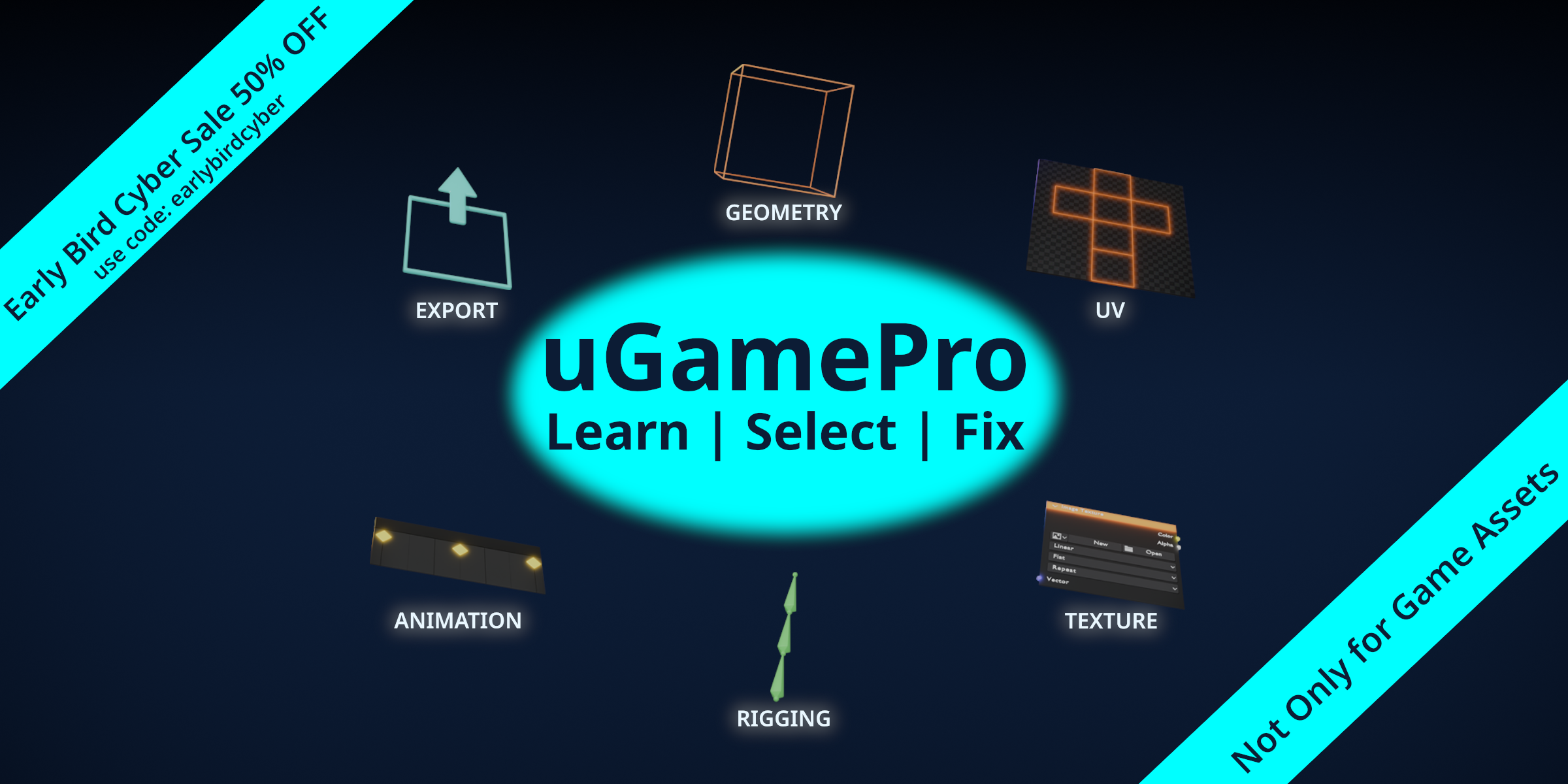
Stop wasting hours troubleshooting broken FBX/glTF imports. Scan, auto-fix, and export 100% engine-ready game assets from Blender in one click. Geometry • UV • Texture • Rigging • Animation Available individually or as the full suite.
Categories
Tags
Installation
- Download uGamePro - Auto-Fix Geometry, UVs, Rigs & Exports for Unreal, Unity & Godot and check which Blender versions the creator supports. Keep the installable archive (for example,
uGamePro_-_Auto-Fix_Geometry,_UVs,_Rigs_&_Exports_for_Unreal,_Unity_&_Godot.zip) intact. If the download is a bundle, extract it first to find the add-on archive. - In Blender, go to Edit → Preferences → Add-ons. In Blender 4.2 and newer, open the top-right menu and choose Install from Disk. In older versions, click Install….
- Select the add-on archive (for example,
uGamePro_-_Auto-Fix_Geometry,_UVs,_Rigs_&_Exports_for_Unreal,_Unity_&_Godot.zip) or its standalone.pyfile and confirm the installation. - Find the add-on in the Add-ons list and tick its checkbox if it isn’t already enabled.
Check the creator’s instructions for any extra setup, such as dependencies or license activation.
Compare with other products
Choose a category to find products to compare with this listing.
Variants
-
Geometry Module published
Price: $10.00 · List price: $10.00
Variant versions
-
v1.0.2 published
Created Oct 8, 2026 · Published Oct 8, 2026
Release notes (source)
fix: update registration logic to use bpy.utils for settings tracking
-
v1.0.1 published
Created Oct 7, 2026 · Published Oct 7, 2026
Release notes (source)
<p><span style="color: rgb(42, 31, 66); font-family: Inter, sans-serif;">Fix: Issue caused by selected hidden objects when running a scan</span></p>
-
-
UV Module published
Price: $10.00 · List price: $10.00
Variant versions
-
v1.0.3 published
Created Nov 9, 2026 · Published Nov 9, 2026
Release notes (source)
<p>fix: enhance UV processing logic and introduce is_multi_uv_object_asset helper function</p>
-
v1.0.2 published
Created Oct 8, 2026 · Published Oct 8, 2026
Release notes (source)
<p>fix: update registration logic to use bpy.utils for settings tracking</p>
-
v1.0.1 published
Created Oct 7, 2026 · Published Oct 7, 2026
Release notes (source)
<p><span style="color: rgb(42, 31, 66); font-family: Inter, sans-serif;">Fix: Issue caused by selected hidden objects when running a scan</span></p>
-
-
Texture Module published
Price: $10.00 · List price: $10.00
Variant versions
-
v1.0.2 published
Created Oct 8, 2026 · Published Oct 8, 2026
Release notes (source)
<p>fix: update registration logic to use bpy.utils for settings tracking</p>
-
v1.0.1 published
Created Oct 7, 2026 · Published Oct 7, 2026
Release notes (source)
<p><span style="color: rgb(42, 31, 66); font-family: Inter, sans-serif;">Fix: Issue caused by selected hidden objects when running a scan</span></p>
-
-
Rigging Module published
Price: $10.00 · List price: $10.00
Variant versions
-
v1.0.2 published
Created Oct 8, 2026 · Published Oct 8, 2026
Release notes (source)
<p>fix: update registration logic to use bpy.utils for settings tracking</p>
-
v1.0.1 published
Created Oct 7, 2026 · Published Oct 7, 2026
Release notes (source)
<p><span style="color: rgb(42, 31, 66); font-family: Inter, sans-serif;">Fix: Issue caused by selected hidden objects when running a scan</span></p>
-
-
Animation Module published
Price: $10.00 · List price: $10.00
Variant versions
-
v1.0.2 published
Created Oct 8, 2026 · Published Oct 8, 2026
Release notes (source)
<p>fix: update registration logic to use bpy.utils for settings tracking</p>
-
v1.0.1 published
Created Oct 7, 2026 · Published Oct 7, 2026
Release notes (source)
<p><span style="color: rgb(42, 31, 66); font-family: Inter, sans-serif;">Fix: Issue caused by selected hidden objects when running a scan</span></p>
-
-
Full uGamePro Suite published
Price: $49.00 · List price: $49.00
Variant versions
-
v1.0.3 published
Created Nov 15, 2026 · Published Nov 15, 2026
Release notes (source)
<p>Full suite now includes Export Tools</p>
-
v1.0.2 published
Created Oct 8, 2026 · Published Oct 8, 2026
Release notes (source)
<p>fix: update registration logic to use bpy.utils for settings tracking</p>
-
v1.0.1 published
Created Oct 7, 2026 · Published Oct 7, 2026
Release notes (source)
<p>Fix: Issue caused by selected hidden objects when running a scan</p>
-
-
Export Module published
Price: $10.00 · List price: $10.00
Variant versions
-
v1.0.0 published
Created Nov 15, 2026 · Published Nov 15, 2026
Release notes (source)
<p>Initial Release</p>
-
Related products
More from this creator
No other products from this creator.