Product listing
Tourify 360
By GPolygon Design ·
$15.00
List price: $15.00
Listing details
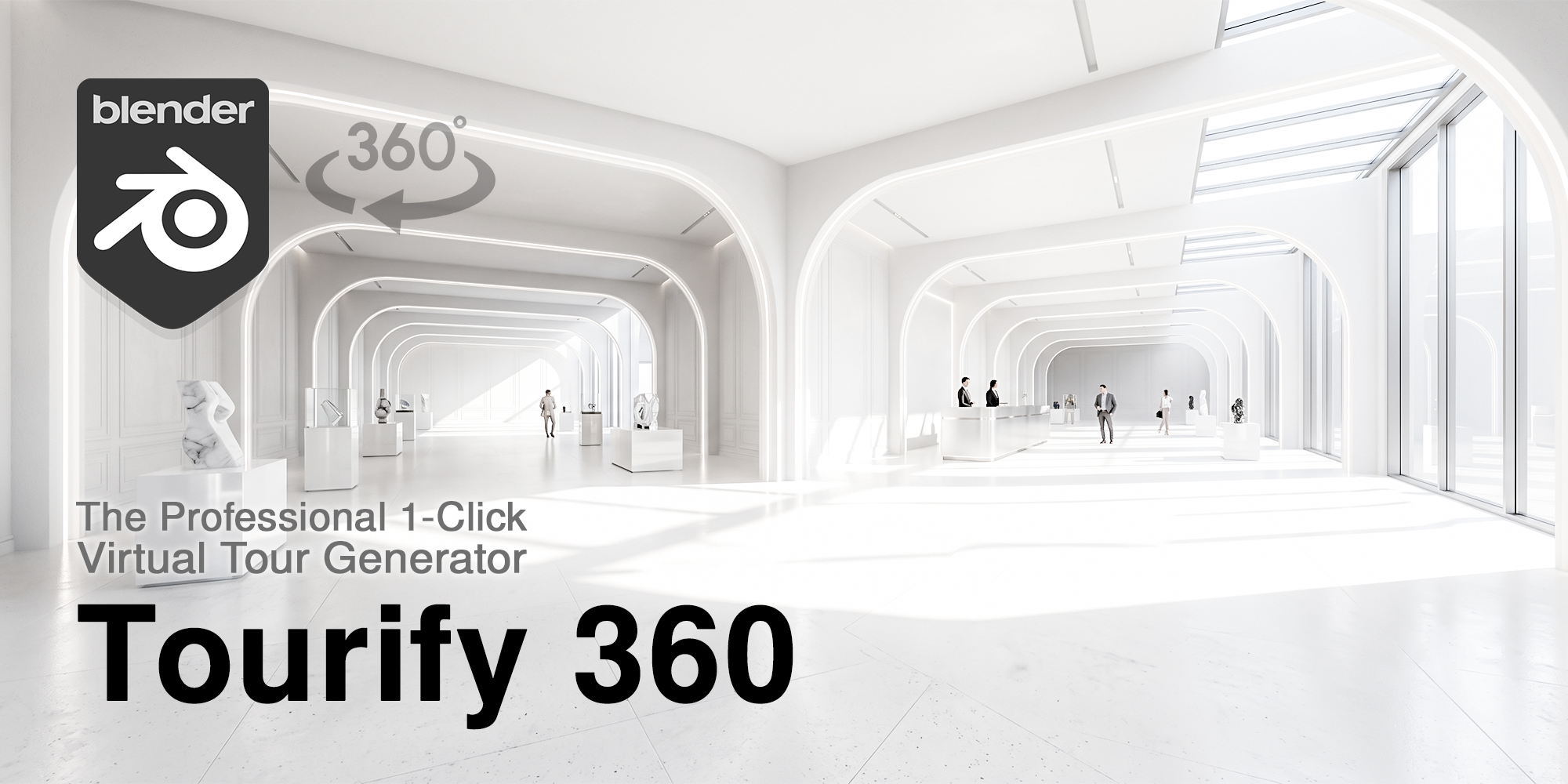
Turn Blender scenes into web-ready virtual tours instantly! Tourify 360 features 1-click auto-linking, smart info markers, and base64 export. No coding, no nodes, no hassle. Create your tour as easy as 1-2-3!
Categories
Tags
Installation
- Download Tourify 360 and check which Blender versions the creator supports. Keep the installable archive (for example,
Tourify_360.zip) intact. If the download is a bundle, extract it first to find the add-on archive. - In Blender, go to Edit → Preferences → Add-ons. In Blender 4.2 and newer, open the top-right menu and choose Install from Disk. In older versions, click Install….
- Select the add-on archive (for example,
Tourify_360.zip) or its standalone.pyfile and confirm the installation. - Find the add-on in the Add-ons list and tick its checkbox if it isn’t already enabled.
Check the creator’s instructions for any extra setup, such as dependencies or license activation.
Compare with other products
Choose a category to find products to compare with this listing.
Product versions
-
v1.1.3 published
Created Oct 14, 2026 · Published Oct 14, 2026
Release notes (source)
<p><br></p>
-
v1.1.1 unlisted
Created Sep 2, 2026 · Published Sep 2, 2026
Release notes (source)
<p><span style="color:rgb(42, 31, 66);font-family:Inter , sans-serif;">-</span><span style="font-weight:700;color:rgb(42, 31, 66);font-family:Inter , sans-serif;"> New 6K Resolution</span><span style="color:rgb(42, 31, 66);font-family:Inter , sans-serif;"> Preset (6144x3072):</span><br style="color:rgb(42, 31, 66);font-family:Inter , sans-serif;"><span style="color:rgb(42, 31, 66);font-family:Inter , sans-serif;">Added a brand new 6K resolution preset—the sweet spot between 4K sharpness and 8K render speed.</span><br style="color:rgb(42, 31, 66);font-family:Inter , sans-serif;"><span style="color:rgb(42, 31, 66);font-family:Inter , sans-serif;">- Blender Camera Compatibility:</span><br style="color:rgb(42, 31, 66);font-family:Inter , sans-serif;"><span style="color:rgb(42, 31, 66);font-family:Inter , sans-serif;">Full native support for modern Blender camera architecture. 360 cameras now always default strictly to Equirectangular projection.</span><br style="color:rgb(42, 31, 66);font-family:Inter , sans-serif;"><span style="color:rgb(42, 31, 66);font-family:Inter , sans-serif;">- Safe Render Cancellation (Crash Fix):</span><br style="color:rgb(42, 31, 66);font-family:Inter , sans-serif;"><span style="color:rgb(42, 31, 66);font-family:Inter , sans-serif;">Cancelling a batch render mid-way (via ESC or closing the window) is now completely safe and crash-proof.</span></p>
-
v1.1 unlisted
Created Sep 2, 2026 · Published Sep 2, 2026
Release notes (source)
<p><span style="font-weight: 700; color: rgb(42, 31, 66); font-family: Inter, sans-serif;">- Clickable URLs for Info Markers:</span><br style="color: rgb(42, 31, 66); font-family: Inter, sans-serif;"><span style="color: rgb(42, 31, 66); font-family: Inter, sans-serif;">You can now add external URLs to your Info Markers! Links are cleanly integrated at the bottom of the info tooltips.</span><br style="color: rgb(42, 31, 66); font-family: Inter, sans-serif;"><span style="color: rgb(42, 31, 66); font-family: Inter, sans-serif;">-8K Batch Render Crash Fix</span></p>