Product listing
TENSOR-CLOTH The Bidirectional Physics Engine
By Lorenzo Iemoli ·
From $35.00
Listing details
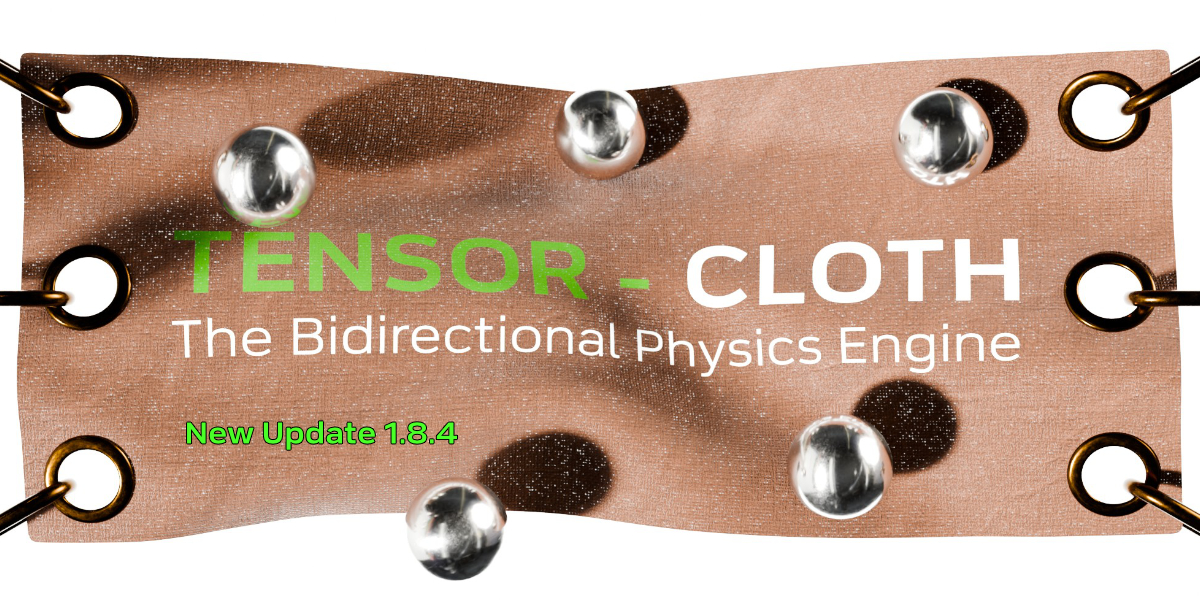
Blender's cloth reacts to rigid bodies, it never acts on them. Tensor-Cloth does: fabric that supports, drags, pins, and hangs solid objects, with real two-way exchange. Built for straps, ropes, harnesses, belts, and bags. Select a mesh, press a button, press Play.
Categories
Tags
Installation
- Download TENSOR-CLOTH The Bidirectional Physics Engine and check which Blender versions the creator supports. Keep the installable archive (for example,
TENSOR-CLOTH_The_Bidirectional_Physics_Engine.zip) intact. If the download is a bundle, extract it first to find the add-on archive. - In Blender, go to Edit → Preferences → Add-ons. In Blender 4.2 and newer, open the top-right menu and choose Install from Disk. In older versions, click Install….
- Select the add-on archive (for example,
TENSOR-CLOTH_The_Bidirectional_Physics_Engine.zip) or its standalone.pyfile and confirm the installation. - Find the add-on in the Add-ons list and tick its checkbox if it isn’t already enabled.
Check the creator’s instructions for any extra setup, such as dependencies or license activation.
Compare with other products
Choose a category to find products to compare with this listing.
Variants
-
Freelance / Individual License published
Price: $35.00 · List price: $35.00
Variant versions
-
1.8.4 published
Created Jul 28, 2026 · Published Jul 28, 2026
Release notes (source)
<p class="font-claude-response-body break-words whitespace-normal"><strong>Added</strong></p><p class="font-claude-response-body break-words whitespace-normal"><strong>Bake to PC2 vertex cache.</strong> Export the simulated cloth to a PC2 file read by a Mesh Cache modifier on a non destructive duplicate. The copy renders correctly and exports to Alembic. Set a scene or custom frame range, keep or drop the existing modifiers, hide the source after export.</p><p class="font-claude-response-body break-words whitespace-normal"><strong>Fixed</strong></p><p class="font-claude-response-body break-words whitespace-normal"><strong>Undo no longer closes Blender.</strong> Pressing Ctrl+Z after a build could delete the rigid bodies while Bullet was still using them. Build and Rebuild now push their own undo step.</p><p class="font-claude-response-body break-words whitespace-normal"><strong>Rebuild stays on its object.</strong> If the active object changes while Rebuild is running, the operation is cancelled with a clear message instead of building on the wrong mesh.</p><p class="font-claude-response-body break-words whitespace-normal"><strong>Handlers cleared after undo and redo.</strong> Simulations removed by undo no longer leave an active handler behind.</p><p class="font-claude-response-body break-words whitespace-normal"><strong>Safe Delete works from the Outliner.</strong> Objects selected in the Outliner are now recognised, and normal deletion is left untouched when no simulation is involved.</p><p class="font-claude-response-body break-words whitespace-normal"><strong>Improved</strong></p><p class="font-claude-response-body break-words whitespace-normal"><strong>Bake panel split in two steps.</strong> Bake Rigid Body World and Bake to PC2 are now separate, numbered sections.</p><p class="font-claude-response-body break-words whitespace-normal"><strong>Error logging.</strong> Every bake failure reports its specific cause, from an unsaved file with a relative path to a missing Rigid Body World.</p><p>


</p><p class="font-claude-response-body break-words whitespace-normal">Existing scenes work as before. Simulations built with v1.7.3 open and rebuild normally.</p>
-
1.7.3 published
Created Jul 28, 2026 · Published May 10, 2026
Release notes (source)
<p class="font-claude-response-body break-words whitespace-normal"><strong>Fixed</strong></p><p class="font-claude-response-body break-words whitespace-normal"><strong>Frame-safe file saving.</strong> Closing a file at any frame no longer corrupts the simulation. Reopen, go to frame 1, press Rebuild, and the source mesh returns to its original rest pose.</p><p class="font-claude-response-body break-words whitespace-normal"><strong>Improved</strong></p><p class="font-claude-response-body break-words whitespace-normal"><strong>Error logging.</strong> Clearer messages for faster troubleshooting and support.</p><p>


</p><p class="font-claude-response-body break-words whitespace-normal">Existing scenes work as before. Applies to simulations built with v1.7.3 onwards.</p>
-
1.7.2 published
Created Jul 28, 2026 · Published Apr 16, 2026
Release notes (source)
<p class="font-claude-response-body break-words whitespace-normal" dir="ltr">First public release of Tensor-Cloth. Cloth that acts on rigid bodies instead of only reacting to them.</p><p class="font-claude-response-body break-words whitespace-normal" dir="ltr"><strong>Rigid body chain solver.</strong> Every face becomes a rigid body linked by Generic Spring Constraints inside Blender's own physics world, so cloth and solid objects influence each other in both directions.</p><p class="font-claude-response-body break-words whitespace-normal" dir="ltr"><strong>Anchor system.</strong> Pin any part of the cloth in place with anchor vertex groups.</p><p class="font-claude-response-body break-words whitespace-normal" dir="ltr"><strong>Stitching.</strong> Join cloth areas by edge or by proximity.</p><p class="font-claude-response-body break-words whitespace-normal" dir="ltr"><strong>Attach to external rigid bodies.</strong> Connect a simulation to rigid bodies already in your scene.</p><p>


</p><p class="font-claude-response-body break-words whitespace-normal" dir="ltr"><strong>Preset library.</strong> Full set of ready-made material and behaviour presets.</p>
-
Related products
More from this creator
No other products from this creator.