Product listing
Teleport Nodes: Smart Auto-Wiring
By Miguel Ángel Guisado Gallardo ·
$12.00
List price: $12.00
Listing details
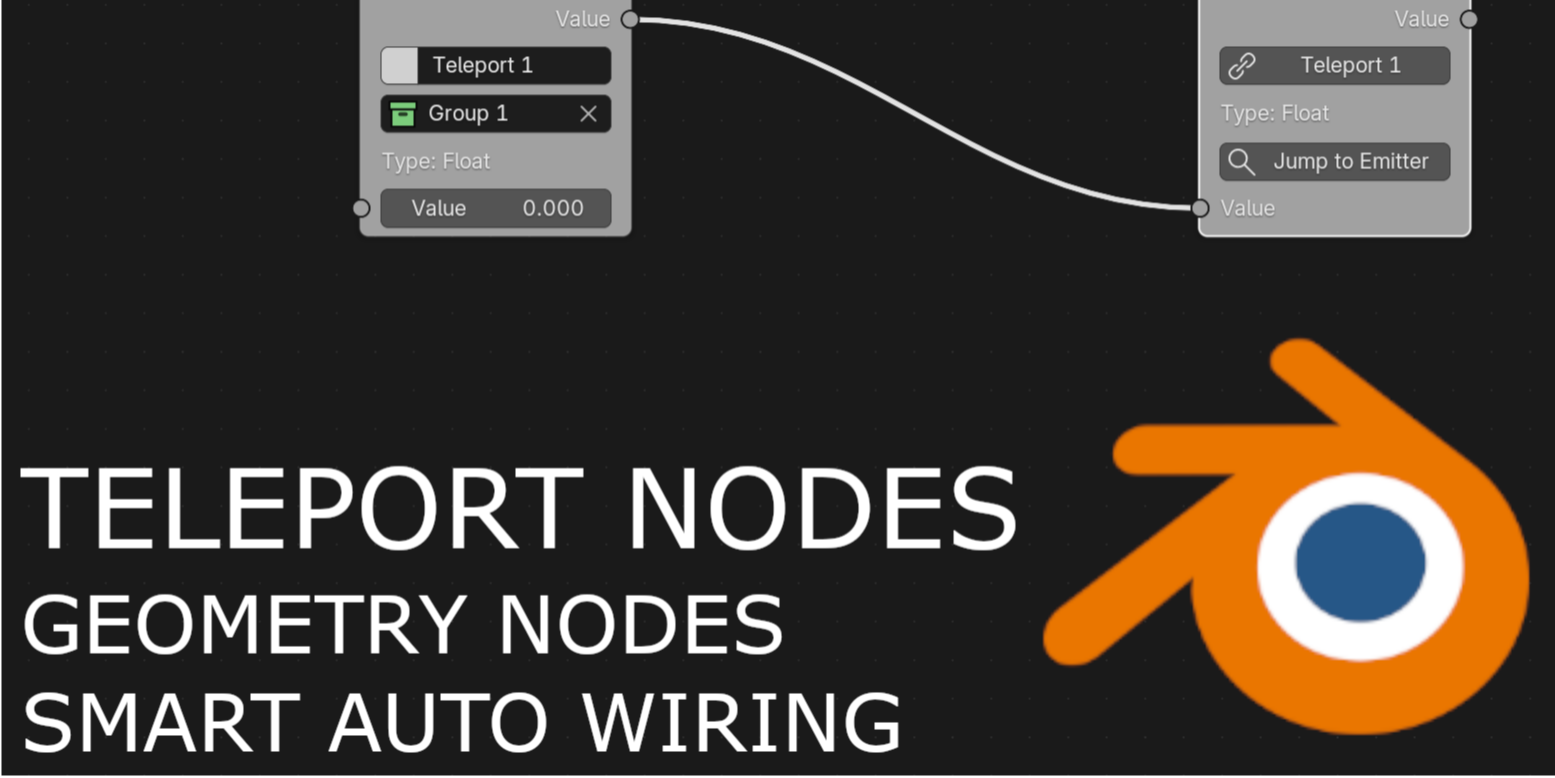
Instantly connect sockets across the canvas. Teleport Nodes brings Substance Designer-style routing with smart auto-wiring, color-coded folders, and cross-tree automation. Focus on the art rather than dragging wires!
Categories
Tags
Installation
- Download Teleport Nodes: Smart Auto-Wiring and check which Blender versions the creator supports. Keep the installable archive (for example,
Teleport_Nodes:_Smart_Auto-Wiring.zip) intact. If the download is a bundle, extract it first to find the add-on archive. - In Blender, go to Edit → Preferences → Add-ons. In Blender 4.2 and newer, open the top-right menu and choose Install from Disk. In older versions, click Install….
- Select the add-on archive (for example,
Teleport_Nodes:_Smart_Auto-Wiring.zip) or its standalone.pyfile and confirm the installation. - Find the add-on in the Add-ons list and tick its checkbox if it isn’t already enabled.
Check the creator’s instructions for any extra setup, such as dependencies or license activation.
Compare with other products
Choose a category to find products to compare with this listing.
Product versions
-
v1.1 published
Created Sep 7, 2026 · Published Sep 7, 2026
Release notes (source)
<p><span id="docs-internal-guid-e8966850-7fff-6a79-bb52-2a9066fd60a4"></span></p><ul style="margin-top:0;margin-bottom:0;padding-inline-start:48px;"><li dir="ltr" style="list-style-type:disc;font-size:12pt;font-family:Roboto,sans-serif;color:#666666;background-color:transparent;font-weight:400;font-style:normal;font-variant:normal;text-decoration:none;vertical-align:baseline;white-space:pre;" aria-level="1"><p dir="ltr" style="line-height:1.68;margin-top:10pt;margin-bottom:0pt;" role="presentation"><span style="font-size:12pt;font-family:Roboto,sans-serif;color:#666666;background-color:transparent;font-weight:400;font-style:normal;font-variant:normal;text-decoration:none;vertical-align:baseline;white-space:pre;white-space:pre-wrap;">Removed stepping up to parent feature (please use Blender’s native feature).</span></p></li><li dir="ltr" style="list-style-type:disc;font-size:12pt;font-family:Roboto,sans-serif;color:#666666;background-color:transparent;font-weight:400;font-style:normal;font-variant:normal;text-decoration:none;vertical-align:baseline;white-space:pre;" aria-level="1"><p dir="ltr" style="line-height:1.68;margin-top:0pt;margin-bottom:0pt;" role="presentation"><span style="font-size:12pt;font-family:Roboto,sans-serif;color:#666666;background-color:transparent;font-weight:400;font-style:normal;font-variant:normal;text-decoration:none;vertical-align:baseline;white-space:pre;white-space:pre-wrap;">Fixed a bug that duplicating emitters or portals with “SHIFT + D” wouldn’t allow connecting the new nodes.</span></p></li><li dir="ltr" style="list-style-type:disc;font-size:12pt;font-family:Roboto,sans-serif;color:#666666;background-color:transparent;font-weight:400;font-style:normal;font-variant:normal;text-decoration:none;vertical-align:baseline;white-space:pre;" aria-level="1"><p dir="ltr" style="line-height:1.68;margin-top:10pt;margin-bottom:0pt;" role="presentation"><span style="font-size:12pt;font-family:Roboto,sans-serif;color:#666666;background-color:transparent;font-weight:400;font-style:normal;font-variant:normal;text-decoration:none;vertical-align:baseline;white-space:pre;white-space:pre-wrap;">Improved the “Spawn Portal” button. The Portal now spawns at the center of the screen.</span></p></li></ul>
Related products
More from this creator
No other products from this creator.