Product listing
Tabs
By Jarand Folkestad Wicklund ·
$19.99
List price: $19.99
Listing details
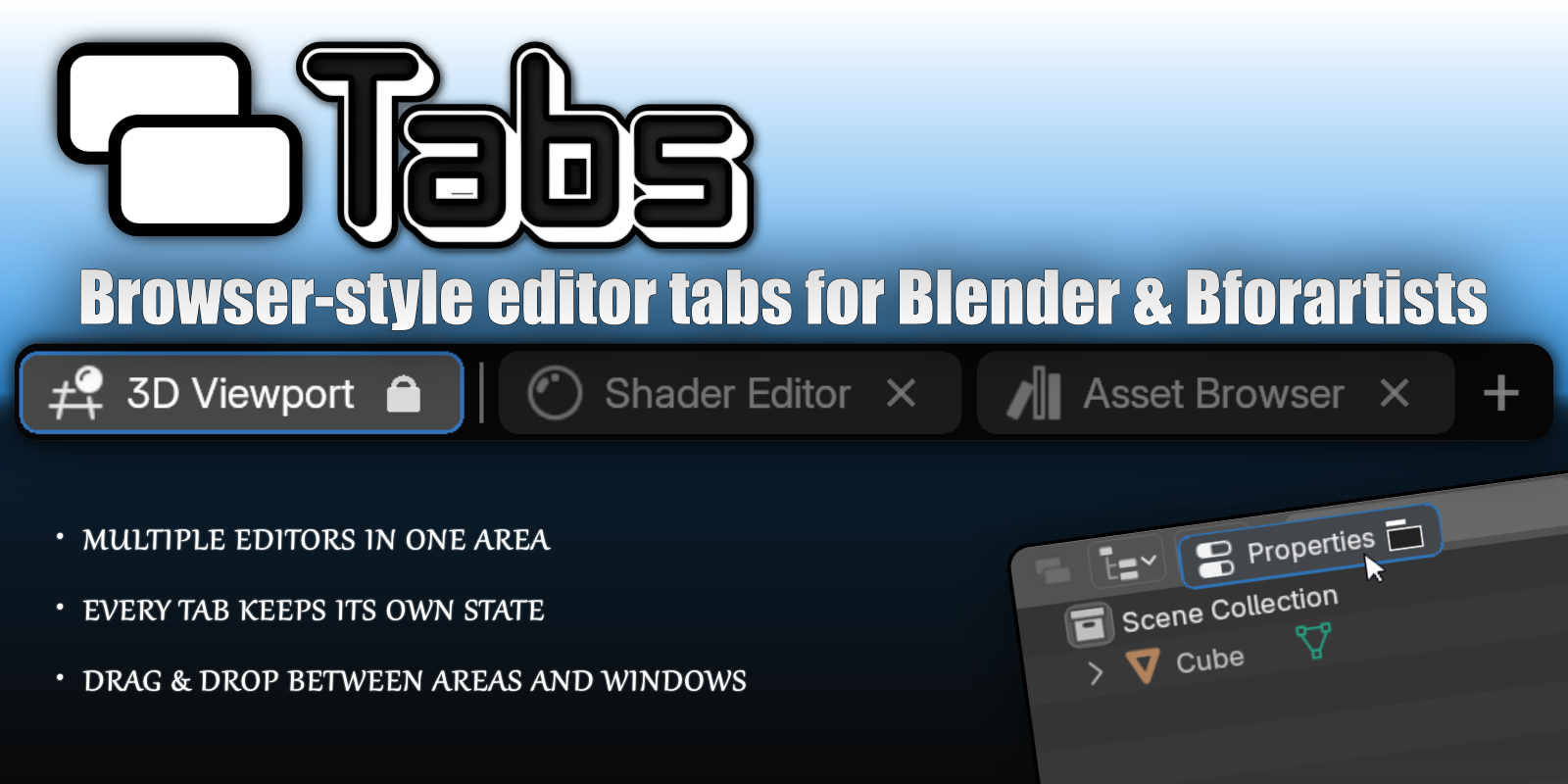
Give any Blender or Bforartists Area browser-style tabs. Several editors in one area, each keeping its own state. Drag them between areas, tear off into separate windows, saved with your file.
Categories
Tags
Compare with other products
Choose a category to find products to compare with this listing.
Product versions
-
1.0.4 published
Created Oct 18, 2026 · Published Oct 18, 2026
Release notes (source)
<p><b>Fixed</b></p><p>A harmless but noisy warning in the system console (<code dir="ltr">ui_mode</code> on the Image/UV editor) each time a tab was created or switched.</p>
-
1.0.3 published
Created Oct 17, 2026 · Published Oct 17, 2026
Release notes (source)
<p><b>New</b><br>Added support for Blender 5.3’s Project Setup editor, which can now be opened as a tab with its own icon in both Blender and Bforartists.</p>
-
1.0.2 published
Created Sep 21, 2026 · Published Sep 21, 2026
Release notes (source)
<p><b>Changed</b>: </p><ul><li>Ctrl+T (New Tab) now also works in the Video Sequencer, Timeline, Dope Sheet, Graph Editor, NLA, Text Editor and Movie Clip Editor, where Blender's own Ctrl+T used to take priority. Rebinding New Tab in Settings applies to all of them.</li></ul>
-
1.0.1 published
Created Sep 18, 2026 · Published Sep 18, 2026
Release notes (source)
<h3>Fixed</h3> <ul><li><strong>Enable Tab Bar for all Editors in all Workspaces now works while Always show Tab Bar is on.</strong><br>The button was greyed out whenever that preference was enabled. Disable stays unavailable in that case, since the preference puts every bar straight back.</li><li><strong>Always show Tab Bar now reaches every workspace.</strong><br>It stopped after 24 tab bars across the file, so editors in workspaces you opened later went without one until you toggled the preference off and on again.</li></ul><p><br></p> -
1.0.0 published
Created Sep 18, 2026 · Published Sep 16, 2026
Release notes (source)
<ul><li><b>Initial release of Tabs</b></li></ul>