Product listing
SyncTools Pro for ZBrush
By han yue ·
From $12.00
Listing details
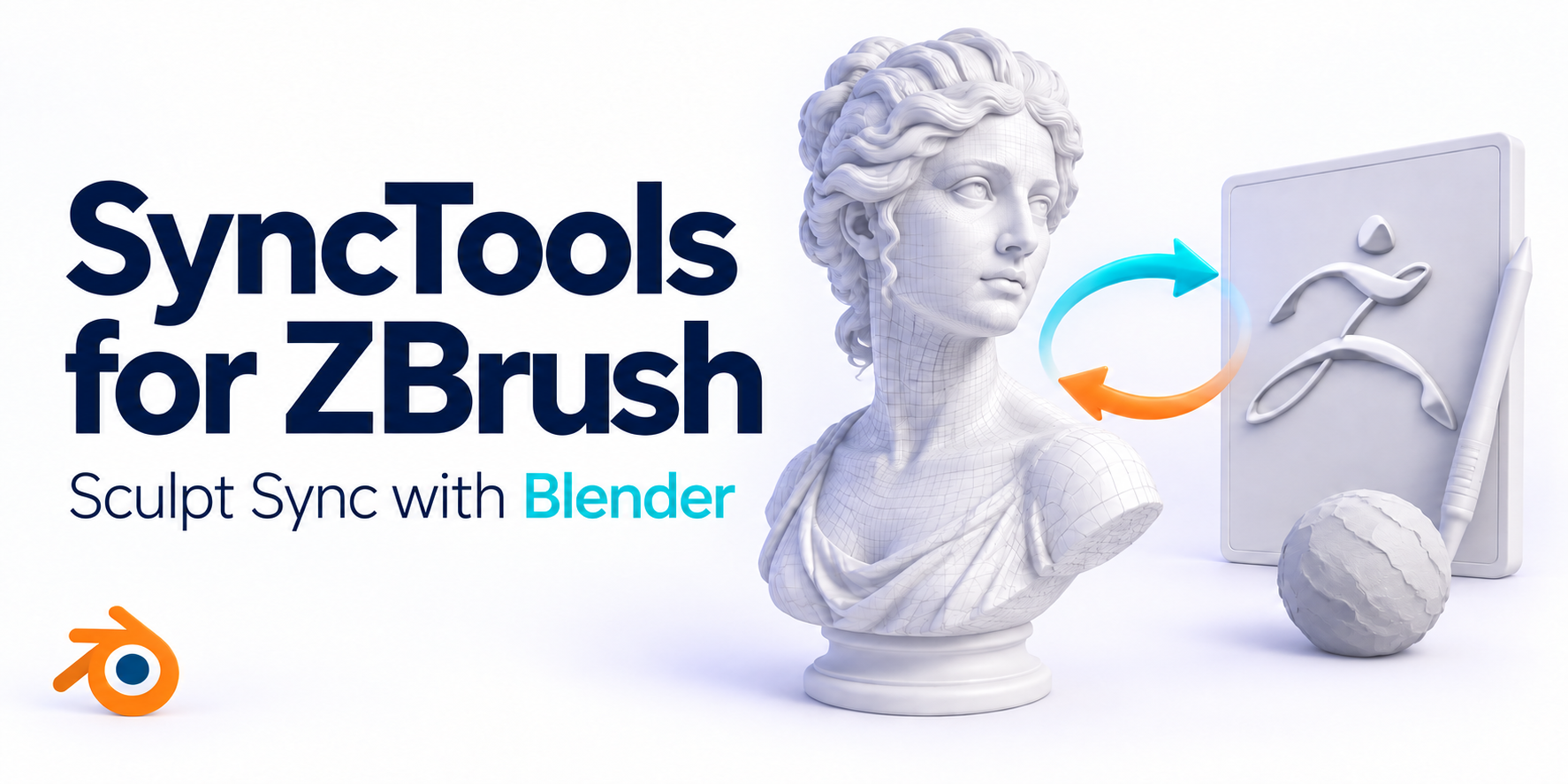
Copy/paste ZBrush All SubTools with Blender. Supports ZBrush 2026, Blender 5.x, UVs, polygroups, materials, and color data.
Categories
Tags
- zbrush integration
- zbrush plugin
- zbrush tools
- zbrush users
- 3d art
- 3d artists
- 3d design
- 3d geometry
- 3d modeling
- 3d model transfer
- 3d resources
- 3d software
- 3d workflow
- blender market
- copy paste plugin
- cross-project workflow
- digital-art
- macos
- obj file
- productivity tools
- subtools
- synctools
- time-saving
- windows
- workflow optimization
- zbrush
- zbrush 2022
- zbrush 2023
- zbrush add-on
Installation
- Download SyncTools Pro for ZBrush and check which Blender versions the creator supports. Keep the installable archive (for example,
SyncTools_Pro_for_ZBrush.zip) intact. If the download is a bundle, extract it first to find the add-on archive. - In Blender, go to Edit → Preferences → Add-ons. In Blender 4.2 and newer, open the top-right menu and choose Install from Disk. In older versions, click Install….
- Select the add-on archive (for example,
SyncTools_Pro_for_ZBrush.zip) or its standalone.pyfile and confirm the installation. - Find the add-on in the Add-ons list and tick its checkbox if it isn’t already enabled.
Check the creator’s instructions for any extra setup, such as dependencies or license activation.
Compare with other products
Choose a category to find products to compare with this listing.
Variants
-
Personal / Indie License published
Price: $12.00 · List price: $12.00
Variant versions
-
Personal / Indie License published
Created Jul 26, 2026 · Published Jul 26, 2026
Release notes (source)
<p><br></p>
-
-
Studio License (Up to 3 Seats) published
Price: $28.80 · List price: $28.80
Variant versions
-
Studio License (Up to 3 Seats) published
Created Jul 26, 2026 · Published Jul 26, 2026
Release notes (source)
<p><br></p>
-
-
Enterprise License (15+ Seats) published
Price: $144.00 · List price: $144.00
Variant versions
-
Enterprise License (15+ Seats) published
Created Jul 26, 2026 · Published Jul 26, 2026
Release notes (source)
<p><br></p>
-