Product listing
SyncTools DCC Integration Suite for Blender -- Cross-App Asset Transfer
By han yue ·
$99.00
List price: $99.00
Listing details
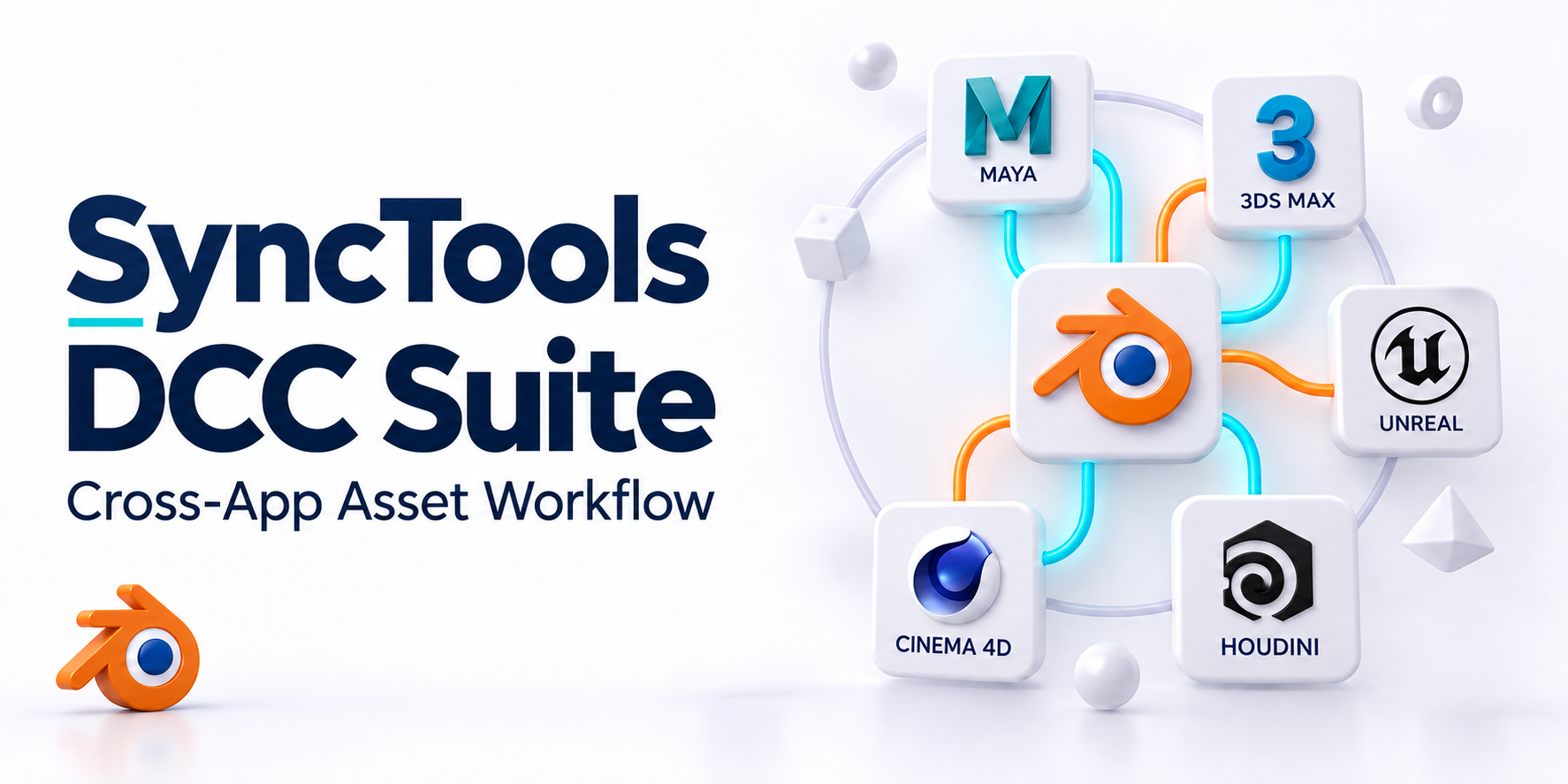
Copy and paste supported scene data between Blender and 10 DCC connectors: Maya, 3ds Max, Houdini, Cinema 4D, Rhino, Marvelous Designer, UE5, Unity, ZBrush and SketchUp.
Categories
Tags
- 3dart
- 3dartist
- 3dmodeler
- 3dmodeling
- 3dpipeline
- 3dsmax
- 3dsoftware
- animation
- animationtransfer
- animator
- architecturalvisualizer
- archviz
- assetcreation
- assetmanagement
- assetpipeline
- automation
- blender
- characterart
- cinema4d
- copypaste
- creativetechnology
- crossplatform
- customizable
- dataconversion
- datatransfer
- designer
- digitalart
- digitalcreation
- efficient
- environmentart
- gameart
- gameartist
- gamedev
- gamedeveloper
- houdini
- integration
- marvelousdesigner
- materialtransfer
- maya
- pbrmaterials
- pipeline
- pipelineautomation
- pipelinetools
- productdesign
- productionpipeline
- productionready
- professional
- reliable
- rendering
- rhino
- rigging
- scenemanagement
- studiopipeline
- studioready
- substancepainter
- technicalartist
- texturing
- timeoptimization
- timesaving
- unity
- unrealengine
- userfriendly
- uvmapping
- vfx
- workflow
- workflowoptimization
- workflowtools
- zbrush
Installation
- Download SyncTools DCC Integration Suite for Blender -- Cross-App Asset Transfer and check which Blender versions the creator supports. Keep the installable archive (for example,
SyncTools_DCC_Integration_Suite_for_Blender_--_Cross-App_Asset_Transfer.zip) intact. If the download is a bundle, extract it first to find the add-on archive. - In Blender, go to Edit → Preferences → Add-ons. In Blender 4.2 and newer, open the top-right menu and choose Install from Disk. In older versions, click Install….
- Select the add-on archive (for example,
SyncTools_DCC_Integration_Suite_for_Blender_--_Cross-App_Asset_Transfer.zip) or its standalone.pyfile and confirm the installation. - Find the add-on in the Add-ons list and tick its checkbox if it isn’t already enabled.
Check the creator’s instructions for any extra setup, such as dependencies or license activation.
Compare with other products
Choose a category to find products to compare with this listing.