Product listing
SymSolv — Symmetry Restoration for Blender
By Captain Pixel ·
From $9.99
Listing details
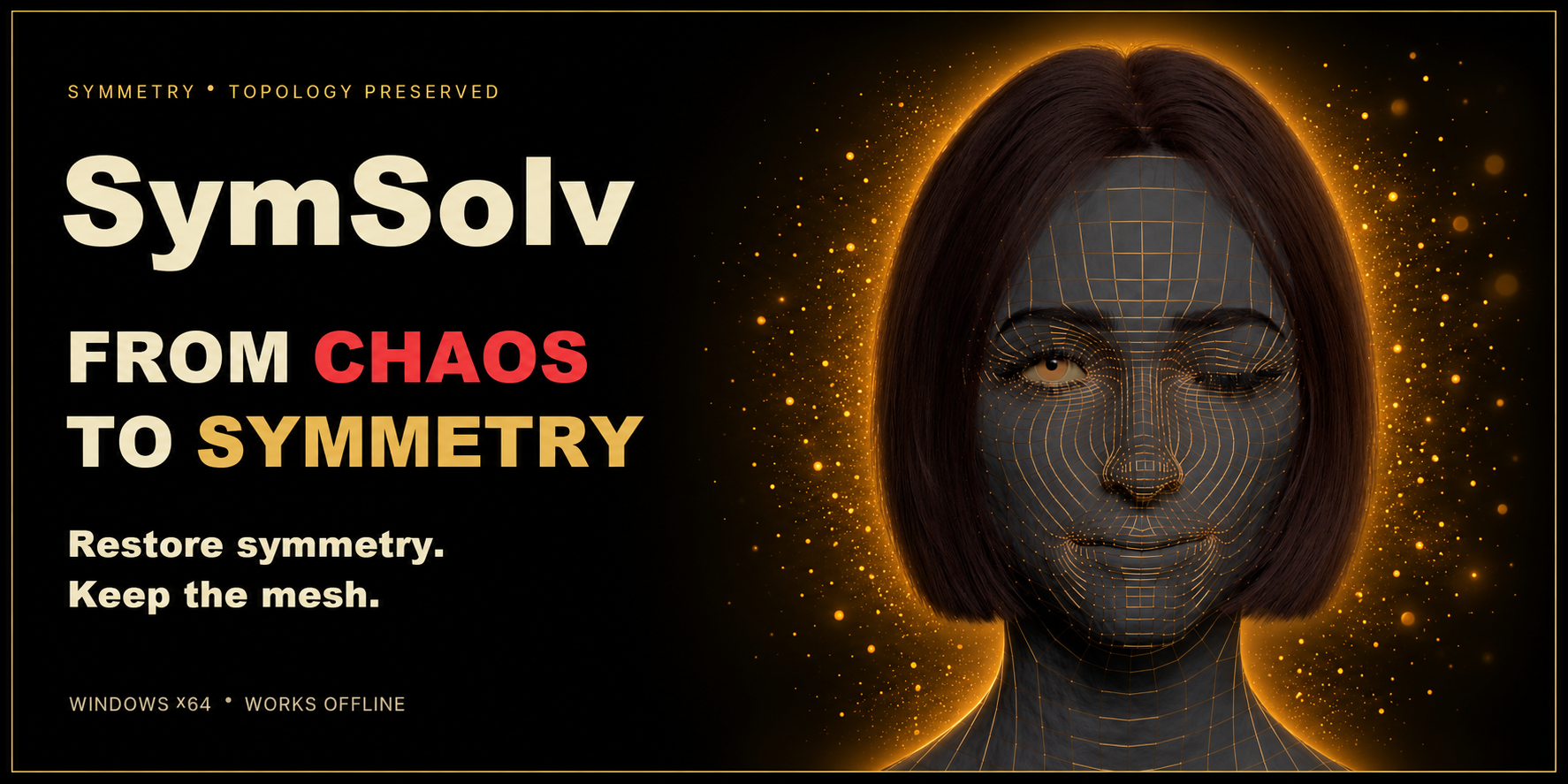
Restore symmetry on finished Blender meshes without retopology or index changes. SymSolv preserves topology, UVs, materials, vertex order, vertex groups, and shape keys. Windows x64; Blender 2.80–5.2.
Categories
Tags
Installation
- Download SymSolv — Symmetry Restoration for Blender and check which Blender versions the creator supports. Keep the installable archive (for example,
SymSolv_—_Symmetry_Restoration_for_Blender.zip) intact. If the download is a bundle, extract it first to find the add-on archive. - In Blender, go to Edit → Preferences → Add-ons. In Blender 4.2 and newer, open the top-right menu and choose Install from Disk. In older versions, click Install….
- Select the add-on archive (for example,
SymSolv_—_Symmetry_Restoration_for_Blender.zip) or its standalone.pyfile and confirm the installation. - Find the add-on in the Add-ons list and tick its checkbox if it isn’t already enabled.
Check the creator’s instructions for any extra setup, such as dependencies or license activation.
Compare with other products
Choose a category to find products to compare with this listing.
Variants
-
Single User License published
Price: $9.99 · List price: $14.99 · On sale
Variant versions
-
1.0.2 published
Created Nov 14, 2026 · Published Nov 14, 2026
Release notes (source)
<p>SymSolv 1.0.2 improves automatic centerline discovery and dense-mesh analysis in Blender and Maya, and adds problem-area inspection in Blender.</p><p><br></p><p>- **Better AUTO recovery with sparse centerline evidence:** The shared engine can follow a physical centerline beyond the small portion near the symmetry plane when mesh connectivity proves the continuation and separation of the two sides. This improves recovery on supported displaced centerlines without increasing the tolerance or requiring a manual guide.</p><p>- **Less overhead on dense quad meshes:** Reduced automatic centerline-discovery overhead while preserving the verified symmetry mapping. Actual analysis time depends on the mesh and system.</p><p>- **Blender — Show Problem Areas:** In Object Mode, toggle an orange/cyan overlay to inspect the current analysis. Orange marks adjacency conflicts in the symmetry mapping; cyan marks unresolved edges or vertices. These are diagnostic findings, not confirmed mesh defects.</p><p>- **Blender — editable problem selection:** The same button in Edit Mode selects the problem edges and unresolved vertices for manual inspection, with Undo/Redo support. Hidden geometry stays hidden.</p><p>- **Blender — diagnostics remain available:** Partial and blocked analyses now retain their diagnostic information, including on the first operation. After an explicitly allowed partial Apply, the unresolved remainder can still be inspected while the analysis remains valid.</p><p><br></p><p>Partial results still require explicit permission to apply and do not become complete results. SymSolv transfers coordinates only; it does not repair or generate topology, or reorder mesh elements.</p><p><br></p><p>**Updating:** For Blender, update both the add-on ZIP and the separate SymSolv Engine installer to 1.0.2. For Maya, update with the complete 1.0.2 Maya installer and restart Maya.</p>
-
-
Studio License — 2–5 Users published
Price: $34.99 · List price: $39.99 · On sale
Variant versions
-
1.0.2 published
Created Nov 14, 2026 · Published Nov 14, 2026
Release notes (source)
<p>SymSolv 1.0.2 improves automatic centerline discovery and dense-mesh analysis in Blender and Maya, and adds problem-area inspection in Blender.</p><p><br></p><p>- **Better AUTO recovery with sparse centerline evidence:** The shared engine can follow a physical centerline beyond the small portion near the symmetry plane when mesh connectivity proves the continuation and separation of the two sides. This improves recovery on supported displaced centerlines without increasing the tolerance or requiring a manual guide.</p><p>- **Less overhead on dense quad meshes:** Reduced automatic centerline-discovery overhead while preserving the verified symmetry mapping. Actual analysis time depends on the mesh and system.</p><p>- **Blender — Show Problem Areas:** In Object Mode, toggle an orange/cyan overlay to inspect the current analysis. Orange marks adjacency conflicts in the symmetry mapping; cyan marks unresolved edges or vertices. These are diagnostic findings, not confirmed mesh defects.</p><p>- **Blender — editable problem selection:** The same button in Edit Mode selects the problem edges and unresolved vertices for manual inspection, with Undo/Redo support. Hidden geometry stays hidden.</p><p>- **Blender — diagnostics remain available:** Partial and blocked analyses now retain their diagnostic information, including on the first operation. After an explicitly allowed partial Apply, the unresolved remainder can still be inspected while the analysis remains valid.</p><p><br></p><p>Partial results still require explicit permission to apply and do not become complete results. SymSolv transfers coordinates only; it does not repair or generate topology, or reorder mesh elements.</p><p><br></p><p>**Updating:** For Blender, update both the add-on ZIP and the separate SymSolv Engine installer to 1.0.2. For Maya, update with the complete 1.0.2 Maya installer and restart Maya.</p>
-
-
Studio License — 6–10 Users published
Price: $59.99 · List price: $64.99 · On sale
Variant versions
-
1.0.2 published
Created Nov 14, 2026 · Published Nov 14, 2026
Release notes (source)
<p>SymSolv 1.0.2 improves automatic centerline discovery and dense-mesh analysis in Blender and Maya, and adds problem-area inspection in Blender.</p><p><br></p><p>- **Better AUTO recovery with sparse centerline evidence:** The shared engine can follow a physical centerline beyond the small portion near the symmetry plane when mesh connectivity proves the continuation and separation of the two sides. This improves recovery on supported displaced centerlines without increasing the tolerance or requiring a manual guide.</p><p>- **Less overhead on dense quad meshes:** Reduced automatic centerline-discovery overhead while preserving the verified symmetry mapping. Actual analysis time depends on the mesh and system.</p><p>- **Blender — Show Problem Areas:** In Object Mode, toggle an orange/cyan overlay to inspect the current analysis. Orange marks adjacency conflicts in the symmetry mapping; cyan marks unresolved edges or vertices. These are diagnostic findings, not confirmed mesh defects.</p><p>- **Blender — editable problem selection:** The same button in Edit Mode selects the problem edges and unresolved vertices for manual inspection, with Undo/Redo support. Hidden geometry stays hidden.</p><p>- **Blender — diagnostics remain available:** Partial and blocked analyses now retain their diagnostic information, including on the first operation. After an explicitly allowed partial Apply, the unresolved remainder can still be inspected while the analysis remains valid.</p><p><br></p><p>Partial results still require explicit permission to apply and do not become complete results. SymSolv transfers coordinates only; it does not repair or generate topology, or reorder mesh elements.</p><p><br></p><p>**Updating:** For Blender, update both the add-on ZIP and the separate SymSolv Engine installer to 1.0.2. For Maya, update with the complete 1.0.2 Maya installer and restart Maya.</p>
-