Product listing
Super Easy Slow Motion
By Make It Move Media ·
$29.00
List price: $29.00
Listing details
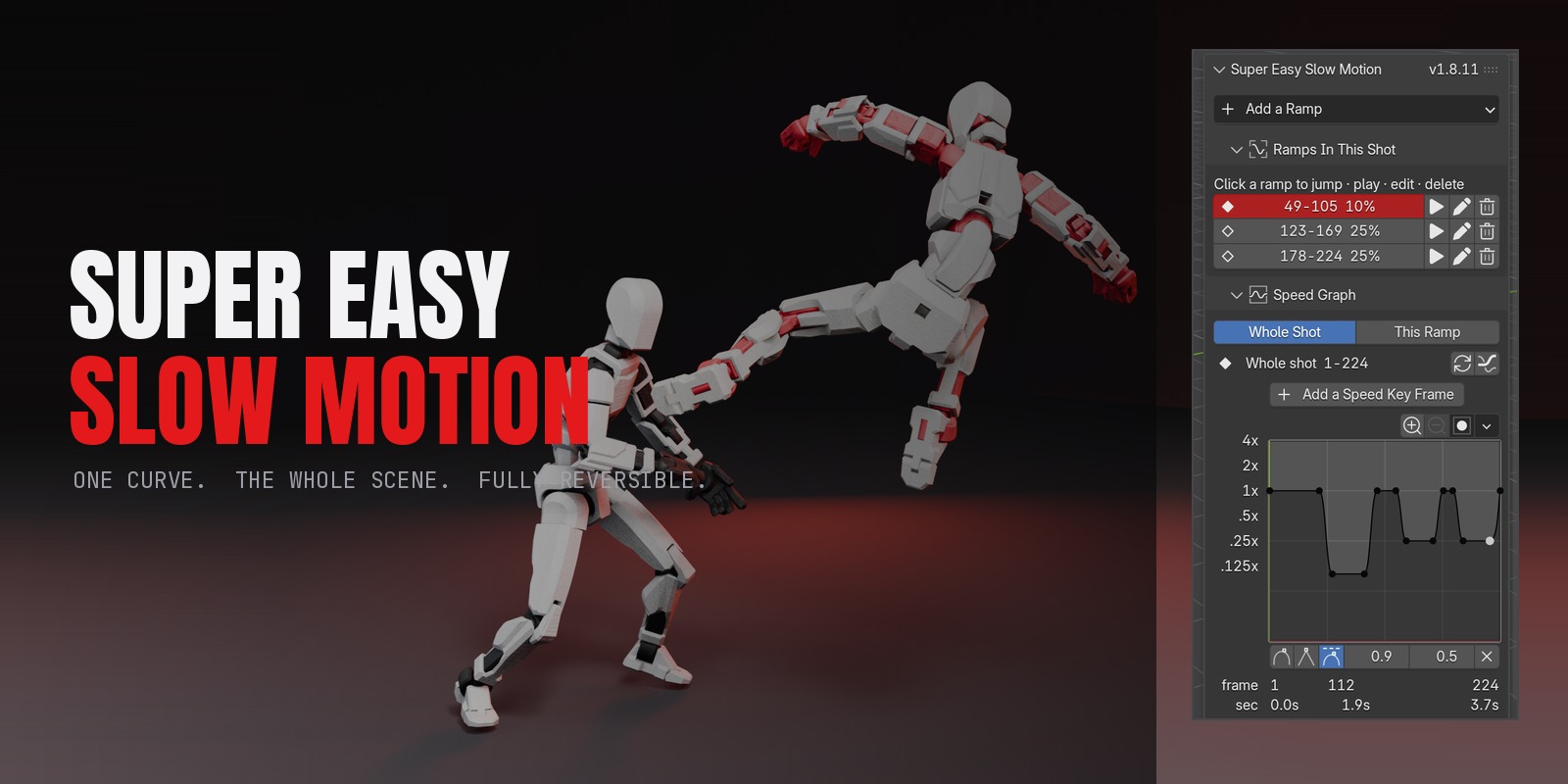
Keyframe the speed and the whole scene follows - mocap, physics, geometry nodes, markers and camera cuts. Film presets, a shutter ramp that keeps slow frames crisp, and one button to put it all back. Blender 5.0+.
Categories
Tags
Installation
- Download Super Easy Slow Motion and check which Blender versions the creator supports. Keep the installable archive (for example,
Super_Easy_Slow_Motion.zip) intact. If the download is a bundle, extract it first to find the add-on archive. - In Blender, go to Edit → Preferences → Add-ons. In Blender 4.2 and newer, open the top-right menu and choose Install from Disk. In older versions, click Install….
- Select the add-on archive (for example,
Super_Easy_Slow_Motion.zip) or its standalone.pyfile and confirm the installation. - Find the add-on in the Add-ons list and tick its checkbox if it isn’t already enabled.
Check the creator’s instructions for any extra setup, such as dependencies or license activation.
Compare with other products
Choose a category to find products to compare with this listing.
Product versions
-
1.8.12 published
Created Nov 18, 2026 · Published Nov 18, 2026
Release notes (source)
<p><b>Capes slow down with the shot.</b> Capes made with Super Easy Cape are geometry-nodes cloth, not a Cloth modifier, so before this version the character slowed while the cape kept flying at full speed.</p><ul><li>Apply now keys each cape's own Time Scale, so the cape swings in slow motion with your character.</li><li>The cape's node group is left alone, so it is slowed once, not twice.</li><li>Restore puts the cape back exactly: no keys left, Time Scale back to 1.</li><li>The pre-flight line counts capes and warns when one is baked, since a baked cape needs a re-bake after Apply.</li></ul>
-
1.8.11 published
Created Nov 15, 2026 · Published Nov 15, 2026
Release notes (source)
<p><b>The Speed Graph.</b> The whole shot’s speed is now drawn against its own timeline, on screen at all times — frames along the bottom, seconds under them, and a speed axis that halves at every line (1x, .5x, .25x, .125x) so slow motion gets most of the height.</p><ul><li>Drag a bead to reshape a ramp. Hold Ctrl and it snaps to the gridlines, 1x included.</li><li>Whole Shot / This Ramp — the whole timeline by default, or one ramp for four times the precision.</li><li>Scrub the playhead from under the graph without leaving the panel.</li><li>Update From Graph writes the shape back to the speed keys; Open Speed Graph hands the same curve to Blender’s Graph Editor.</li><li>Edit speed keys in the Dope Sheet and the panel graph follows — the F-curve stays the source of truth.</li><li>Beads cannot cross over one another, and flat stretches no longer collect extra keys.</li></ul><p><b>Also:</b> Key Speed is now Add a Speed Key Frame, with a button above the graph as well as below. Camera Cuts, Custom Ramp & My Presets and Scene Coverage & Sims moved under More, and the panel is about 37% shorter. 4x Timelapse is no longer clamped to 2.5x.</p>
-
1.7.0 published
Created Nov 15, 2026 · Published Nov 14, 2026
Release notes (source)
<p>The first Superhive release, kept here so existing customers keep access to the files they bought.</p>