Product listing
Stylized Grass Painter
By GyuJin Kwon ·
$4.99
List price: $4.99
Listing details
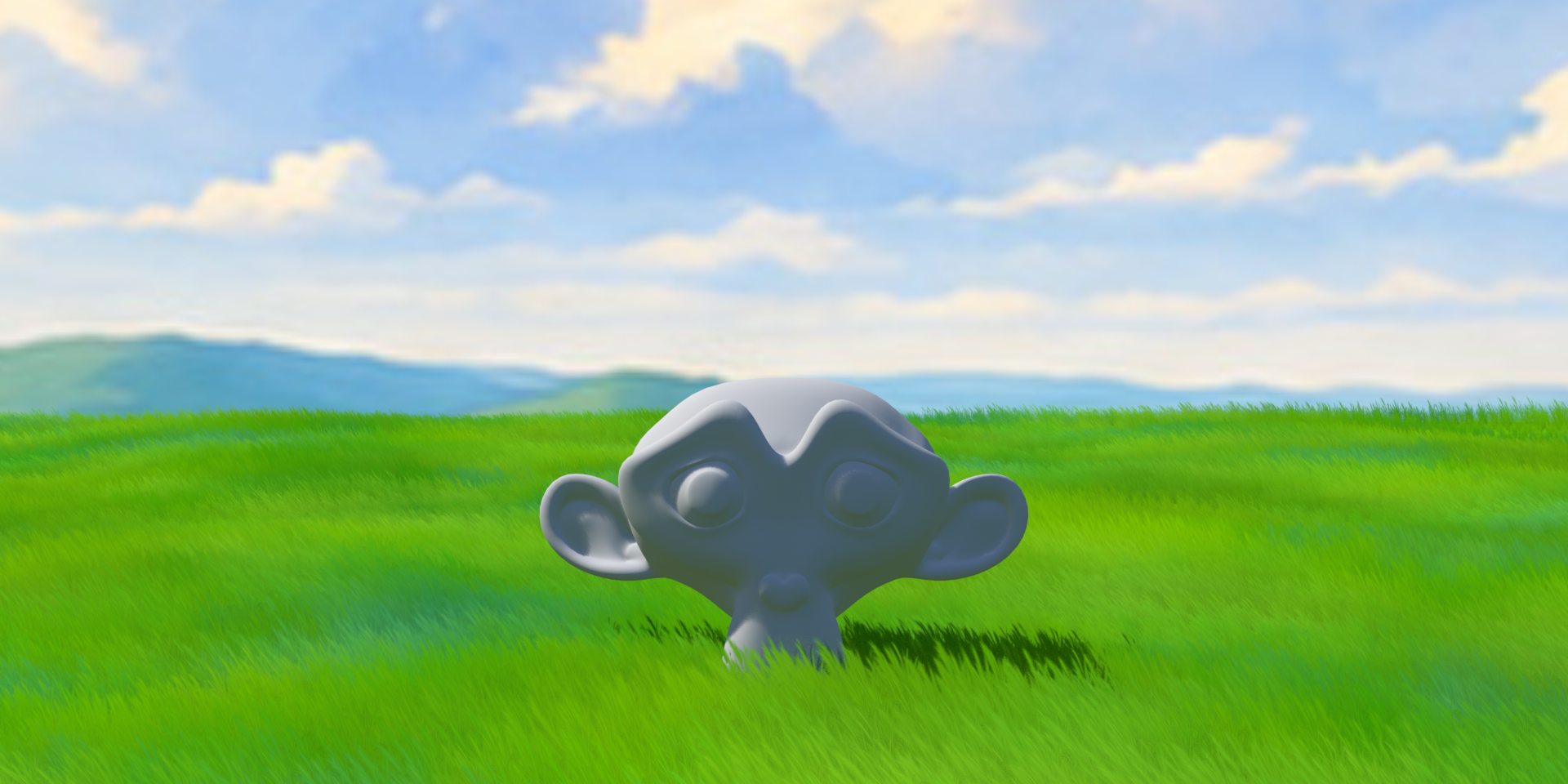
Stylized grass for EEVEE — one click setting, fully animated!
Categories
Tags
Installation
- Download Stylized Grass Painter and check which Blender versions the creator supports. Keep the installable archive (for example,
Stylized_Grass_Painter.zip) intact. If the download is a bundle, extract it first to find the add-on archive. - In Blender, go to Edit → Preferences → Add-ons. In Blender 4.2 and newer, open the top-right menu and choose Install from Disk. In older versions, click Install….
- Select the add-on archive (for example,
Stylized_Grass_Painter.zip) or its standalone.pyfile and confirm the installation. - Find the add-on in the Add-ons list and tick its checkbox if it isn’t already enabled.
Check the creator’s instructions for any extra setup, such as dependencies or license activation.
Compare with other products
Choose a category to find products to compare with this listing.
Product versions
-
2.18.3 for 5.3 published
Created Nov 15, 2026 · Published Nov 15, 2026
Release notes (source)
<p>v2.18.3 - for Blender 5.3</p><p><br></p><p>Built and tested for the Blender 5.3 release.</p><p><br></p><p>Blender 5.3</p><p>- Paint and Erase now work with Blender 5.3's per-brush Unified Color.</p><p> On the default 5.3 brushes, Paint used to paint black, so no grass grew.</p><p>- Removed calls to APIs that Blender has deprecated (ready for Blender 6.0).</p><p>- This build targets Blender 5.3. On other versions the Grass panel shows</p><p> a notice asking you to install the build made for your version.</p><p><br></p><p>Now a Blender Extension</p><p>- Grass Painter is now a Blender Extension: drag the zip into Blender to</p><p> install it.</p><p>- If the old version is still enabled, the Grass panel shows a</p><p> "Disable Old Version" button that fixes it in one click.</p><p>- Your scenes and grass settings are kept when you update.</p><p><br></p><p>Updating from an older version</p><p>1. Edit > Preferences > Add-ons: find Grass Painter, open its dropdown</p><p> and click Remove.</p><p>2. Restart Blender.</p><p>3. Drag the new zip into the Blender window, or use Preferences ></p><p> Add-ons > (dropdown, top right) > Install from Disk.</p>