Product listing
Splat Prep: import, fix, clean up and export Gaussian splats
By Nico Hartl ·
From $15.00
Listing details
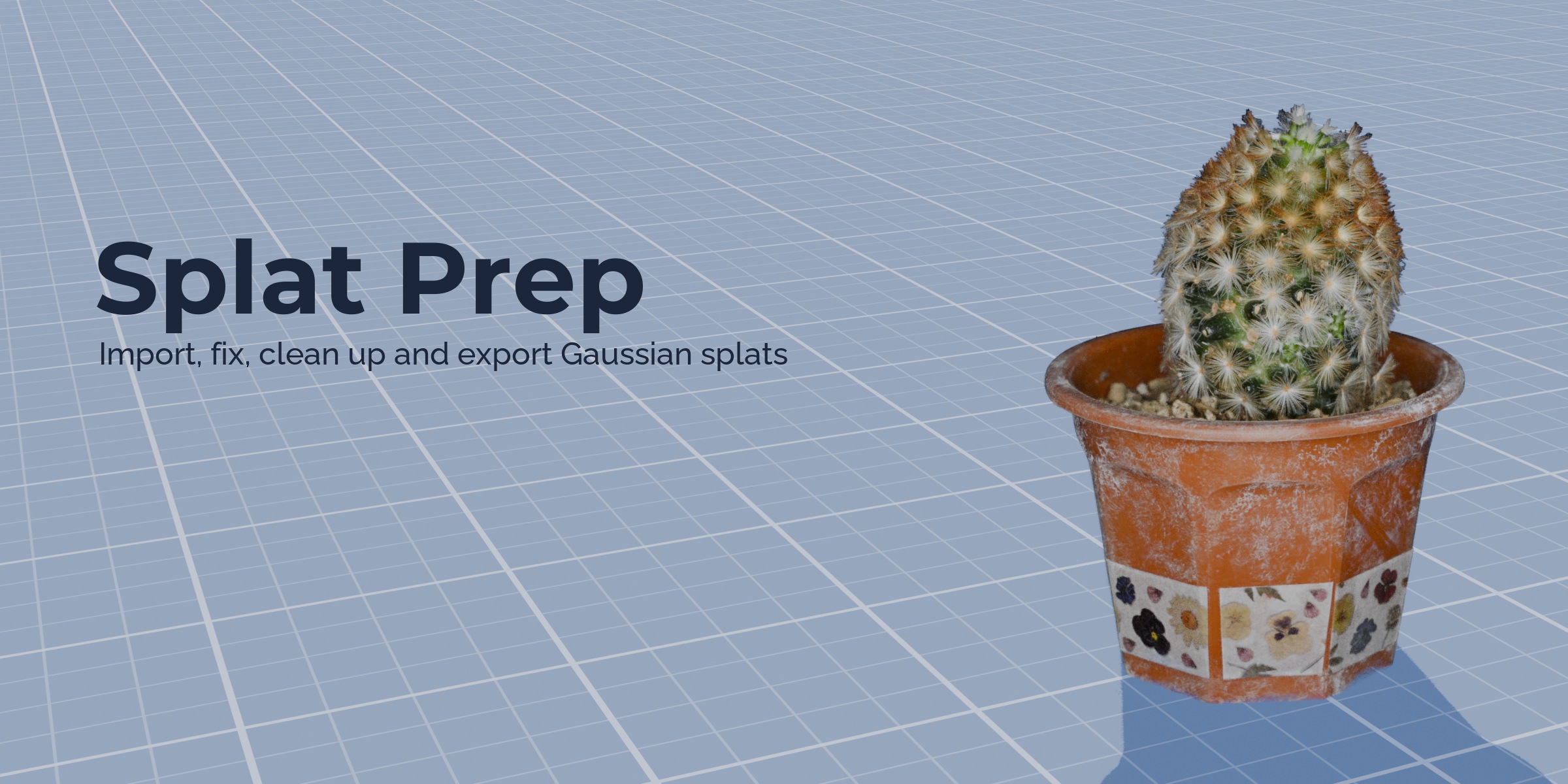
A toolbox for Gaussian splats in Blender 5.3: correct Apply Transform and Join, Align Floor, floater cleanup, live crop, colour grading, proxy mesh, mesh to splats, and import and export of PLY, compressed PLY, SPZ and .splat.
Categories
Tags
Compare with other products
Choose a category to find products to compare with this listing.
Variants
-
Personal published
Price: $15.00 · List price: $19.00 · On sale
Variant versions
-
1.0.1 published
Created Nov 15, 2026 · Published Nov 15, 2026
Release notes (source)
<ul><li>Panel: every button has an icon, the main action of each section is larger, and a button that cannot run shows the reason in one line.</li><li>Colour: six ready looks (Original, Warm, Cool, Vivid, Faded, Mono) as a picture grid. A look sets the sliders, which stay adjustable.</li><li>Clean Up: the box and sphere crop has its own block; select buttons sit in a two-column grid with a Delete Selected button.</li><li>The last result (for example the number of splats removed) is shown in the panel as well as in the status bar.</li><li>Tooltips: each select button and each colour slider explains what it does.</li><li>Mesh to Splats shows progress while it computes shadows.</li><li>Delete Selected reports how many splats it removed.</li><li>The info box no longer lists the number of nearly invisible splats; the Faint button shows it when it selects them.</li><li>No change to file formats or to what the tools do to the splats.</li></ul>
-
-
Team (5 seats) published
Price: $45.00 · List price: $49.00 · On sale
Variant versions
-
1.0.1 published
Created Nov 15, 2026 · Published Nov 15, 2026
Release notes (source)
<ul><li>Panel: every button has an icon, the main action of each section is larger, and a button that cannot run shows the reason in one line.</li><li>Colour: six ready looks (Original, Warm, Cool, Vivid, Faded, Mono) as a picture grid. A look sets the sliders, which stay adjustable.</li><li>Clean Up: the box and sphere crop has its own block; select buttons sit in a two-column grid with a Delete Selected button.</li><li>The last result (for example the number of splats removed) is shown in the panel as well as in the status bar.</li><li>Tooltips: each select button and each colour slider explains what it does.</li><li>Mesh to Splats shows progress while it computes shadows.</li><li>Delete Selected reports how many splats it removed.</li><li>The info box no longer lists the number of nearly invisible splats; the Faint button shows it when it selects them.</li><li>No change to file formats or to what the tools do to the splats.</li></ul>
-
-
Studio (15 seats) published
Price: $115.00 · List price: $119.00 · On sale
Variant versions
-
1.0.1 published
Created Nov 15, 2026 · Published Nov 15, 2026
Release notes (source)
<ul><li>Panel: every button has an icon, the main action of each section is larger, and a button that cannot run shows the reason in one line.</li><li>Colour: six ready looks (Original, Warm, Cool, Vivid, Faded, Mono) as a picture grid. A look sets the sliders, which stay adjustable.</li><li>Clean Up: the box and sphere crop has its own block; select buttons sit in a two-column grid with a Delete Selected button.</li><li>The last result (for example the number of splats removed) is shown in the panel as well as in the status bar.</li><li>Tooltips: each select button and each colour slider explains what it does.</li><li>Mesh to Splats shows progress while it computes shadows.</li><li>Delete Selected reports how many splats it removed.</li><li>The info box no longer lists the number of nearly invisible splats; the Faint button shows it when it selects them.</li><li>No change to file formats or to what the tools do to the splats.</li></ul>
-