Product listing
Simple Sketch Pro
By Chipp Walters ·
$25.00
List price: $25.00
Listing details
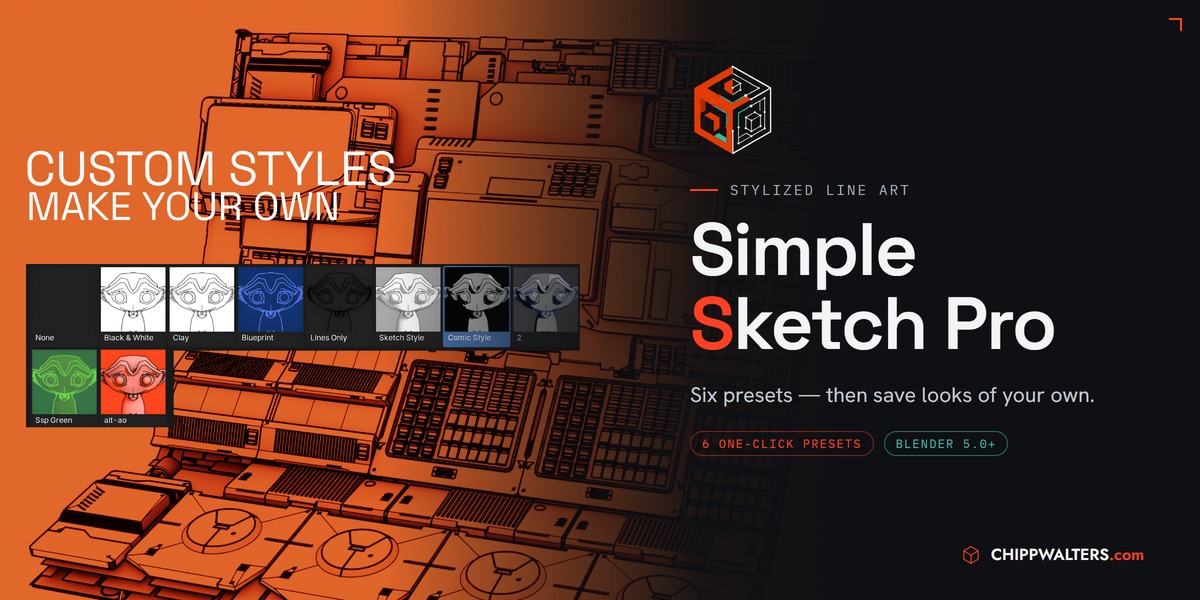
Simple Sketch Pro simplifies line art illustrations and animations in Blender. Whether you're a technical illustrator, cartoon or graphic novel artist, or creating industrial and architectural design sketches, SIMPLE SKETCH PRO delivers powerful features and is easy to use.
Categories
Tags
Installation
- Download Simple Sketch Pro and check which Blender versions the creator supports. Keep the installable archive (for example,
Simple_Sketch_Pro.zip) intact. If the download is a bundle, extract it first to find the add-on archive. - In Blender, go to Edit → Preferences → Add-ons. In Blender 4.2 and newer, open the top-right menu and choose Install from Disk. In older versions, click Install….
- Select the add-on archive (for example,
Simple_Sketch_Pro.zip) or its standalone.pyfile and confirm the installation. - Find the add-on in the Add-ons list and tick its checkbox if it isn’t already enabled.
Check the creator’s instructions for any extra setup, such as dependencies or license activation.
Compare with other products
Choose a category to find products to compare with this listing.
Product versions
-
Blender 5 published
Created Jun 15, 2026 · Published Jun 15, 2026
Release notes (source)
<p>Blender 5 changed a bunch of grease pencil attributes and this update fixed those issues. Updated interface and streamlined workflow. </p>