Product listing
Shortcut Finder
By PlugIn3D ·
$3.50
List price: $3.50
Listing details
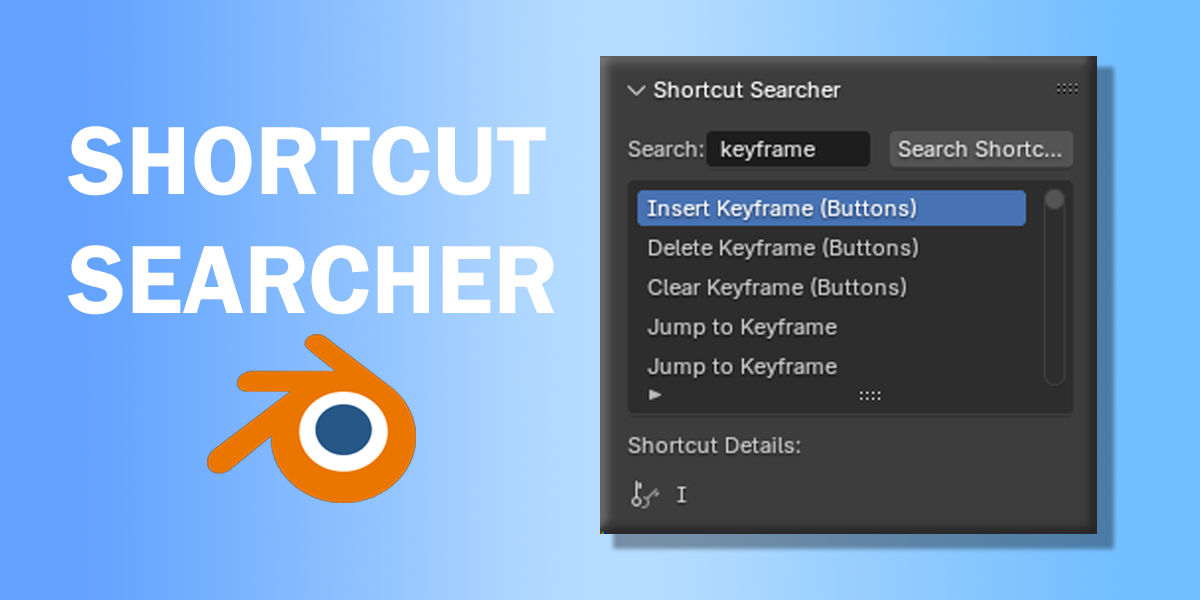
Discover the "Concise Shortcut Detail Viewer" for Blender, an essential addon that simplifies finding and understanding keyboard shortcuts, enhancing your workflow efficiency. Perfect for 3D artists and designers!
Categories
Tags
- 3d animation enhancement
- 3d animation plugins
- 3d animation shortcuts
- 3d animation studio
- 3d artist tools
- 3d design productivity
- 3d model creation
- 3d model design
- 3d modeling software
- 3d project tools
- 3d rendering tools
- 3d sculpting tools
- 3d software enhancements
- advanced 3d tools
- advanced blender tools
- animation efficiency tools
- animation key shortcuts
- animation project efficiency
- animation shortcuts
- animation software
- animation studio tools
- animation workflow tools
- blender performance tools
- blender plugins
- blender productivity
- blender productivity plugins
- blender professional use
- blender quick access
- blender quick tips
- blender scripting
- blender shortcuts
- blender techniques
- blender time savers
- blender ui customization
- blender user experience
- blender user support
- blender utility tools
- blender workflow tools
- creative animation tools
- creative tools
- custom blender tools
- customizable blender interface
- custom keymaps
- digital animator tools
- digital-art-tools
- productivity tools
- quick access tools
- quick shortcut manager
- shortcut keys
- shortcut management
- software efficiency
- software productivity enhancements
- software shortcuts
- time-saving blender addons
- ui enhancements
- user interface tools
- visual design software
- visual effects software
- workflow enhancement
Installation
- Download Shortcut Finder and check which Blender versions the creator supports. Keep the installable archive (for example,
Shortcut_Finder.zip) intact. If the download is a bundle, extract it first to find the add-on archive. - In Blender, go to Edit → Preferences → Add-ons. In Blender 4.2 and newer, open the top-right menu and choose Install from Disk. In older versions, click Install….
- Select the add-on archive (for example,
Shortcut_Finder.zip) or its standalone.pyfile and confirm the installation. - Find the add-on in the Add-ons list and tick its checkbox if it isn’t already enabled.
Check the creator’s instructions for any extra setup, such as dependencies or license activation.
Compare with other products
Choose a category to find products to compare with this listing.