Product listing
Shader Creator – PBR Texture Folders to Material Library
By mortada Foraii ·
$14.00
List price: $14.00
Listing details
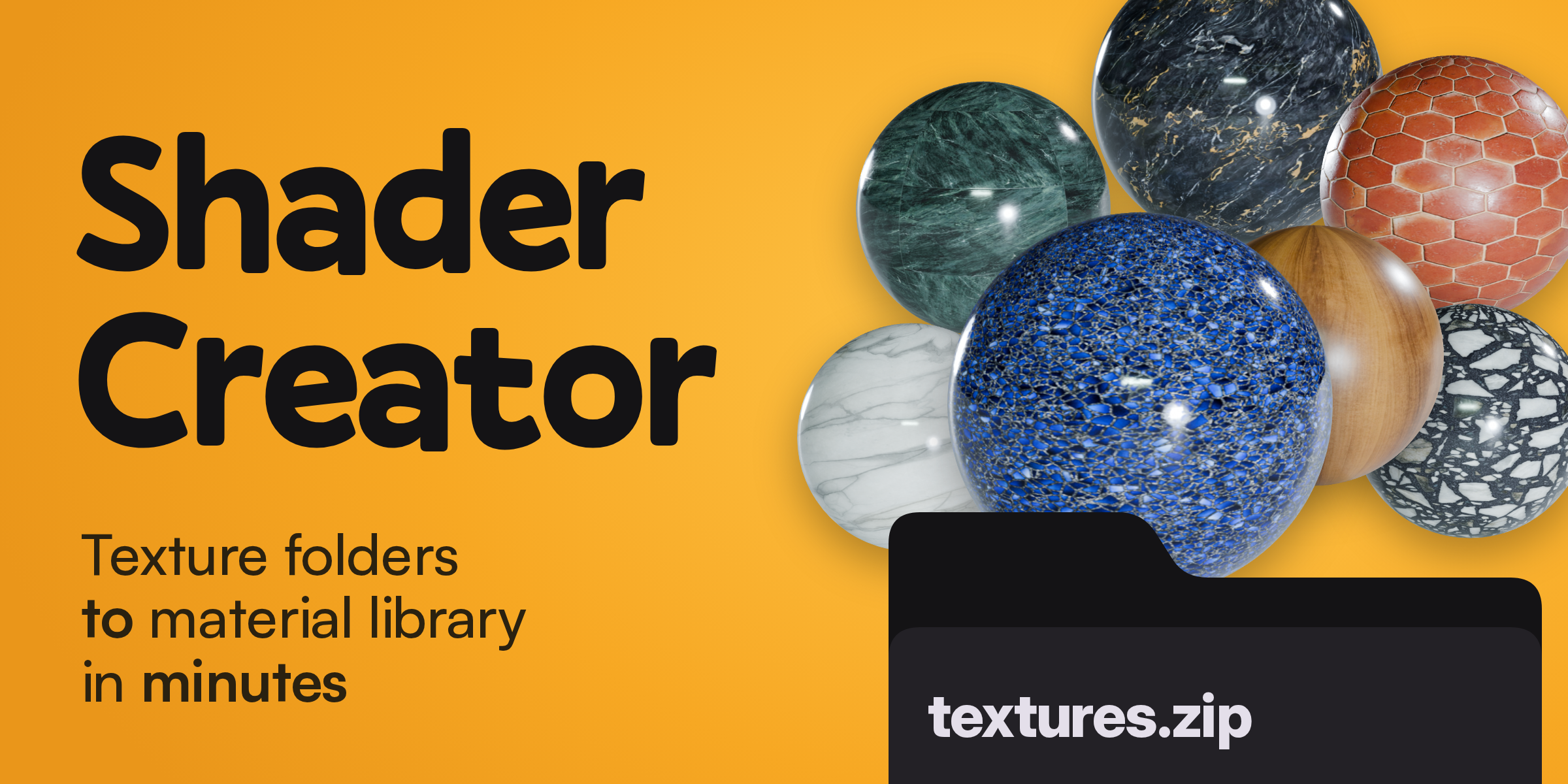
Turn folders of PBR textures, even unopened ZIPs, into finished materials with previews, sorted into catalogs and ready in the Asset Browser.
Categories
Tags
Installation
- Download Shader Creator – PBR Texture Folders to Material Library and check which Blender versions the creator supports. Keep the installable archive (for example,
Shader_Creator_–_PBR_Texture_Folders_to_Material_Library.zip) intact. If the download is a bundle, extract it first to find the add-on archive. - In Blender, go to Edit → Preferences → Add-ons. In Blender 4.2 and newer, open the top-right menu and choose Install from Disk. In older versions, click Install….
- Select the add-on archive (for example,
Shader_Creator_–_PBR_Texture_Folders_to_Material_Library.zip) or its standalone.pyfile and confirm the installation. - Find the add-on in the Add-ons list and tick its checkbox if it isn’t already enabled.
Check the creator’s instructions for any extra setup, such as dependencies or license activation.
Compare with other products
Choose a category to find products to compare with this listing.
Product versions
-
1.0.2 published
Created Nov 17, 2026 · Published Nov 17, 2026
Release notes (source)
Auto sorting now looks at the folders a set comes from: a folder named like a catalog (for example Poliigon's "Fabric") puts the set in that catalog, or in a sub-catalog of it when the name fits one.<br>Set names end with their real texture size, read from the image files ("Fabric Chiffon 001 1K"). A new Resolution in Name preference picks Always (default), Only Versions or Never. Sets already in the list keep their names; after updating, an Overwrite of an older library adds the renamed shaders next to the old ones.<br>Creating into the Asset Library or a Custom Folder never packs textures into the library .blend, also with Blender's Automatically Pack Resources on.<br>Library and folder .blend files are saved uncompressed, so they open faster.<br>A texture set with a transmission map no longer stops the scan with an error. The Transmissive value saved on sets in older files resets to 0.<br>Works in Blender 5.3, and newer Blender versions are no longer blocked.<br>After a Create into the Asset Library or a Custom Folder, an open Asset Browser shows the new materials at once, without pressing Refresh.<br>New materials use a gentler default Displacement Scale (0.02).<br>Previews use new, faster preview scenes.<br>New user guide (PDF included).
Related products
More from this creator
No other products from this creator.