Product listing
SceneHelm - Production Control Toolkit for Blender
$24.90
List price: $24.90
Listing details
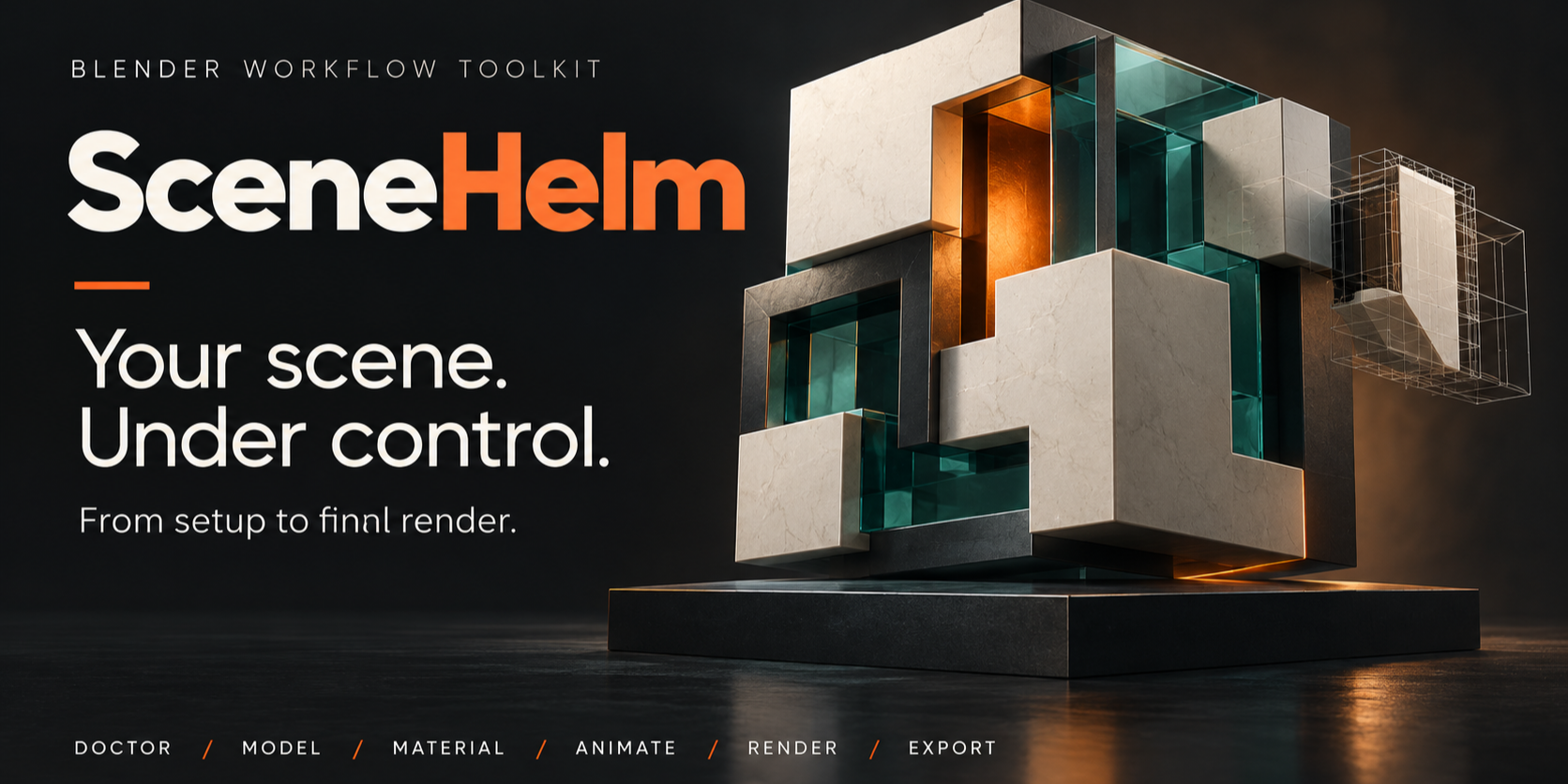
Diagnose, organize and deliver Blender scenes with confidence. SceneHelm combines scene checks, modeling, materials, animation, rendering and export in one toolkit for Blender 5.2 LTS.
Categories
Tags
Compare with other products
Choose a category to find products to compare with this listing.
Product versions
-
SceneHelm-1.5.0-beta published
Created Sep 23, 2026 · Published Sep 23, 2026
Release notes (source)
<p>WHAT'S NEW — SCENEHELM 1.5.0 BETA</p><p>SceneHelm 1.5.0 Beta makes the toolkit easier to navigate and substantially expands its parametric building workflow.</p><p>The new Focused Tools catalog groups the existing toolset by task, provides cross-workspace search with English and Spanish aliases, and lets you return to the full All Panels workspace whenever needed. Visual galleries now make the seven building and seven fence factory presets easier to identify before loading their settings.</p><p>Buildings gain style-aware architectural finishes, procedural materials, detailed roof surfaces, gutters and downspouts, grouped editable families, and constructed windows, doors, shutters and hardware. The current American Suburban kit includes authored window and door parts, continuous lap siding, detailed porch and shingle work, and one closed L-section corner moulding per orthogonal corner.</p><p>This update remains compatible with Blender 5.2 LTS and keeps SceneHelm's scene schema 1. Building recipes 1–8 remain readable; the current kit writes recipe schema 9 after an explicit Create or Apply Changes operation.</p><p>BETA NOTICE</p><p>This is a development release. Automated regression and packaging checks pass, but native Blender validation of Building Kit 03 is still pending. Back up important projects before updating. Older SceneHelm installers cannot edit schema-9 buildings.</p>
-
1.1.2 published
Created Sep 3, 2026 · Published Sep 3, 2026
Release notes (source)
<h1 style="color: rgb(0, 0, 0); font-family: "Times New Roman";">SceneHelm 1.1.2 - Release notes</h1><p style="font-family: "Times New Roman"; font-size: medium;">This update brings the architectural building improvements together with the modular fences, hanging cables and Scene Doctor maintenance fixes released since 1.0.0.</p><ul style="font-family: "Times New Roman"; font-size: medium;"><li>Buildings: seven editable presets, geometric windows and doors, independent facades, floor/bay exceptions, roof forms and optional architectural details.</li><li>Fences: seven presets, independent components, corners/slopes/closed paths, a static pedestrian gate and recipe-based editing.</li><li>Cables: ordered supports, relative/absolute sag, per-span overrides and recipe-based editing; existing-curve copies retain profile-only updates.</li><li>Doctor: guarded Apply R&S with explicit results, missing-image location helpers and purpose-aware Geometry Review.</li><li>Delivery: refreshed installation, tool reference, FAQ and Spanish modeling documentation. One complete edition; unchanged GPL-3.0-or-later license.</li></ul><h2 style="color: rgb(0, 0, 0); font-family: "Times New Roman";">Updating from 1.0.0</h2><p style="font-family: "Times New Roman"; font-size: medium;">Back up your .blend, download scenehelm-1.1.2.zip and install that ZIP without extracting it. Restart Blender and run Doctor > Extension Health; the expected result is 8/8 checks passed. Re-scan the scene and rerun Production Readiness.</p><p style="font-family: "Times New Roman"; font-size: medium;">SceneHelm keeps schema-1 project records. Legacy generated objects without complete recipes remain unchanged; they do not automatically become parametrically editable. Load saved recipe-based objects again after reopening. Review manual-edit replacement prompts before confirming.</p><p style="font-family: "Times New Roman"; font-size: medium;">Blender target remains 5.2 LTS, starting at 5.2.0. Cables are static, buildings have rectangular footprints, and generated demonstration scenes are not included. See the documentation for exact scope and limits.</p>