Product listing
Raycast Scanner (Addon) v1.0 | Dynamically Raycast scan your objects with ease
By Dennis Hafemann ·
$5.00
List price: $5.00
Listing details
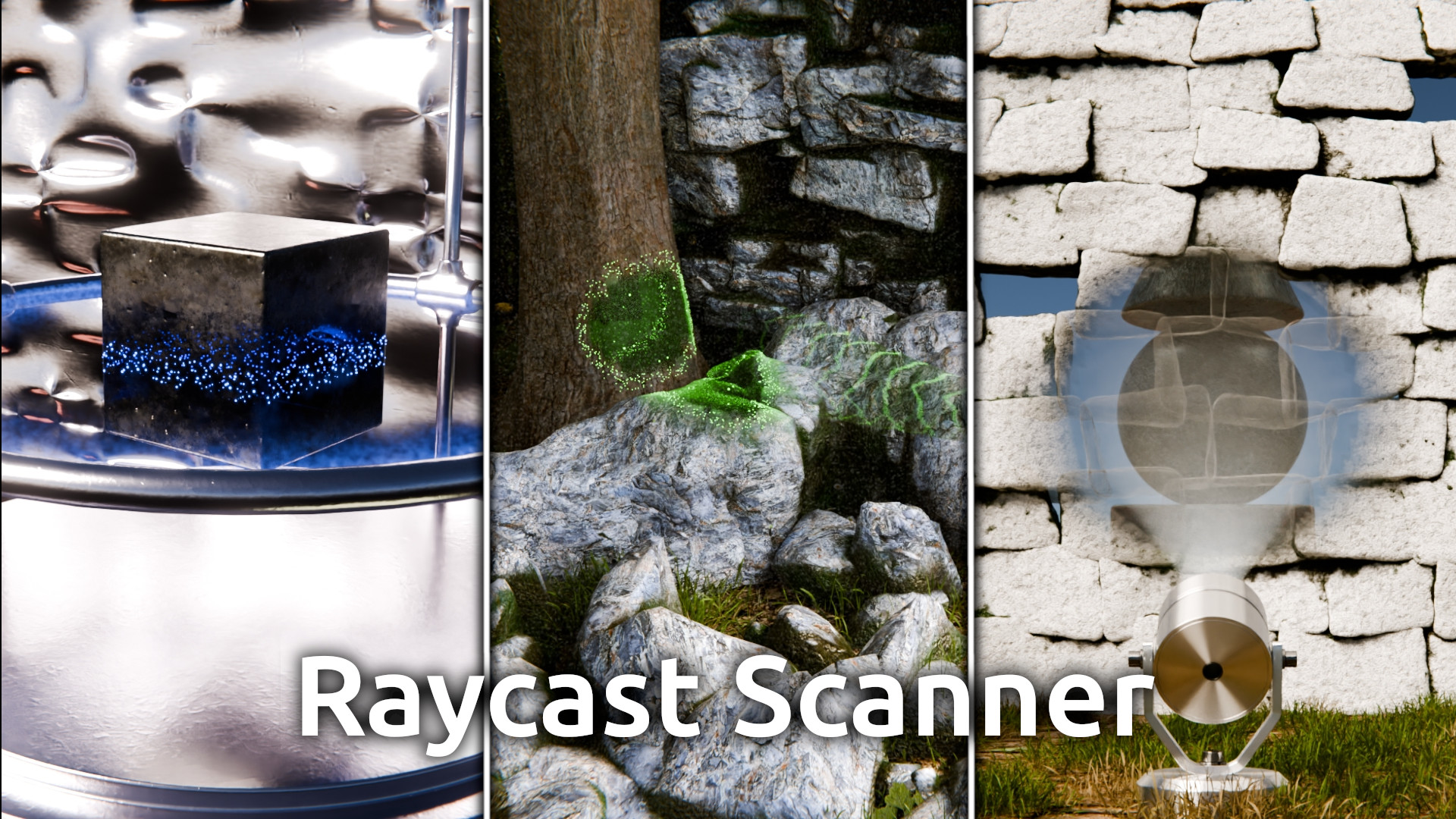
Raycast Scanner | Dynamically Raycast scan your objects with ease | Create the foundation for e.g. hot scanned areas, drone scanned objects or even holograms with this easy to use addon, on which you can build up and imagine your own "scanning" environments.
Categories
Tags
Installation
- Download Raycast Scanner (Addon) v1.0 | Dynamically Raycast scan your objects with ease and check which Blender versions the creator supports. Keep the installable archive (for example,
Raycast_Scanner_(Addon)_v1.0_|_Dynamically_Raycast_scan_your_objects_with_ease.zip) intact. If the download is a bundle, extract it first to find the add-on archive. - In Blender, go to Edit → Preferences → Add-ons. In Blender 4.2 and newer, open the top-right menu and choose Install from Disk. In older versions, click Install….
- Select the add-on archive (for example,
Raycast_Scanner_(Addon)_v1.0_|_Dynamically_Raycast_scan_your_objects_with_ease.zip) or its standalone.pyfile and confirm the installation. - Find the add-on in the Add-ons list and tick its checkbox if it isn’t already enabled.
Check the creator’s instructions for any extra setup, such as dependencies or license activation.
Compare with other products
Choose a category to find products to compare with this listing.
Product versions
-
v1.02 published
Created Aug 6, 2026 · Published Aug 6, 2026
Release notes (source)
<ul><li>Fixes for Blender version 5.2</li></ul>
-
v1 published
Created Mar 28, 2026 · Published Jun 1, 2025
Release notes (source)
<div>v1</div><ul><li>First, initial release, including the addon with apply scanning process and examples for materials and preset objects.</li></ul><p>v1.0.1</p><ul><li>Bug fix: rs_distance was not calculated correctly in some cases</li></ul><p><br></p>