Product listing
Rampage
By Yatima ·
$12.00
List price: $12.00
Listing details
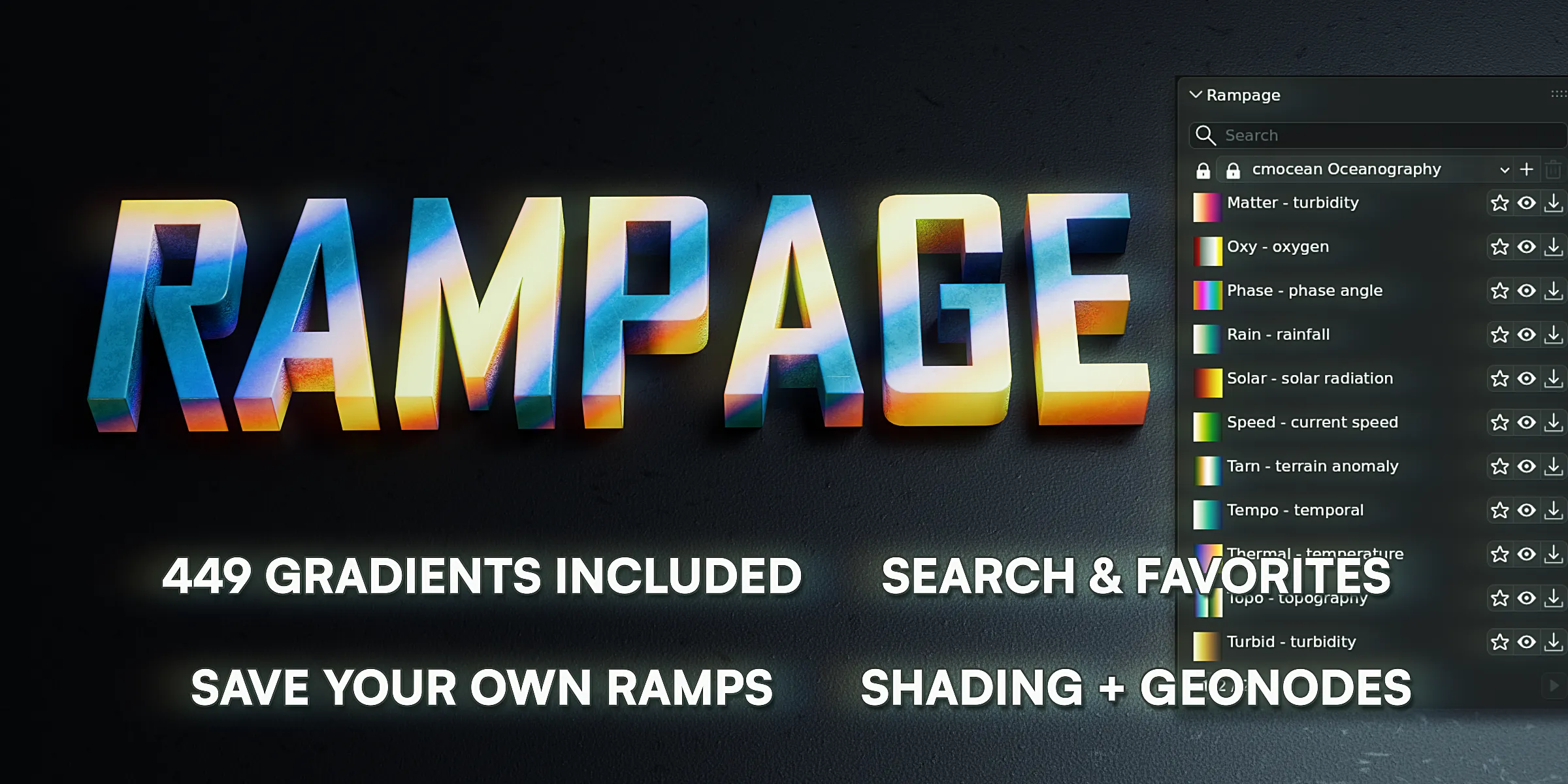
Save any Blender color ramp as a preset and reuse it in any project. Rampage ships with 449 gradients like Viridis, Inferno, Plasma, scientific colormaps and design gradients, for the Shader and Geometry Nodes editors.
Categories
Tags
Installation
- Download Rampage and check which Blender versions the creator supports. Keep the installable archive (for example,
Rampage.zip) intact. If the download is a bundle, extract it first to find the add-on archive. - In Blender, go to Edit → Preferences → Add-ons. In Blender 4.2 and newer, open the top-right menu and choose Install from Disk. In older versions, click Install….
- Select the add-on archive (for example,
Rampage.zip) or its standalone.pyfile and confirm the installation. - Find the add-on in the Add-ons list and tick its checkbox if it isn’t already enabled.
Check the creator’s instructions for any extra setup, such as dependencies or license activation.
Compare with other products
Choose a category to find products to compare with this listing.
Product versions
-
Initial Release (Version 1.0.2) published
Created Sep 4, 2026 · Published Jul 27, 2026
Release notes (source)
<ul style="font-family: verdana, geneva, sans-serif; color: rgb(51, 51, 51); margin-left: 20px;"><li><i>Fixed: The node editor no longer slows down while browsing a collection of your own presets.</i></li><li><i>Fixed: Applying a preset from Favorites or search no longer stops working when your own collection is empty.</i></li><li><i>Added: Favorites, star presets from any collection and find them in one place.</i></li><li><i>Added: Bundled collections are marked read-only so you cannot overwrite them by accident.</i></li><li><i>Fixed: Deselecting a Color Ramp no longer leaves it as the target, which could overwrite it unintentionally.</i></li><li><i>Fixed: New Color Ramp nodes are created centered in the view instead of under the sidebar.</i></li><li><i>Added: Applying a preset with no ramp selected creates a new Color Ramp node for you.</i></li><li><i>Added: Large preview overlay to inspect a gradient in detail without applying it.</i></li><li><i>Fixed: Applying a preset from search results no longer fails when it lives in another collection.</i></li><li><i>Added: Presets are listed alphabetically, and long collections are paginated.</i></li><li><i>Added: uiGradients design gradients, grouped by dominant colour.</i></li><li><i>Added: cmocean oceanography colormaps, named by what they represent.</i></li><li><i>Added: Crameri scientific colour maps, split into sequential, diverging, cyclic and multi.</i></li><li><i>Added: Matplotlib colormaps (Viridis, Magma, Inferno, Plasma, Cividis).</i></li><li><i>Added: Page size configurable in the addon preferences.</i></li><li><i>Added: Search presets by name across every collection at once.</i></li><li><i>Added: The preset matching your current ramp is highlighted in the list.</i></li><li><i>Added: Organise your presets into your own collections.</i></li><li><i>Fixed: The panel no longer breaks if a preset file is damaged or edited by hand.</i></li><li><i>Added: Gradient preview chip on every preset, so you can see it before applying it.</i></li><li><i>Added: Overwrite, rename and delete your saved presets.</i></li><li><i>Fixed: The panel now also appears in the Geometry Nodes editor.</i></li><li><i>Added: Sidebar panel in the Shader Editor and the Geometry Nodes editor.</i></li><li><i>Added: Save any Color Ramp as a named preset and apply it back with one click.</i></li><li><i>Added: Detection of the Color Ramp you are working on, in both node editors.</i></li><li><i>Added: Active-Ramp resolution and add/replace/remove/apply operators.</i></li><li><i>Added: Core model, multi-library storage and registration skeleton.</i></li></ul>