Product listing
Quick Decimator & Optimizer
By Rana Abdullah ·
$11.49
List price: $11.49
Listing details
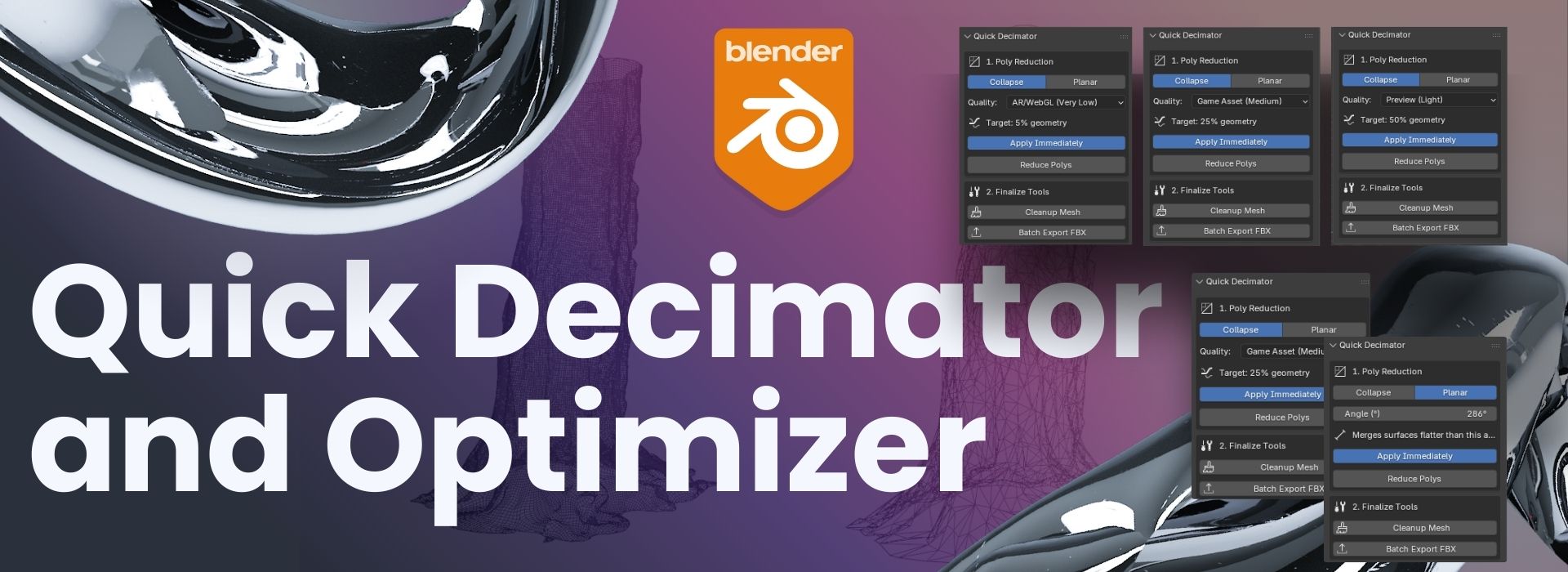
You'll get a one-click Blender addon that provides powerful poly reduction (Collapse/Planar), instant mesh cleanup, and batch FBX export for creating game-ready, AR/WebGL assets.
Categories
Tags
Compare with other products
Choose a category to find products to compare with this listing.
Product versions
-
Version 1.2 published
Created May 7, 2026 · Published May 7, 2026
Release notes (source)
<li class="whitespace-normal break-words pl-2"><strong>Live Face Counter:</strong> See your active object's exact polygon count in real-time, directly inside the panel — no guessing before or after optimization.</li><li class="whitespace-normal break-words pl-2"><strong>Complete Poly Reduction:</strong> Collapse presets (AR/WebGL, Game Asset, Preview) and dedicated Planar (Dissolve) mode for flat surfaces.</li><li class="whitespace-normal break-words pl-2"><strong>Preserve Original:</strong> Duplicate and hide the original mesh before decimating — your source geometry is always safely stored and recoverable.</li><li class="whitespace-normal break-words pl-2"><strong>One-Click Finalization:</strong> Instant mesh cleanup — apply transforms, merge stray vertices, delete loose geometry, and fix normals in a single click.</li><li class="whitespace-normal break-words pl-2"><strong>Batch FBX Export:</strong> Export multiple selected models as separate, clean FBX files for Unity, Unreal, and Godot.</li><li class="whitespace-normal break-words pl-2"><strong>Batch GLB Export:</strong> Export as glTF 2.0 binary (.glb) for WebGL, Three.js, Sketchfab, and AR/VR platforms.</li><li class="whitespace-normal break-words pl-2"><strong>Custom Export Folder:</strong> Set any output directory with Blender's native folder picker — no longer locked to the blend file's location.</li><li class="whitespace-normal break-words pl-2"><strong>Open Export Folder:</strong> Instantly reveal your output folder in Finder, Explorer, or Nautilus without leaving Blender.</li><li class="whitespace-normal break-words pl-2"><strong>Smart Workflow:</strong> Automatically removes/reapplies Decimate modifiers and reports exact face count reduction in the info bar.</li><li class="whitespace-normal break-words pl-2"><strong>What's New Popup:</strong> A clean version changelog appears automatically on first launch after an update — dismiss it once and it never shows again.</li><li class="whitespace-normal break-words pl-2"><strong>Sidebar Integration</strong> for immediate access. No scripting or modifier stacks needed.</li>
-
Version 1.1 published
Created Nov 24, 2025 · Published Nov 24, 2025
Release notes (source)
<p>The addon is much more powerful now! We added three major new features:</p><ol>
<li><p><b>Dual Decimation:</b> You now have the <b>Planar</b> mode to clean up flat surfaces, in addition to the original <b>Collapse</b> presets for general poly reduction.</p></li>
<li><p><b>One-Click Cleanup:</b> Added a <b>"Cleanup Mesh"</b> button that instantly applies transforms, fixes normals, and removes stray geometry before you export.</p></li>
<li><p><b>Batch Export FBX:</b> You can now select multiple objects and export them all as separate, game-ready <b>.fbx</b> files with one click.</p></li>
<li><p><b>Reliability:</b> We fixed bugs so the new <b>Planar</b> and <b>Cleanup</b> tools work perfectly in Blender 5.0 and always report the correct face reduction.</p></li>
</ol>
-
Version 1.0 published
Created Nov 24, 2025 · Published Aug 14, 2025
Release notes (source)
<p><span><b>Initial Release<br></b></span><span>Core functionality: One-click <b>Collapse</b> poly reduction using three fixed ratio presets (AR/WebGL, Game Asset, Preview). The modifier was applied immediately upon click.</span></p>