Product listing
Quick Cloth Inflate
By Alexis Rivera ·
$6.00
List price: $6.00
Listing details
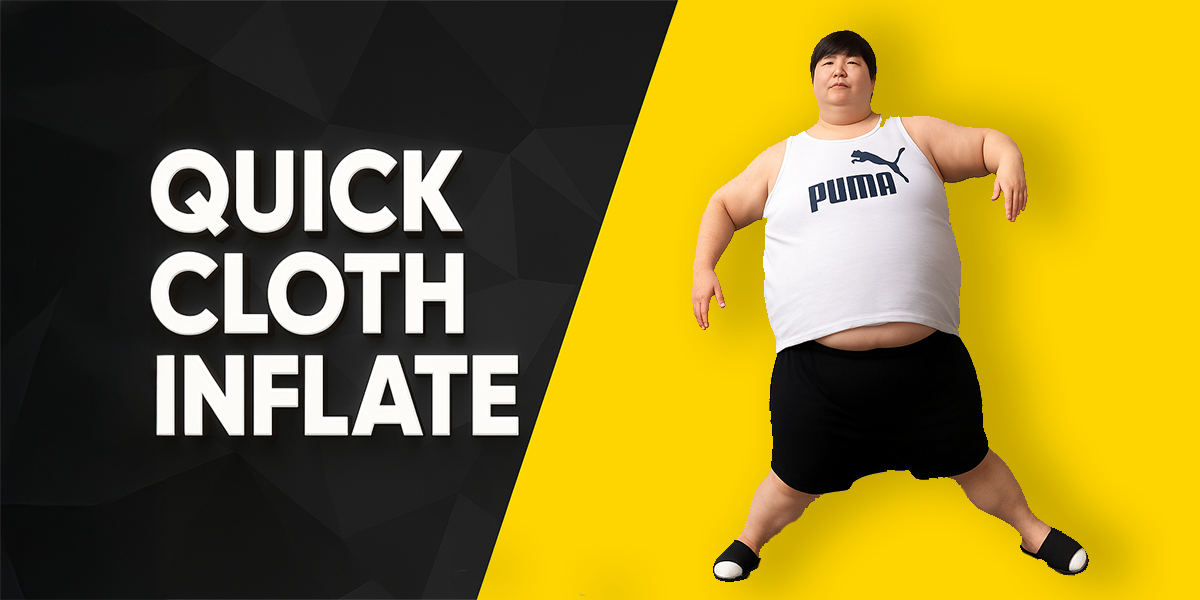
The "Quick Cloth Inflate" addon for Blender is a useful tool for animators and designers who want to add an inflate effect to a 3D object. With this addon, you can select a cube in your scene and increase its size in all directions, giving the impression that the object is inflating. In addition, the "Quick Cloth Inflate" addon is compatible with other Blender tools allowing you to easily integrate object inflation into your existing projects. Whether you're creating animations, or 3D renderings, this addon can help you add an interesting and engaging visual effect to your works.
Categories
Tags
Installation
- Download Quick Cloth Inflate and check which Blender versions the creator supports. Keep the installable archive (for example,
Quick_Cloth_Inflate.zip) intact. If the download is a bundle, extract it first to find the add-on archive. - In Blender, go to Edit → Preferences → Add-ons. In Blender 4.2 and newer, open the top-right menu and choose Install from Disk. In older versions, click Install….
- Select the add-on archive (for example,
Quick_Cloth_Inflate.zip) or its standalone.pyfile and confirm the installation. - Find the add-on in the Add-ons list and tick its checkbox if it isn’t already enabled.
Check the creator’s instructions for any extra setup, such as dependencies or license activation.
Compare with other products
Choose a category to find products to compare with this listing.