Product listing
Procedural Noise Library
By Blender Station ·
From $1.00
Listing details
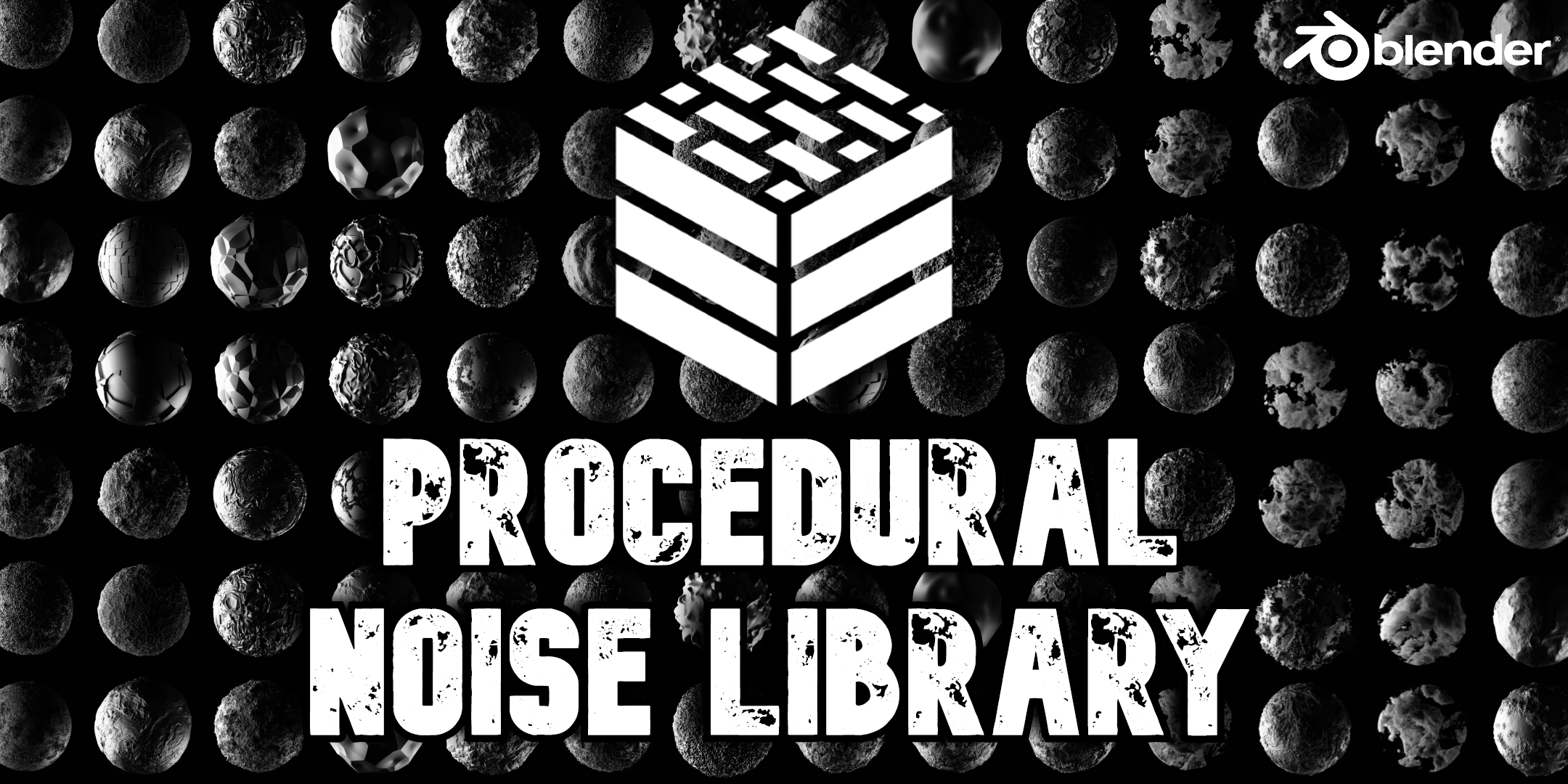
The Procedural Noise Library offers an extensive collection of over 60 high-quality noise textures, designed to elevate your procedural material creation. This versatile library is an essential tool for crafting a wide range of detailed, professional-grade textures.
Categories
Tags
- blender procedural damage
- blender procedural effects
- blender procedural textures
- blender texture pack
- buildings
- cardboard
- car paint
- ceramic
- clay
- cloth
- concrete
- decals
- detailed texture packs
- fabric
- flooring
- glass
- ground
- hyperrealistic texture packs
- ice
- jean
- landscape
- leather
- loveblender
- marble
- material collection
- material pack
- materials
- materials collection
- metal
- node editor
- node group
- nodes
- nodesetups
- noise
- noise texture
- noise textures
- organic
- patterns
- physically based shading
- plastic
- pottery
- procedural
- procedural material
- procedural materials
- procedural materials pack
- procedural nodes
- procedural noise
- procedural noise library
- procedural noise pack pro
- procedural shader
- procedural textures
- rubber
- sci fi
- shader
- shaders
- spring23
- spring24
- stone
- stylized
- summer23
- summer24
- texture decals
- texture-pack
- textures
- tiles
- tools
- toon
- winter24
- wood
- 3d animatable
- 3d art tools
- 3d asset for vfx
- 3d asset library
- 3d material
- 3d material library
- 3d materials
- 3d material textures
- 3d photorealism
- advanced addon
- advanced blender
- advanced noise
- advanced primitives nodes shader procedural
- advanced-procedural
- animated-procedural-texture
- animated procedural water
- asphalt
- best procedural
- blender procedural
- blender procedural abstract materials
Installation
- Download Procedural Noise Library and check which Blender versions the creator supports. Keep the installable archive (for example,
Procedural_Noise_Library_.zip) intact. If the download is a bundle, extract it first to find the add-on archive. - In Blender, go to Edit → Preferences → Add-ons. In Blender 4.2 and newer, open the top-right menu and choose Install from Disk. In older versions, click Install….
- Select the add-on archive (for example,
Procedural_Noise_Library_.zip) or its standalone.pyfile and confirm the installation. - Find the add-on in the Add-ons list and tick its checkbox if it isn’t already enabled.
Check the creator’s instructions for any extra setup, such as dependencies or license activation.
Compare with other products
Choose a category to find products to compare with this listing.
Variants
-
Procedural Noise Library: Lite published
Price: $15.00 · List price: $15.00
-
Procedural Noise Library: Pro published
Price: $25.00 · List price: $25.00
-
Procedural Noise Library: Ultimate published
Price: $35.00 · List price: $35.00
-
Procedural Noise Library: Demo published
Price: $1.00 · List price: $1.00