Product listing
Print Fix - Mesh Repair for 3D Printing
By Hanru Croucamp ·
$11.25 On sale
List price: $15.00
Listing details
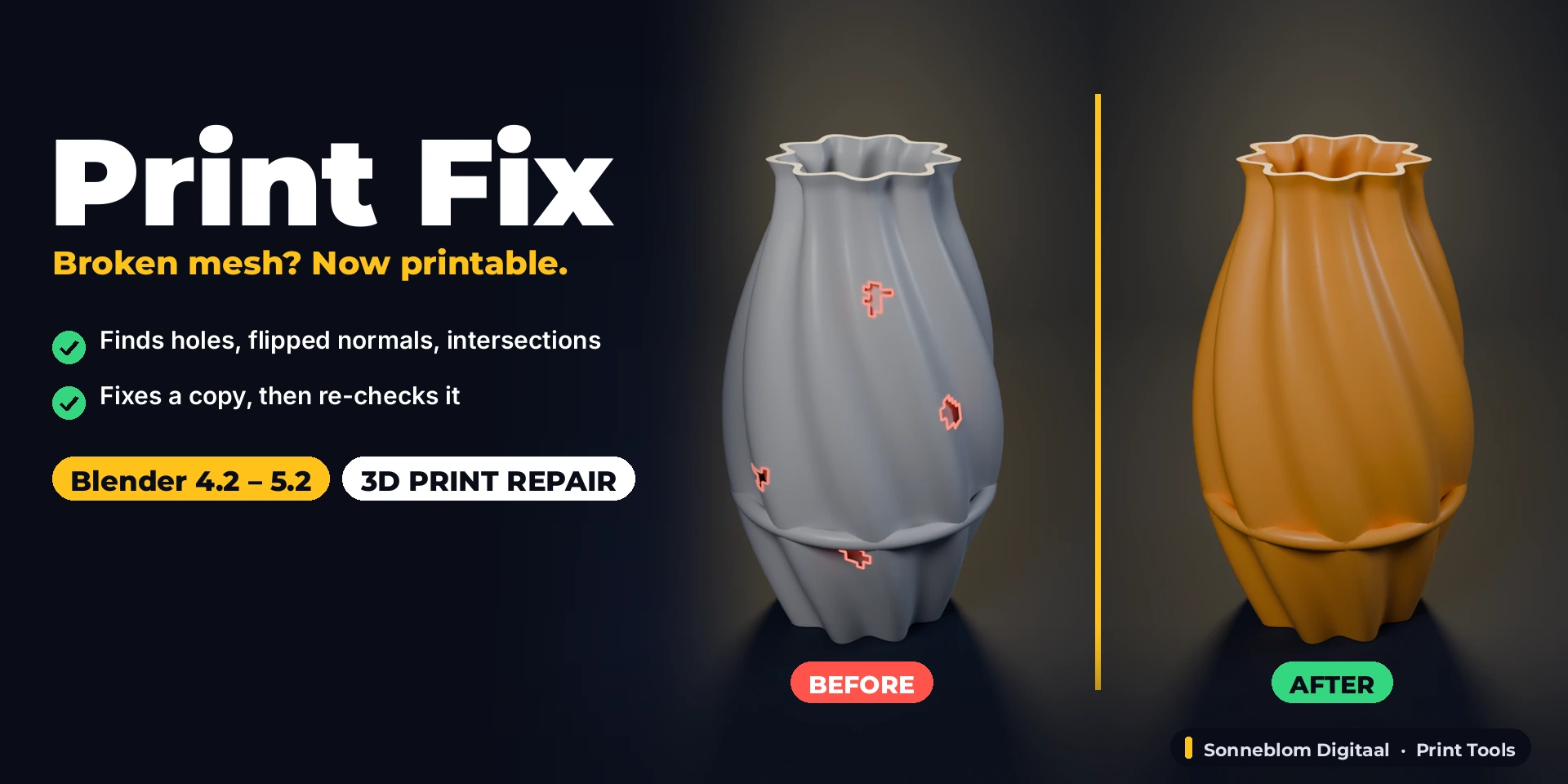
Blender add-on that checks a model for 3D-printing problems (holes, non-manifold edges, flipped faces), repairs a copy and re-checks it before calling it printable. Blender 4.2+.
Categories
Tags
Compare with other products
Choose a category to find products to compare with this listing.
Product versions
-
1.2.0 published
Created Nov 14, 2026 · Published Nov 14, 2026
Release notes (source)
<p><b>1.2.0</b> (Nov 2026): one-click Make Printable in three levels (Quick → Deep → Rebuild, stops when watertight, shows the level used); Before / After table (watertight, holes, open edges, flipped normals, shells, intersecting faces, size in mm, volume) in the panel and as the text "Print Fix report"; Export 3MF and Export STL buttons (millimetres, several objects in one 3MF, warning when the mesh is still open). Files: printfix-1.2.0.zip (Blender extension, recommended), printfix-1.2.0-legacy.zip (classic add-on installer), print-fix-extras-1.2.0.zip (guide + damaged sample STL; not the add-on).</p>
-
1.1.1 published
Created Nov 10, 2026 · Published Nov 10, 2026
Release notes (source)
<p>1.1.1: no false 0 mm thin walls on clean solids; centred cavities of hollow parts are kept (were mistaken for inside-out shells); empty meshes and models that welding would collapse are refused with a clear message.</p>
-
1.1.0 published
Created Nov 10, 2026 · Published Nov 10, 2026
Release notes (source)
<p><b>1.1.0: buyer-experience update</b></p><ul><li>"1 Blender unit =" now defaults to 1 mm (STL files are in mm), with a red warning in the panel when the unit setting and the model size disagree.</li><li>Every repair setting (units, weld distance, rebuild, voxel size) is on Make Printable: F9 / Adjust Last Operation re-repairs from the original with the new values.</li><li>If a repair fails, the panel now shows the failure and a hint instead of the previous report.</li><li>Check Model shows the thinnest wall in the panel, not only in the status bar.</li><li>Greyed-out buttons explain why (Select Problem Edges, Discard).</li><li>The download now also has a legacy add-on zip. Tested on Blender 4.2 LTS and 5.2 LTS.</li></ul><p>The extras zip (guide and damaged sample model) is unchanged and is NOT the add-on: install printfix-1.1.0.zip.</p>
-
1.0.1 published
Created Oct 28, 2026 · Published Oct 28, 2026
Release notes (source)
<p>Tested on Blender 5.2.2 LTS (and 4.2 LTS)</p><p>Tested and certified on Blender 5.2.2 LTS (and 4.2 LTS); guide/readme updated; no API changes needed.</p><p>Download fix (3 Nov 2026): the add-on is now its own zip, printfix-1.0.1.zip. Install it as-is (do not unzip): Edit > Preferences > Get Extensions > Install from Disk. The guide and sample model are in the separate extras zip.</p>