Product listing
Panel Line Designer — Edge-Driven · Real Geometry · Zero Boolean & Non-destructive.
By Yasutaka Tokugawa ·
$15.00
List price: $15.00
Listing details
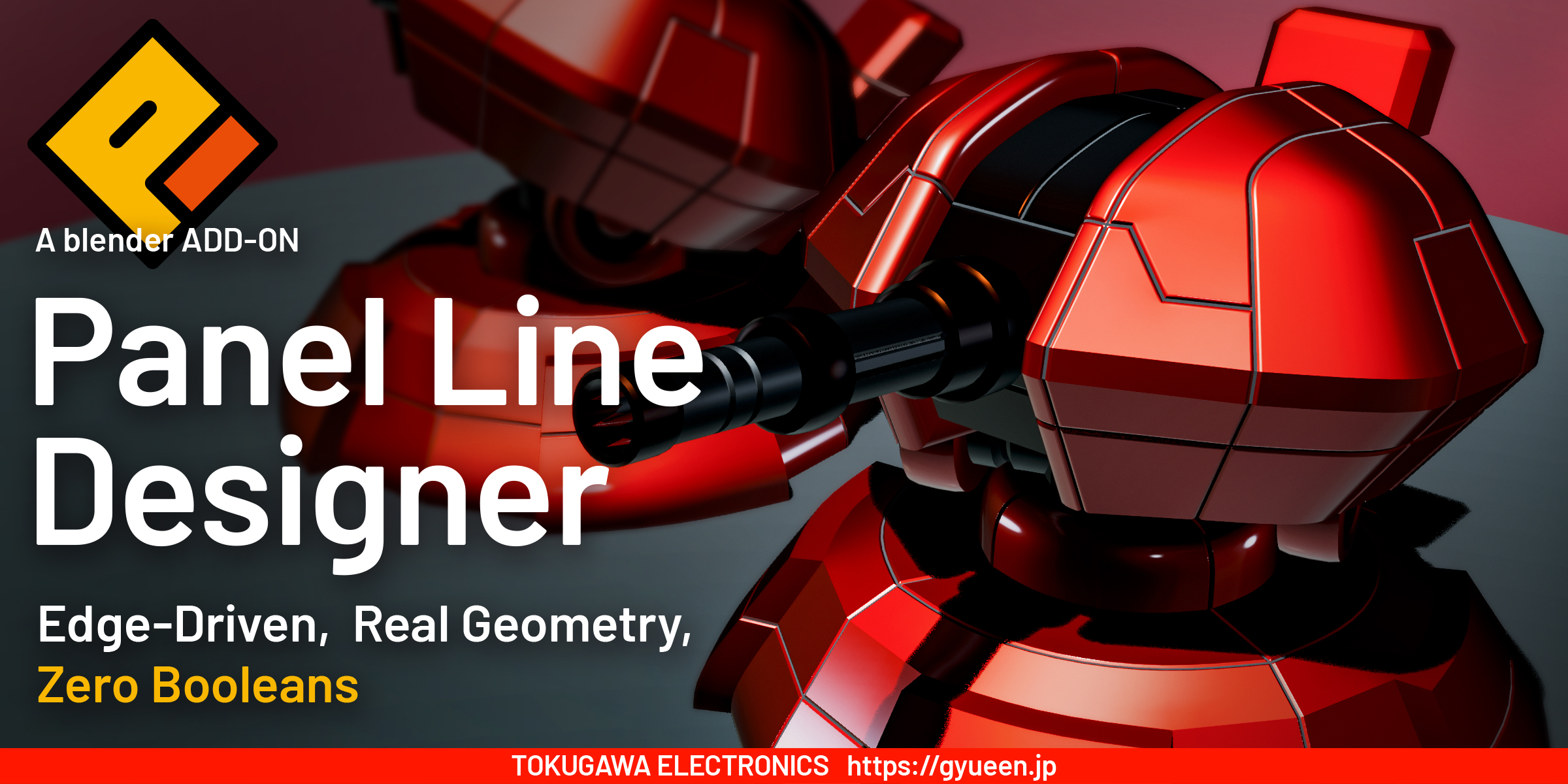
Turn selected edges into real panel-line grooves without Boolean cutters. Refine width, depth and light-catching rim bevels with PLD for Blender.
Categories
Tags
Installation
- Download Panel Line Designer — Edge-Driven · Real Geometry · Zero Boolean & Non-destructive. and check which Blender versions the creator supports. Keep the installable archive (for example,
Panel_Line_Designer_—_Edge-Driven_·_Real_Geometry_·_Zero_Boolean_&_Non-destructive..zip) intact. If the download is a bundle, extract it first to find the add-on archive. - In Blender, go to Edit → Preferences → Add-ons. In Blender 4.2 and newer, open the top-right menu and choose Install from Disk. In older versions, click Install….
- Select the add-on archive (for example,
Panel_Line_Designer_—_Edge-Driven_·_Real_Geometry_·_Zero_Boolean_&_Non-destructive..zip) or its standalone.pyfile and confirm the installation. - Find the add-on in the Add-ons list and tick its checkbox if it isn’t already enabled.
Check the creator’s instructions for any extra setup, such as dependencies or license activation.
Compare with other products
Choose a category to find products to compare with this listing.
Product versions
-
2.0.26 published
Created Oct 15, 2026 · Published Oct 15, 2026
Release notes (source)
<p>PLD 2.0.26 — Changes since 2.0.23</p><p><br></p><p>• Improved T-junctions and acute branches: ordinary T-junctions keep a clean, sharp layout, while narrow three-edge “bird-foot” junctions receive local correction.</p><p>• Preserves supported modifier adjustments, names, visibility, order, additions and removals when regenerating. Improved Weighted Normal ordering.</p><p>• More reliable stored edge selection tracking; reselecting stored edges adds them to the current selection.</p><p>• Improved placement synchronization and child-object handling during PLD operations.</p><p>• Reorganized settings and Japanese/English UI translation behavior.</p><p>• Includes completed illustrated Japanese and English HTML manuals, update notes and technical specifications.</p><p><br></p><p>Downloads</p><p>Install PLD_2.0.26_Extension.zip directly in Blender without extracting it. Extract PLD_2.0.26_Distribution.zip and open START_HERE.html for the manuals and installation guide.</p><p><br></p><p>Before updating, save a copy of your project. Regenerate existing results by changing a setting or using Update Preview. Direct edits to an unfinalized result mesh are replaced on regeneration.</p><p><br></p><p>Supported: Blender 5.1 / 5.2. Tested on macOS with Blender 5.1.2 and 5.2.2 LTS. Windows and Linux have not been verified.</p>
-
2.0.23 published
Created Oct 6, 2026 · Published Oct 6, 2026
Release notes (source)
<p>PLD 2.0.23 — Blender 5.2 compatibility update</p><p><br></p><p>Fixes the rim-rounding Compare-node input error in Blender 5.2 while preserving the Blender 5.1 workflow.</p><p><br></p><p>Verified on macOS with Blender 5.1.2 and 5.2.2 LTS: extension installation, 148 geometry/shared-rounding checks, 14 operator checks, save/reload, and Japanese/English interface switching.</p><p><br></p><p>Install PLD_2.0.23_Extension.zip without extracting it. Download PLD_2.0.23_Distribution.zip for the illustrated English and Japanese manuals. Disable legacy PLD add-ons before installing and restart Blender after updating.</p><p><br></p><p>Blender 4.2 LTS remains unsupported. Windows and Linux have not been verified. Existing mesh and geometry limitations still apply.</p>