Product listing
Pipeline Studio Manager
By Caridade Tango ·
$9.99
List price: $9.99
Listing details
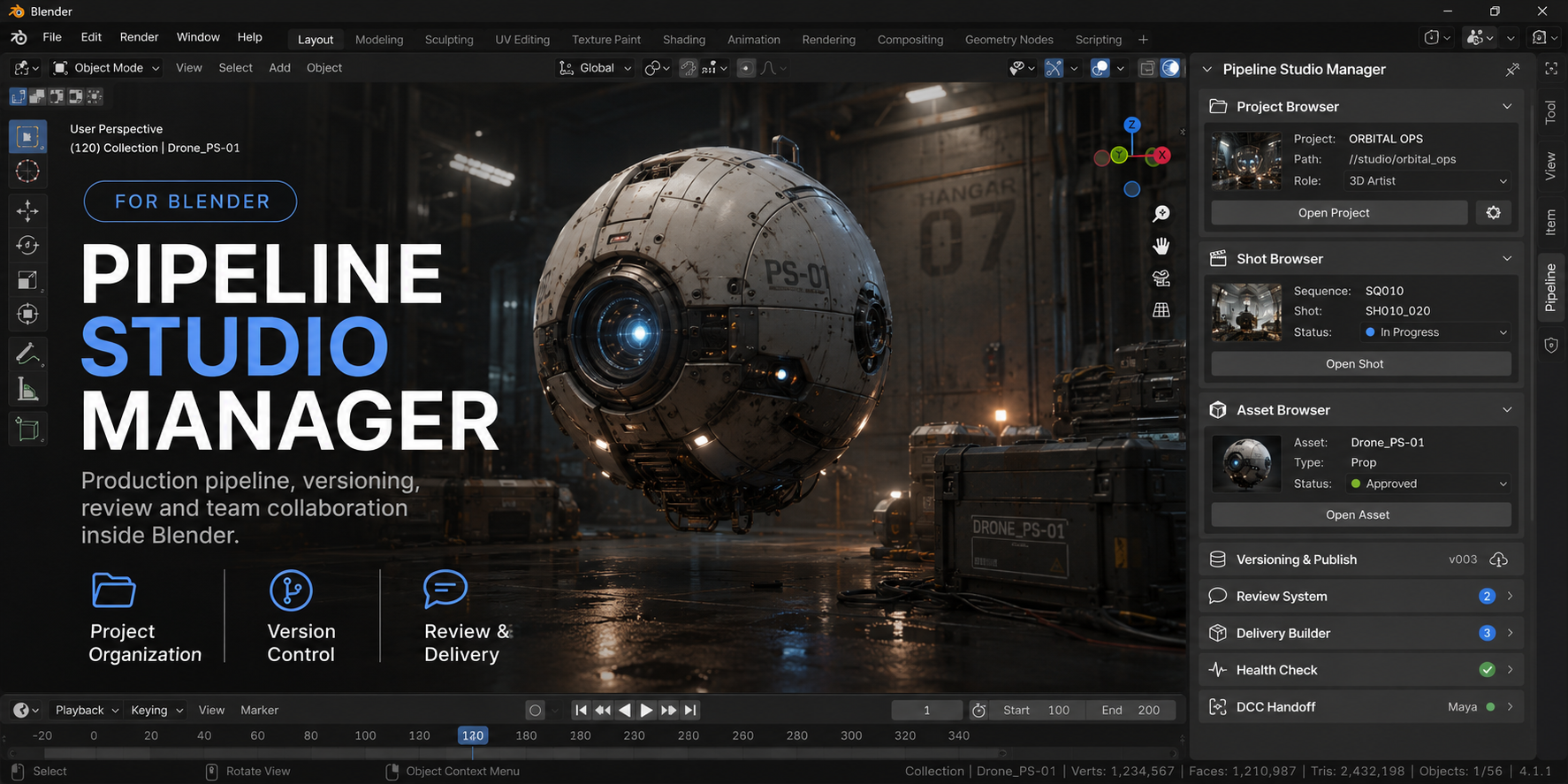
Pipeline Studio Manager is a production management add-on for Blender designed for freelancers, small studios and remote teams. It helps organize complete projects, shots, sequences, assets, versions, publishing, reviews, deadlines, dependencies and final deliveries directly inside Blender. The add-on includes project templates, shot and asset browsers, versioning tools, publish validation, production health checks, DCC handoff tools for Nuke, Houdini, Substance 3D Painter and DaVinci Resolve, plus a delivery builder for client-ready packages. It also includes a Team Workspace system with comments, artist presence, task tracking, object locks and shared production status. The experimental Live Collaboration Beta allows multiple Blender sessions to synchronize scene changes through LAN, VPN or the included Cloud Relay Server, making it possible for artists in different locations to collaborate in the same production session. Live Collaboration is currently in Beta and is recommended mainly for layout, blocking, lighting, scene assembly, review and lightweight collaborative edits.
Categories
Tags
Installation
- Download Pipeline Studio Manager and check which Blender versions the creator supports. Keep the installable archive (for example,
Pipeline_Studio_Manager.zip) intact. If the download is a bundle, extract it first to find the add-on archive. - In Blender, go to Edit → Preferences → Add-ons. In Blender 4.2 and newer, open the top-right menu and choose Install from Disk. In older versions, click Install….
- Select the add-on archive (for example,
Pipeline_Studio_Manager.zip) or its standalone.pyfile and confirm the installation. - Find the add-on in the Add-ons list and tick its checkbox if it isn’t already enabled.
Check the creator’s instructions for any extra setup, such as dependencies or license activation.
Compare with other products
Choose a category to find products to compare with this listing.