Product listing
Pianimator - MIDI to Motion
By Valentin BERTRAND ·
$12.00
List price: $12.00
Listing details
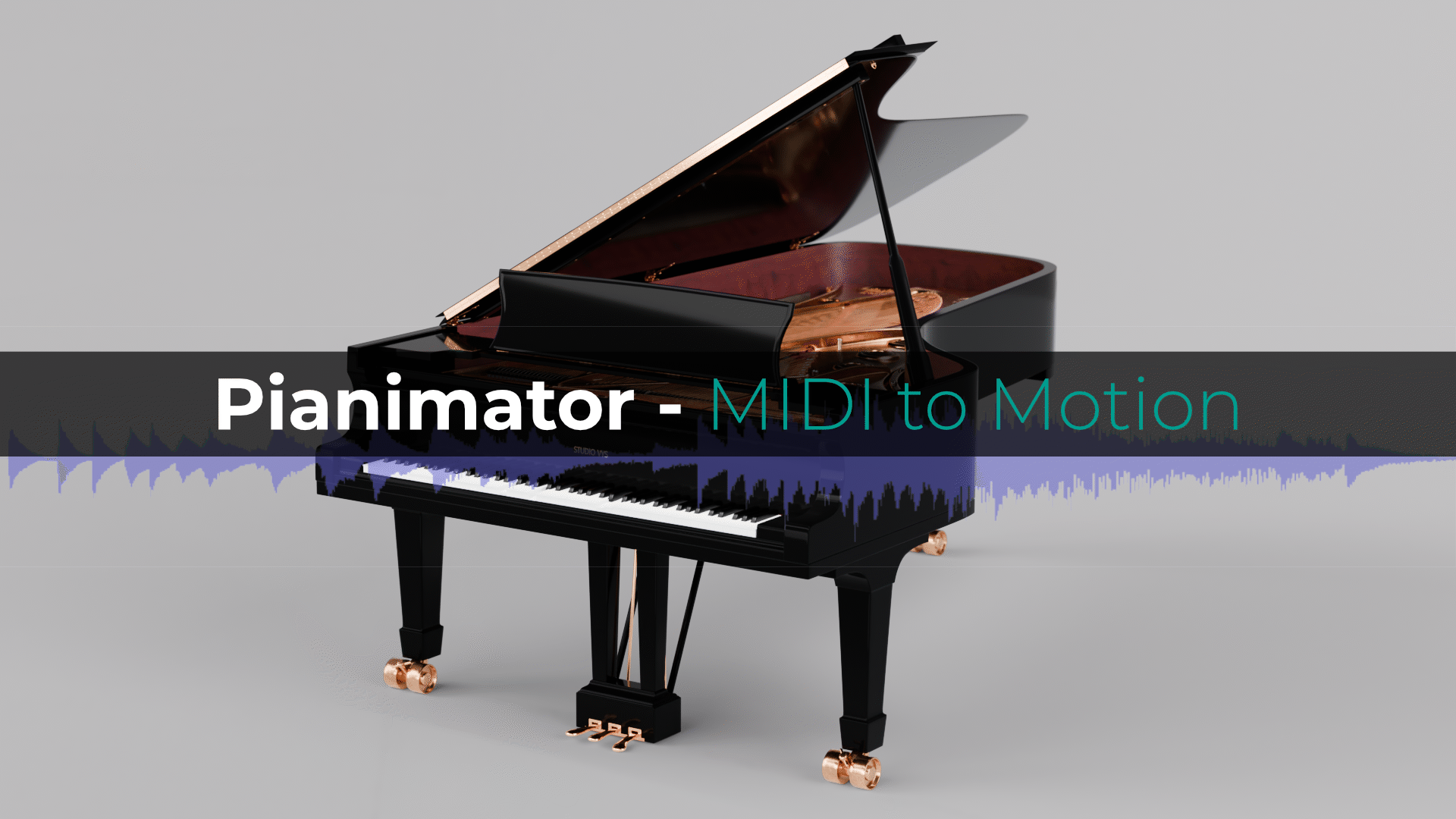
Animate piano rigs from MIDI files with automatic key detection and audio synthesis.
Categories
Tags
Installation
- Download Pianimator - MIDI to Motion and check which Blender versions the creator supports. Keep the installable archive (for example,
Pianimator_-_MIDI_to_Motion.zip) intact. If the download is a bundle, extract it first to find the add-on archive. - In Blender, go to Edit → Preferences → Add-ons. In Blender 4.2 and newer, open the top-right menu and choose Install from Disk. In older versions, click Install….
- Select the add-on archive (for example,
Pianimator_-_MIDI_to_Motion.zip) or its standalone.pyfile and confirm the installation. - Find the add-on in the Add-ons list and tick its checkbox if it isn’t already enabled.
Check the creator’s instructions for any extra setup, such as dependencies or license activation.
Compare with other products
Choose a category to find products to compare with this listing.
Product versions
-
1.0.5 published
Created Nov 6, 2026 · Published Nov 6, 2026
Release notes (source)
<p>Blender 5.x support and a round of bug fixes.</p><p>• Blender 5.x support — the "This Python version (3.13) isn't compatible with (3.11)" install error is fixed. The add-on now installs and runs on Blender 4.2 through 5.2 from the same package.</p><p>• Fixed key animation drifting out of sync with the generated audio on MIDI files that contain tempo changes.</p><p>• macOS / Linux: FluidSynth can now be installed with one click from the add-on preferences (Homebrew, or your system package manager). Windows remains fully bundled — nothing to install.</p><p>• Fixed a crash when selecting an armature that has no piano-key bones.</p><p>• Fixed leftover keyframes stacking up when re-baking in Blender 4.2.</p><p>• Much faster baking on dense MIDI files.</p><p>• Lighter download: removed an unused 11 MB debug file and the heavy compiled SciPy dependency.</p><p>• Added third-party license notices.</p><p>How to update: Edit > Preferences > Get Extensions (or Add-ons) > Install from Disk, then select the new .zip. Your existing scenes, rigs and settings are unaffected.</p>
-
1.0.2 published
Created Sep 13, 2026 · Published Sep 13, 2026
Release notes (source)
<ul style="border: 0px solid; margin: 8px 0px 12px; padding: 0px; list-style: outside disc; margin-inline-start: 0px; padding-inline-start: 32px; -webkit-font-smoothing: antialiased; text-rendering: geometricprecision; color: rgb(92, 92, 92); font-family: ui-sans-serif, system-ui, -apple-system, BlinkMacSystemFont, "Segoe UI", sans-serif; font-size: 14px;"><li style="border: 0px solid; margin: 0px 0px 8px; padding: 0px; -webkit-font-smoothing: antialiased; text-rendering: geometricprecision;">Works on Blender 4.2 → 5.x (fixed Python 3.13 install error)</li><li style="border: 0px solid; margin: 0px 0px 8px; padding: 0px; -webkit-font-smoothing: antialiased; text-rendering: geometricprecision;">Faster baking on dense MIDI files</li><li style="border: 0px solid; margin: 0px 0px 8px; padding: 0px; -webkit-font-smoothing: antialiased; text-rendering: geometricprecision;">Fixed crash on rigs without piano bones, re-bake leftovers on 4.2, and unclear audio errors</li><li style="border: 0px solid; margin: 0px 0px 8px; padding: 0px; -webkit-font-smoothing: antialiased; text-rendering: geometricprecision;">Lighter packages (~35 MB on Windows)</li></ul>