Product listing
OSC Controller for Blender - Real-Time Animation Over OSC
By Guillaume Hervy ·
$20.00
List price: $20.00
Listing details
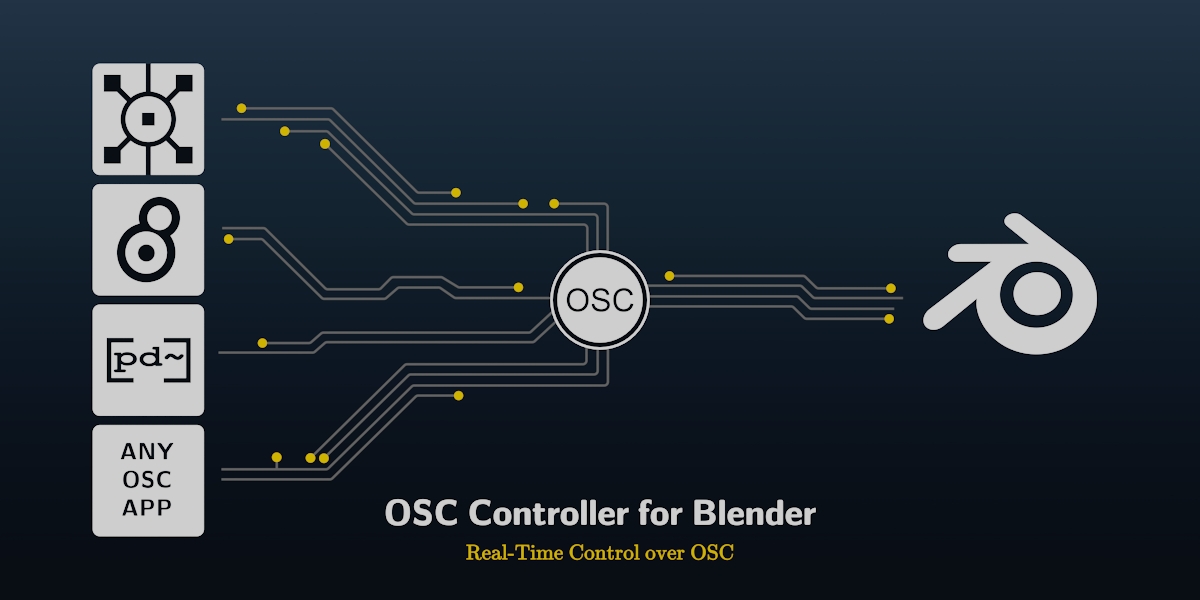
Control shape keys, bones and any Blender property in real time using OSC from tools like TouchDesigner, Pure Data, Max or other OSC-capable apps. Record performances directly into the timeline with Auto Key.
Categories
Tags
Compare with other products
Choose a category to find products to compare with this listing.
Product versions
-
1.3.0 published
Created Oct 17, 2026 · Published Oct 17, 2026
Release notes (source)
<h3 data-heading="Fixed">Fixed</h3>
<ul><li><strong>Right-click "Create OSC Mapping" on a shape key value</strong> produced <code>bpy.context.object.key_blocks[...]</code>, a path that never resolved. It now generates <code>bpy.data.shape_keys['Key'].key_blocks['Name'].value</code>. Any datablock outside objects/meshes/materials now gets a proper <code>bpy.data</code> path instead of falling back to the active object.</li><li><strong>Bone rotation in Euler mode did nothing</strong> on bones left in Blender's default Quaternion rotation mode. The mapping's mode (Euler / Quaternion) now sets the bone's rotation mode to match. Bones already in another Euler order (ZXY...) are left alone.</li><li>"Policy violation with top level module: pythonosc" warning in the add-on preferences: the bundled python-osc is now imported as a sub-package of the add-on.</li><li>Presets: a corrupt preset file no longer raises; invalid characters in a preset name are sanitised; a bad value in one field no longer aborts the whole load; entries of an unknown kind are skipped and reported.</li></ul>
<h3 data-heading="Performance">Performance</h3>
<ul><li>Removed the forced <code>view_layer.update()</code> on every timer tick. On a 25k-vertex rig with 18 modifiers it cost about 57 ms per call, up to 100 times a second. Blender now evaluates once per redraw.</li><li>One write per target per tick, and unchanged values are not re-written. A sender streaming a constant value (e.g. TouchDesigner at 60 fps) no longer costs anything.</li></ul>
<h3 data-heading="Changed">Changed</h3>
<ul><li><strong>Shape keys are now Generic mappings.</strong> <em>Add ARKit 52 Shape Keys</em> asks for the mesh (preselecting the active object), creates one generic mapping per ARKit name that exists on it (<code>bpy.data.shape_keys[...]</code>) and reports how many matched. No armature involved.</li><li>The former <em>Shape Key Mappings</em> section is now <strong>Bone Rotation Mappings</strong> (armature, bone, axis, mode). Euler values are in radians; the panel says so.</li><li>Existing 1.x shape key mappings keep working. They appear in a <em>Shape Key Mappings (legacy)</em> section shown only when some exist, with a <strong>Convert to Generic</strong> button.</li><li>Panel split into collapsible sub-panels (Bone Rotation, Generic, Legacy, Presets). <em>Clear All Mappings</em> moved to the main panel and asks for confirmation.</li><li>Object, shape key, armature and bone fields are searchable dropdowns.</li><li><em>Print messages to console</em> checkbox in the panel and in the add-on preferences (forces Debug logging; Blender must be launched from a terminal to see it). The panel shows the address the server is listening on.</li></ul><p><br></p>
-
1.2.0 published
Created Oct 16, 2026 · Published Oct 16, 2026
Release notes (source)
<ul><li>Fixed: Geometry Nodes inputs on Blender 5.x (they were silently not updating). 4.2 and 5.x both supported.</li><li>Fixed: right-click "Create OSC Mapping" on shader nodes produced a path that never resolved.</li><li>New: right-click on a vector, color or rotation creates one mapping per axis (/x /y /z, /r /g /b /a).</li><li>New: presets — save, load and delete named sets of mappings. ARKit 52 included.</li><li>New: global and per-mapping remap on/off.</li><li>Faster: no more per-message console printing, cached mapping table, quicker server stop.</li><li>Safer: mappings no longer evaluate Python code.</li></ul>
Related products
More from this creator
No other products from this creator.