Product listing
OEBS Icon Viewer
By Erisol3D ·
From $0.35
Listing details
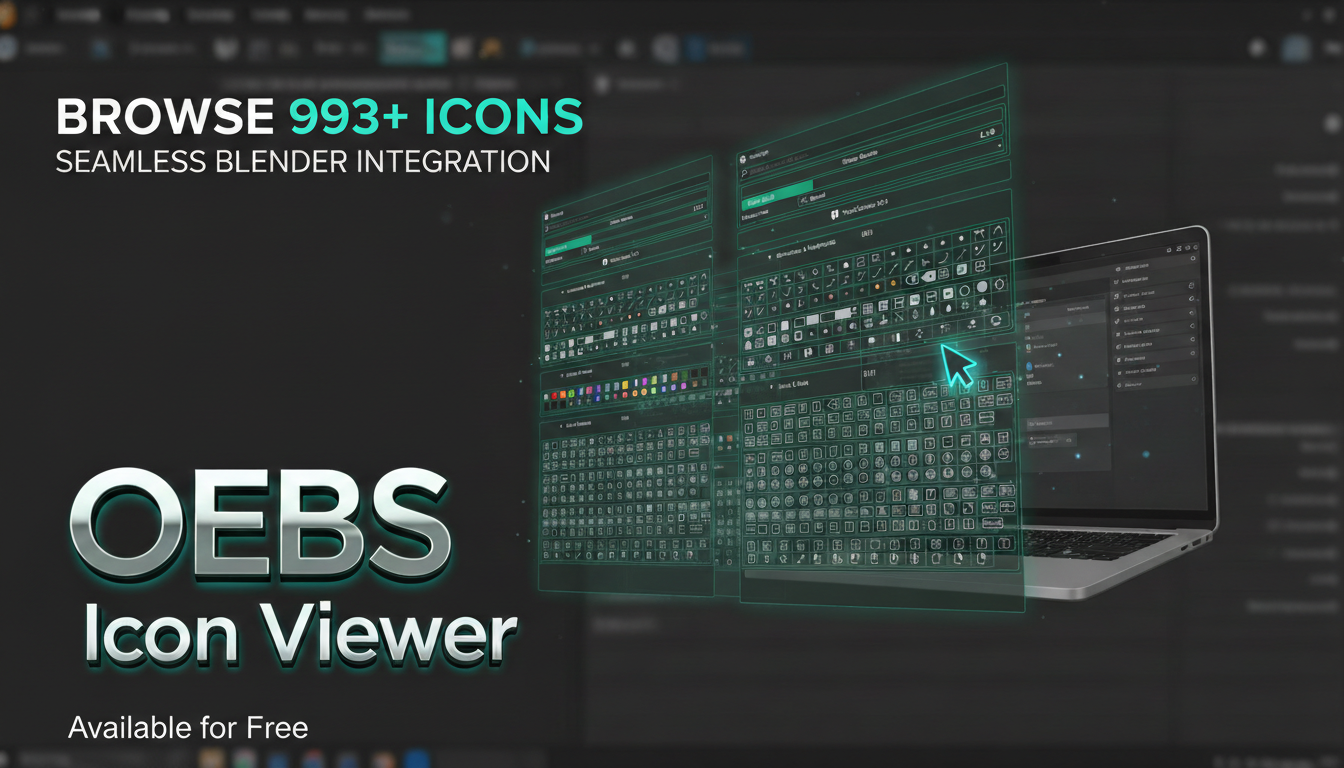
OEBS Icon Viewer is the essential utility for Blender developers and scripters. It adds a lightweight panel to your Text Editor sidebar that lets you browse Blender's entire internal icon library visually. key Features 👁️ Visual Search: Don't know if it's called TRASH or DELETE? Just search "trash" and see every matching icon instantly. It searches by both name and visual appearance. 📋 One-Click Copy: Found the perfect icon? Click it to copy the full code snippet (e.g., icon='FILE_FOLDER') directly to your clipboard. ⚡ Smart Categories: Icons are organized by context (Animation, Modeling, Scripting) so you can narrow down your search quickly. 🚀 Native Performance: Built efficiently to load thousands of icons without slowing down your UI.
Categories
Tags
Installation
- Download OEBS Icon Viewer and check which Blender versions the creator supports. Keep the installable archive (for example,
OEBS_Icon_Viewer.zip) intact. If the download is a bundle, extract it first to find the add-on archive. - In Blender, go to Edit → Preferences → Add-ons. In Blender 4.2 and newer, open the top-right menu and choose Install from Disk. In older versions, click Install….
- Select the add-on archive (for example,
OEBS_Icon_Viewer.zip) or its standalone.pyfile and confirm the installation. - Find the add-on in the Add-ons list and tick its checkbox if it isn’t already enabled.
Check the creator’s instructions for any extra setup, such as dependencies or license activation.
Compare with other products
Choose a category to find products to compare with this listing.
Variants
-
Support OEBS Suite Development published
Price: $3.50 · List price: $10.00 · On sale
-
OEBS Icon Viewer published
Price: $0.35 · List price: $1.00 · On sale