Product listing
NormalProof — Is Your Normal Map Upside Down? Checked, Fixed, Proven
By Mykola Piatkov ·
$9.99
List price: $9.99
Listing details
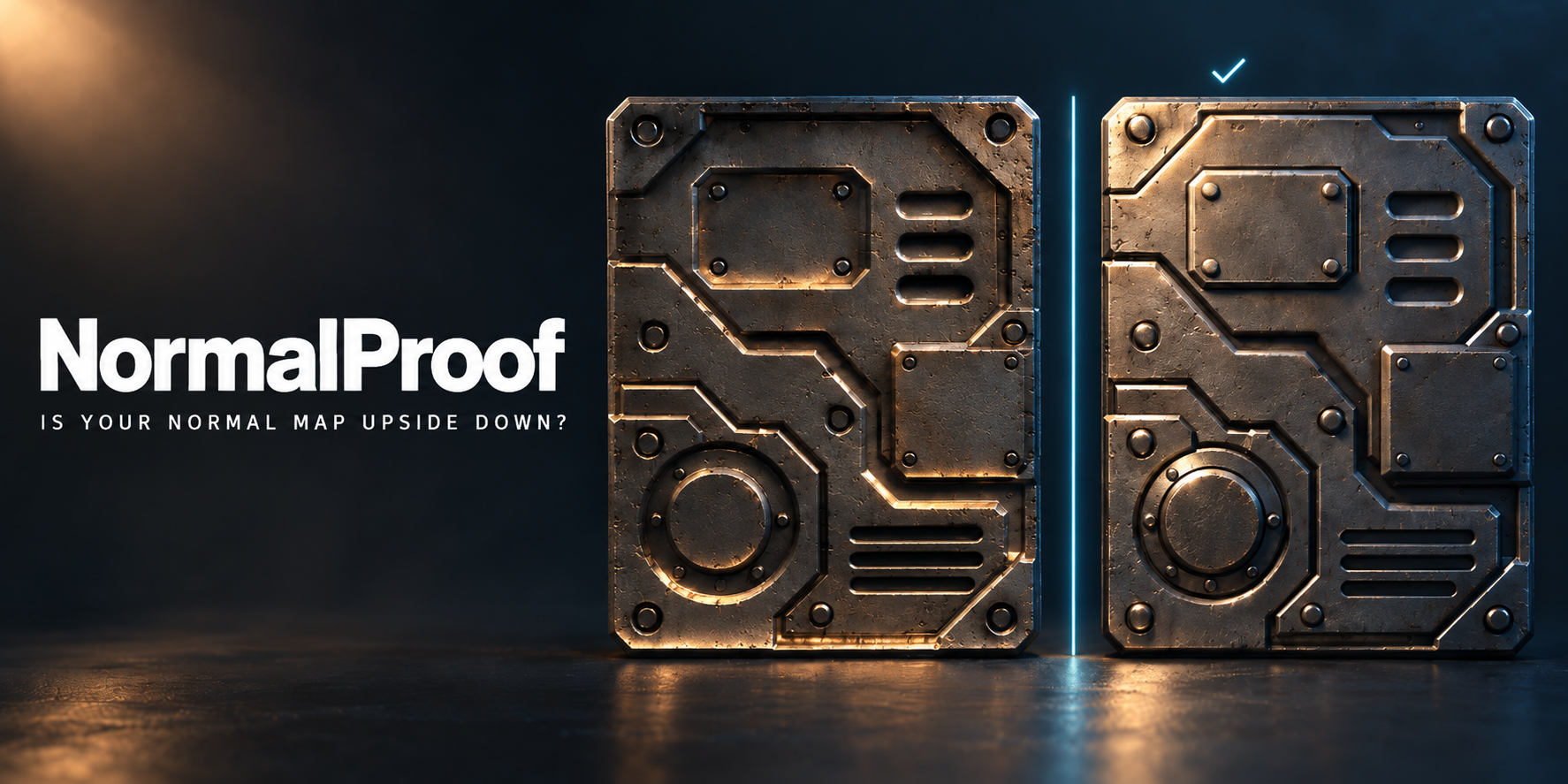
Is your normal map upside down? NormalProof checks every map against your high-poly or height map, tells you if OpenGL/DirectX is wrong, flips it in one click, and proves the fix.
Categories
Tags
Installation
- Download NormalProof — Is Your Normal Map Upside Down? Checked, Fixed, Proven and check which Blender versions the creator supports. Keep the installable archive (for example,
NormalProof_—_Is_Your_Normal_Map_Upside_Down?_Checked,_Fixed,_Proven.zip) intact. If the download is a bundle, extract it first to find the add-on archive. - In Blender, go to Edit → Preferences → Add-ons. In Blender 4.2 and newer, open the top-right menu and choose Install from Disk. In older versions, click Install….
- Select the add-on archive (for example,
NormalProof_—_Is_Your_Normal_Map_Upside_Down?_Checked,_Fixed,_Proven.zip) or its standalone.pyfile and confirm the installation. - Find the add-on in the Add-ons list and tick its checkbox if it isn’t already enabled.
Check the creator’s instructions for any extra setup, such as dependencies or license activation.
Compare with other products
Choose a category to find products to compare with this listing.
Product versions
-
1.0.1 published
Created Oct 7, 2026 · Published Oct 7, 2026
Release notes (source)
<p>The Whole Delivery folder check no longer replaces a file in the folder you pick. Before, the report was always written as normal_proof_report.html (and the baseline as normal_proof_report_baseline.json), and a file with that name already there, such as an earlier report you kept, was overwritten. Now a free name is taken (normal_proof_report_2.html and so on), the message at the bottom of Blender names the file it wrote, and a run that fails while writing removes only the file it created. The report is written as UTF-8, as the page declares. The report and the baseline keep one number (normal_proof_report_2.html with normal_proof_report_2_baseline.json). A folder that cannot be written to is now refused in words instead of a Python error (and no empty report is left behind when only the baseline cannot be created), a folder that already has the report's name is skipped like a taken file, and the closing message is shown: before, a run with no problems or with unchecked files ended in a Python error instead of the message. Checking a folder no longer stalls on a file whose check prints a lot: on Windows such a file sat until the 30-minute limit and was reported as not finished. A file Blender cannot open, or one with nothing to check, is now explained in words instead of a Python error.</p><p>README names the version and the sidebar tab.</p>