Product listing
Multisculpt
By lolpoly ·
From $16.00
Listing details
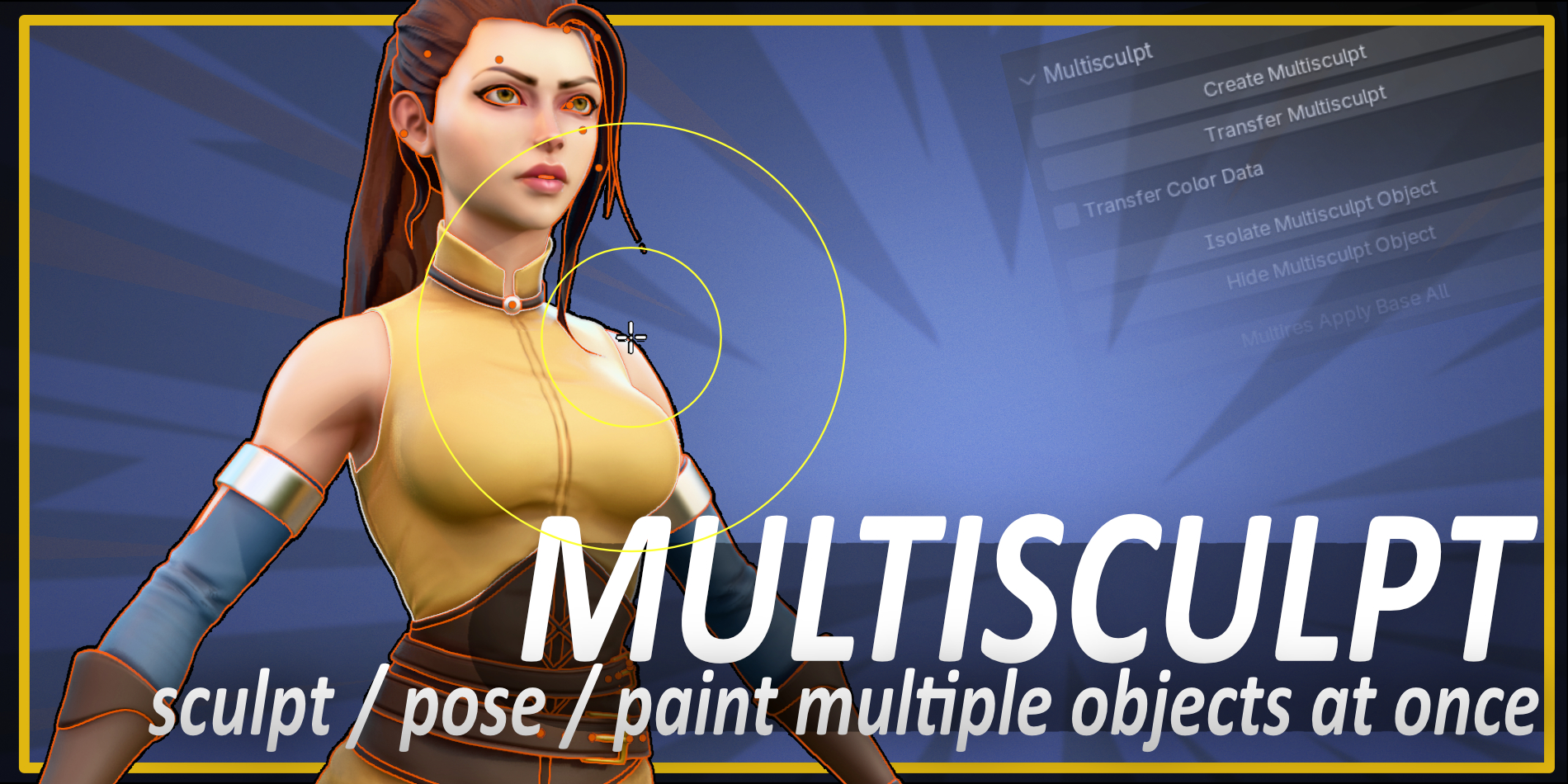
Multisculpt for Blender: Sculpt and paint multiple objects at the same time!
Categories
Tags
Compare with other products
Choose a category to find products to compare with this listing.
Variants
-
Multisculpt (Individual) published
Price: $16.00 · List price: $16.00
Variant versions
-
2.2.1 (for Blender 5+) published
Created Oct 17, 2026 · Published Oct 17, 2026
Release notes (source)
<p>-Fixed bug where the modes pie menu wasn't entering curve sculpt mode whenever a curves (hair) object is selected</p>
-
2.2 (for Blender 5+) published
Created Sep 3, 2026 · Published Sep 3, 2026
Release notes (source)
<p>-Added option to transfer all shape keys from Multisculpt object to any shape keys with matching names on your original objects.</p><p>-Fixed bug where sometimes deformations weren't getting transferred back to original objects if the Multisculpt object has shape keys.</p><p>-Enabled option to create a new shape keys on objects that don't have any, whenever To Active shape key transfer is selected</p>
-
2.0 (for Blender 4.2+) published
Created Sep 3, 2026 · Published Feb 1, 2026
Release notes (source)
<p>NEW FEATURES:<br><br>1. Infinitely faster Multisculpt Transfer!<br><br> On a 20 million vert multisculpt mesh:<br> version 1.x - 10 minutes<br> version 2.0 - 0.7 SECONDS!<br><br>2. Pie Menu<br> You now have a Mode selection pie menu with automatic Multisculpt functionality, which effectively makes sculpting, painting, and weighting<br> multiple objects COMPLETELY SEAMLESS, just the way you always wished it worked!<br> <br>3. Color Freedom: Now takes the active color layer from your original objects, instead of only the first one<br> And transfers back, again to the active color layer of each original object. <br> (Remember to turn color transfer on from the checkbox)<br> <br><br>4. Automatic Isolate and Hide commands for your Multisculpt objects.<br> <br> Select at least one or more of your original objects, and instantly swap visibility between your Multisculpt object and your original objects!<br> Perfect for quick before/after comparisons!<br> <br><br>5. Now transfers your deformations to the Basis of any objects with shape keys, instead of a new shape key (a feature many users requested)<br><br><br>6. Various User experience improvements:<br><br> -Option to automatically delete<br> -Button to clear instancing for all objects in selection<br> -Option to auto clear instancing upon transfer<br> -Automatically applies to base on objects with a multires modifier</p>
-
-
Multisculpt (Small Team) published
Price: $45.00 · List price: $45.00
Variant versions
-
2.2.1 (for Blender 5+) published
Created Oct 17, 2026 · Published Oct 17, 2026
Release notes (source)
<p>-Fixed bug where the modes pie menu wasn't entering curve sculpt mode whenever a curves (hair) object is selected</p><p><br></p>
-
2.2 (for Blender 5+) published
Created Sep 3, 2026 · Published Sep 3, 2026
Release notes (source)
<p>-Added option to transfer all shape keys from Multisculpt object to any shape keys with matching names on your original objects.</p><p>-Fixed bug where sometimes deformations weren't getting transferred back to original objects if the Multisculpt object has shape keys.</p><p>-Enabled option to create a new shape keys on objects that don't have any, whenever To Active shape key transfer is selected</p><p><br></p>
-
2.0 (for Blender 4.2+) published
Created Sep 3, 2026 · Published Feb 1, 2026
Release notes (source)
<p>NEW FEATURES:<br><br>1. Infinitely faster Multisculpt Transfer!<br><br> On a 20 million vert multisculpt mesh:<br> version 1.x - 10 minutes<br> version 2.0 - 0.7 SECONDS!<br><br>2. Pie Menu<br> You now have a Mode selection pie menu with automatic Multisculpt functionality, which effectively makes sculpting, painting, and weighting<br> multiple objects COMPLETELY SEAMLESS, just the way you always wished it worked!<br> <br>3. Color Freedom: Now takes the active color layer from your original objects, instead of only the first one<br> And transfers back, again to the active color layer of each original object. <br> (Remember to turn color transfer on from the checkbox)<br> <br><br>4. Automatic Isolate and Hide commands for your Multisculpt objects.<br> <br> Select at least one or more of your original objects, and instantly swap visibility between your Multisculpt object and your original objects!<br> Perfect for quick before/after comparisons!<br> <br><br>5. Now transfers your deformations to the Basis of any objects with shape keys, instead of a new shape key (a feature many users requested)<br><br><br>6. Various User experience improvements:<br><br> -Option to automatically delete<br> -Button to clear instancing for all objects in selection<br> -Option to auto clear instancing upon transfer<br> -Automatically applies to base on objects with a multires modifier</p>
-
-
Multisculpt (Large Team) published
Price: $85.00 · List price: $85.00
Variant versions
-
2.2.1 (for Blender 5+) published
Created Oct 17, 2026 · Published Oct 17, 2026
Release notes (source)
<p>-Fixed bug where the modes pie menu wasn't entering curve sculpt mode whenever a curves (hair) object is selected</p><p><br></p>
-
2.2 (for Blender 5+) published
Created Sep 3, 2026 · Published Sep 3, 2026
Release notes (source)
<p>-Added option to transfer all shape keys from Multisculpt object to any shape keys with matching names on your original objects.</p><p>-Fixed bug where sometimes deformations weren't getting transferred back to original objects if the Multisculpt object has shape keys.</p><p>-Enabled option to create a new shape keys on objects that don't have any, whenever To Active shape key transfer is selected</p><p><br></p>
-
2.0 (for Blender 4.2+) published
Created Sep 3, 2026 · Published Feb 1, 2026
Release notes (source)
<p>NEW FEATURES:<br><br>1. Infinitely faster Multisculpt Transfer!<br><br> On a 20 million vert multisculpt mesh:<br> version 1.x - 10 minutes<br> version 2.0 - 0.7 SECONDS!<br><br>2. Pie Menu<br> You now have a Mode selection pie menu with automatic Multisculpt functionality, which effectively makes sculpting, painting, and weighting<br> multiple objects COMPLETELY SEAMLESS, just the way you always wished it worked!<br> <br>3. Color Freedom: Now takes the active color layer from your original objects, instead of only the first one<br> And transfers back, again to the active color layer of each original object. <br> (Remember to turn color transfer on from the checkbox)<br> <br><br>4. Automatic Isolate and Hide commands for your Multisculpt objects.<br> <br> Select at least one or more of your original objects, and instantly swap visibility between your Multisculpt object and your original objects!<br> Perfect for quick before/after comparisons!<br> <br><br>5. Now transfers your deformations to the Basis of any objects with shape keys, instead of a new shape key (a feature many users requested)<br><br><br>6. Various User experience improvements:<br><br> -Option to automatically delete<br> -Button to clear instancing for all objects in selection<br> -Option to auto clear instancing upon transfer<br> -Automatically applies to base on objects with a multires modifier</p>
-
Product versions
-
2.2.1 (for Blender 5+) published
Created Oct 17, 2026 · Published Oct 17, 2026
Release notes (source)
<p>-Fixed bug where the modes pie menu wasn't entering curve sculpt mode whenever a curves (hair) object is selected</p><p><br></p>
-
2.2.1 (for Blender 5+) published
Created Oct 17, 2026 · Published Oct 17, 2026
Release notes (source)
<p>-Fixed bug where the modes pie menu wasn't entering curve sculpt mode whenever a curves (hair) object is selected</p><p><br></p>
-
2.2.1 (for Blender 5+) published
Created Oct 17, 2026 · Published Oct 17, 2026
Release notes (source)
<p>-Fixed bug where the modes pie menu wasn't entering curve sculpt mode whenever a curves (hair) object is selected</p>
-
2.2 (for Blender 5+) published
Created Sep 3, 2026 · Published Sep 3, 2026
Release notes (source)
<p>-Added option to transfer all shape keys from Multisculpt object to any shape keys with matching names on your original objects.</p><p>-Fixed bug where sometimes deformations weren't getting transferred back to original objects if the Multisculpt object has shape keys.</p><p>-Enabled option to create a new shape keys on objects that don't have any, whenever To Active shape key transfer is selected</p><p><br></p>
-
2.2 (for Blender 5+) published
Created Sep 3, 2026 · Published Sep 3, 2026
Release notes (source)
<p>-Added option to transfer all shape keys from Multisculpt object to any shape keys with matching names on your original objects.</p><p>-Fixed bug where sometimes deformations weren't getting transferred back to original objects if the Multisculpt object has shape keys.</p><p>-Enabled option to create a new shape keys on objects that don't have any, whenever To Active shape key transfer is selected</p><p><br></p>
-
2.2 (for Blender 5+) published
Created Sep 3, 2026 · Published Sep 3, 2026
Release notes (source)
<p>-Added option to transfer all shape keys from Multisculpt object to any shape keys with matching names on your original objects.</p><p>-Fixed bug where sometimes deformations weren't getting transferred back to original objects if the Multisculpt object has shape keys.</p><p>-Enabled option to create a new shape keys on objects that don't have any, whenever To Active shape key transfer is selected</p>
-
2.1.2 (for Blender 5.0+) published
Created May 12, 2026 · Published May 12, 2026
Release notes (source)
<p>-Fixed a small bug where upon transferring deformations to shape keys, the shape keys' values weren't set to 1</p>
-
2.1.1 (for Blender 5.0+) published
Created May 12, 2026 · Published May 12, 2026
Release notes (source)
<p>-Added the option to propagate any modifiers which are common for all objects, on the multisculpt object<br> <b>*NOTE</b> - this is primarily intended for the <b>Armature</b> modifier, but can be useful in some other situations, HOWEVER some modifiers like Mirror, Bevel, Boolean, etc. that have different parameters on all objects can give unexpected results, so it's recommended to only use this feature when you know it will behave the way you want it to.<br><br>-Made the ctrl+tab shortcut go into Pose mode whenever an Armature object is selected and active. This corresponds to Blender's default behaviour.</p>
-
2.1 (for Blender 5.0+) published
Created Apr 22, 2026 · Published Apr 22, 2026
Release notes (source)
<p>-Added shape key handling options:<br></p><ul><li>To new key</li><li>To Basis</li><li>Compensate existing shape keys</li><li>New key name</li></ul>
-
2.0 (for Blender 4.2+) published
Created Feb 1, 2026 · Published Feb 1, 2026
Release notes (source)
<p>NEW FEATURES:<br><br>1. Infinitely faster Multisculpt Transfer!<br><br> On a 20 million vert multisculpt mesh:<br> version 1.x - 10 minutes<br> version 2.0 - 0.7 SECONDS!<br><br>2. Pie Menu<br> You now have a Mode selection pie menu with automatic Multisculpt functionality, which effectively makes sculpting, painting, and weighting<br> multiple objects COMPLETELY SEAMLESS, just the way you always wished it worked!<br> <br>3. Color Freedom: Now takes the active color layer from your original objects, instead of only the first one<br> And transfers back, again to the active color layer of each original object. <br> (Remember to turn color transfer on from the checkbox)<br> <br><br>4. Automatic Isolate and Hide commands for your Multisculpt objects.<br> <br> Select at least one or more of your original objects, and instantly swap visibility between your Multisculpt object and your original objects!<br> Perfect for quick before/after comparisons!<br> <br><br>5. Now transfers your deformations to the Basis of any objects with shape keys, instead of a new shape key (a feature many users requested)<br><br><br>6. Various User experience improvements:<br><br> -Option to automatically delete<br> -Button to clear instancing for all objects in selection<br> -Option to auto clear instancing upon transfer<br> -Automatically applies to base on objects with a multires modifier</p>
-
2.0 (for Blender 4.2+) published
Created Sep 3, 2026 · Published Feb 1, 2026
Release notes (source)
<p>NEW FEATURES:<br><br>1. Infinitely faster Multisculpt Transfer!<br><br> On a 20 million vert multisculpt mesh:<br> version 1.x - 10 minutes<br> version 2.0 - 0.7 SECONDS!<br><br>2. Pie Menu<br> You now have a Mode selection pie menu with automatic Multisculpt functionality, which effectively makes sculpting, painting, and weighting<br> multiple objects COMPLETELY SEAMLESS, just the way you always wished it worked!<br> <br>3. Color Freedom: Now takes the active color layer from your original objects, instead of only the first one<br> And transfers back, again to the active color layer of each original object. <br> (Remember to turn color transfer on from the checkbox)<br> <br><br>4. Automatic Isolate and Hide commands for your Multisculpt objects.<br> <br> Select at least one or more of your original objects, and instantly swap visibility between your Multisculpt object and your original objects!<br> Perfect for quick before/after comparisons!<br> <br><br>5. Now transfers your deformations to the Basis of any objects with shape keys, instead of a new shape key (a feature many users requested)<br><br><br>6. Various User experience improvements:<br><br> -Option to automatically delete<br> -Button to clear instancing for all objects in selection<br> -Option to auto clear instancing upon transfer<br> -Automatically applies to base on objects with a multires modifier</p>
-
2.0 (for Blender 4.2+) published
Created Sep 3, 2026 · Published Feb 1, 2026
Release notes (source)
<p>NEW FEATURES:<br><br>1. Infinitely faster Multisculpt Transfer!<br><br> On a 20 million vert multisculpt mesh:<br> version 1.x - 10 minutes<br> version 2.0 - 0.7 SECONDS!<br><br>2. Pie Menu<br> You now have a Mode selection pie menu with automatic Multisculpt functionality, which effectively makes sculpting, painting, and weighting<br> multiple objects COMPLETELY SEAMLESS, just the way you always wished it worked!<br> <br>3. Color Freedom: Now takes the active color layer from your original objects, instead of only the first one<br> And transfers back, again to the active color layer of each original object. <br> (Remember to turn color transfer on from the checkbox)<br> <br><br>4. Automatic Isolate and Hide commands for your Multisculpt objects.<br> <br> Select at least one or more of your original objects, and instantly swap visibility between your Multisculpt object and your original objects!<br> Perfect for quick before/after comparisons!<br> <br><br>5. Now transfers your deformations to the Basis of any objects with shape keys, instead of a new shape key (a feature many users requested)<br><br><br>6. Various User experience improvements:<br><br> -Option to automatically delete<br> -Button to clear instancing for all objects in selection<br> -Option to auto clear instancing upon transfer<br> -Automatically applies to base on objects with a multires modifier</p>
-
2.0 (for Blender 4.2+) published
Created Sep 3, 2026 · Published Feb 1, 2026
Release notes (source)
<p>NEW FEATURES:<br><br>1. Infinitely faster Multisculpt Transfer!<br><br> On a 20 million vert multisculpt mesh:<br> version 1.x - 10 minutes<br> version 2.0 - 0.7 SECONDS!<br><br>2. Pie Menu<br> You now have a Mode selection pie menu with automatic Multisculpt functionality, which effectively makes sculpting, painting, and weighting<br> multiple objects COMPLETELY SEAMLESS, just the way you always wished it worked!<br> <br>3. Color Freedom: Now takes the active color layer from your original objects, instead of only the first one<br> And transfers back, again to the active color layer of each original object. <br> (Remember to turn color transfer on from the checkbox)<br> <br><br>4. Automatic Isolate and Hide commands for your Multisculpt objects.<br> <br> Select at least one or more of your original objects, and instantly swap visibility between your Multisculpt object and your original objects!<br> Perfect for quick before/after comparisons!<br> <br><br>5. Now transfers your deformations to the Basis of any objects with shape keys, instead of a new shape key (a feature many users requested)<br><br><br>6. Various User experience improvements:<br><br> -Option to automatically delete<br> -Button to clear instancing for all objects in selection<br> -Option to auto clear instancing upon transfer<br> -Automatically applies to base on objects with a multires modifier</p>
-
1.1.3 published
Created Dec 22, 2025 · Published Dec 22, 2025
Release notes (source)
<p>-Fixed an issue where objects without an active color attribute threw an error upon Multisculpt create</p>
-
1.1.1 - Legacy (for Blender 3.6 - 4.1) published
Created Apr 21, 2025 · Published Apr 21, 2025
Release notes (source)
<p>1.1.1 - Adds the option to transfer vertex group data (weight painting)<br>1.1.0 - Adds the option to create the Multisculpt mesh using the current Multiresolution Sculpt level of any objects that have a Multires modifier</p>
Related products
More from this creator
No other products from this creator.