Product listing
MODULYNX – Modular Assembly System
By Frederik Vollbrecht ·
From $15.00
Listing details
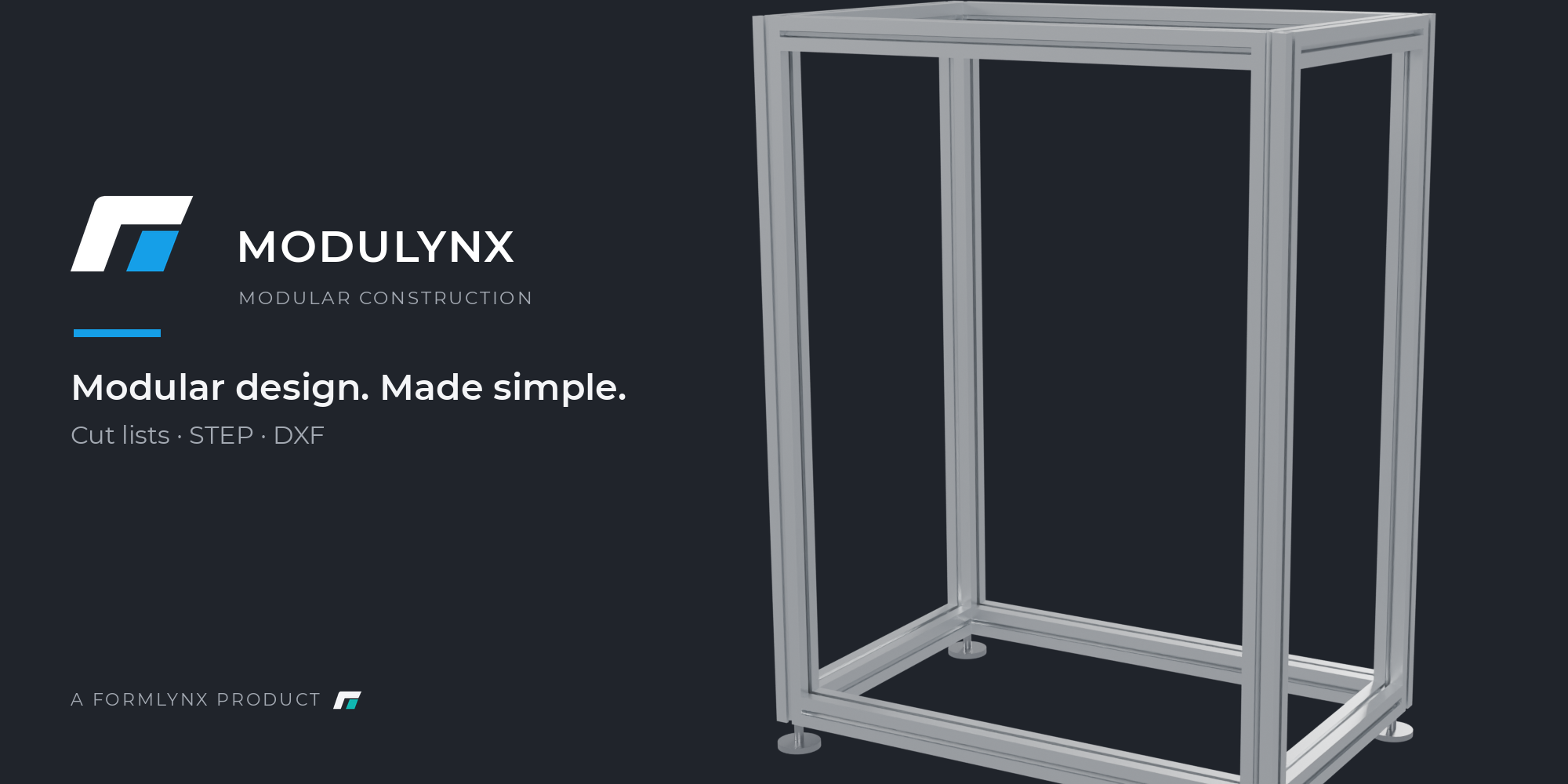
Design racks, workbenches and machine frames from aluminium profiles in Blender: snap parts on connection nodes, get a bill of materials with prices, export STEP for CAD and DXF for laser cutting.
Categories
Tags
Installation
- Download MODULYNX – Modular Assembly System and check which Blender versions the creator supports. Keep the installable archive (for example,
MODULYNX_–_Modular_Assembly_System.zip) intact. If the download is a bundle, extract it first to find the add-on archive. - In Blender, go to Edit → Preferences → Add-ons. In Blender 4.2 and newer, open the top-right menu and choose Install from Disk. In older versions, click Install….
- Select the add-on archive (for example,
MODULYNX_–_Modular_Assembly_System.zip) or its standalone.pyfile and confirm the installation. - Find the add-on in the Add-ons list and tick its checkbox if it isn’t already enabled.
Check the creator’s instructions for any extra setup, such as dependencies or license activation.
Compare with other products
Choose a category to find products to compare with this listing.
Variants
-
Studio 5 published
Price: $45.00 · List price: $89.99 · On sale
Variant versions
-
MODULYNX 1.0.24 published
Created Nov 14, 2026 · Published Nov 14, 2026
Release notes (source)
<p><b>New</b></p>
<ul>
<li>Much smaller download (1.7 MB instead of 90 MB): the CAD library for the STEP import is downloaded once on request in the add-on preferences (Blender needs online access for that).</li>
<li>ROUTELYNX: the slots of MODULYNX profiles are offered as T-slot mount positions.</li>
</ul>
<p><b>Improved</b></p>
<ul>
<li>STEP import, Quads mode: cleaner meshes on fillets and narrow bands – no more fans of needle triangles.</li>
<li>STEP export: imported meshes are written without false bevels; corners are placed more exactly.</li>
<li>Fonts in the menus reload correctly after opening a file. Shared FORMLYNX Core 0.4.</li>
</ul>
-
MODULYNX 1.0.17 published
Created Nov 9, 2026 · Published Nov 9, 2026
Release notes (source)
<p><strong>New</strong></p><ul><li>STEP import: CAD files as meshes with assemblies, colours and exact normals (Windows).</li><li>Quads mode for the STEP import: regular quad grid on every CAD face, with edge length, curvature and Only quads.</li></ul><p><strong>Improved</strong></p><ul><li>Parametric Features: multi-segment bevels and their corners now share one radius, outer dimensions stay fixed.</li><li>STEP export: one-segment bevels with Harden Normals or smooth shading are written as real rounds.</li></ul>
-
MODULYNX 1.0.14 published
Created Nov 8, 2026 · Published Nov 8, 2026
Release notes (source)
<ul><li>Now runs on Blender 4.5 and newer.</li><li>Mesh Repair panel: check, repair and simplify meshes, and mark faces for STEP export.</li><li>Mark Fillet and Mark Chamfer on mesh edges; marks also set seams, sharp edges and shading.</li><li>Parametric Features: fillets and chamfers as a Geometry Nodes modifier with one panel per feature; the STEP export follows the inputs.</li><li>STEP check and export show progress and can be cancelled with Esc.</li><li>STEP export closes flat holes and reports them in the check. New option: Freeform as facets.</li><li>MODULYNX tools in Blender's toolbar (T), grouped like the radial menu.</li><li>New FORMLYNX tool shelf at the top of the viewport; it can be hidden.</li><li>Sidebar now under the FORMLYNX tab with icon tabs and cards.</li><li>Full GPL license text included in the package.</li></ul>
-
-
Studio 10 published
Price: $85.00 · List price: $169.99 · On sale
Variant versions
-
MODULYNX 1.0.24 published
Created Nov 14, 2026 · Published Nov 14, 2026
Release notes (source)
<p><b>New</b></p>
<ul>
<li>Much smaller download (1.7 MB instead of 90 MB): the CAD library for the STEP import is downloaded once on request in the add-on preferences (Blender needs online access for that).</li>
<li>ROUTELYNX: the slots of MODULYNX profiles are offered as T-slot mount positions.</li>
</ul>
<p><b>Improved</b></p>
<ul>
<li>STEP import, Quads mode: cleaner meshes on fillets and narrow bands – no more fans of needle triangles.</li>
<li>STEP export: imported meshes are written without false bevels; corners are placed more exactly.</li>
<li>Fonts in the menus reload correctly after opening a file. Shared FORMLYNX Core 0.4.</li>
</ul>
-
MODULYNX 1.0.17 published
Created Nov 9, 2026 · Published Nov 9, 2026
Release notes (source)
<p><strong>New</strong></p><ul><li>STEP import: CAD files as meshes with assemblies, colours and exact normals (Windows).</li><li>Quads mode for the STEP import: regular quad grid on every CAD face, with edge length, curvature and Only quads.</li></ul><p><strong>Improved</strong></p><ul><li>Parametric Features: multi-segment bevels and their corners now share one radius, outer dimensions stay fixed.</li><li>STEP export: one-segment bevels with Harden Normals or smooth shading are written as real rounds.</li></ul>
-
MODULYNX 1.0.14 published
Created Nov 8, 2026 · Published Nov 8, 2026
Release notes (source)
<ul>
<li>Now runs on Blender 4.5 and newer.</li>
<li>Mesh Repair panel: check, repair and simplify meshes, and mark faces for STEP export.</li>
<li>Mark Fillet and Mark Chamfer on mesh edges; marks also set seams, sharp edges and shading.</li>
<li>Parametric Features: fillets and chamfers as a Geometry Nodes modifier with one panel per feature; the STEP export follows the inputs.</li>
<li>STEP check and export show progress and can be cancelled with Esc.</li>
<li>STEP export closes flat holes and reports them in the check. New option: Freeform as facets.</li>
<li>MODULYNX tools in Blender's toolbar (T), grouped like the radial menu.</li>
<li>New FORMLYNX tool shelf at the top of the viewport; it can be hidden.</li>
<li>Sidebar now under the FORMLYNX tab with icon tabs and cards.</li>
<li>Full GPL license text included in the package.</li>
</ul>
-
-
Personal published
Price: $15.00 · List price: $29.99 · On sale
Variant versions
-
MODULYNX 1.0.24 published
Created Nov 14, 2026 · Published Nov 14, 2026
Release notes (source)
<p><b>New</b></p>
<ul>
<li>Much smaller download (1.7 MB instead of 90 MB): the CAD library for the STEP import is downloaded once on request in the add-on preferences (Blender needs online access for that).</li>
<li>ROUTELYNX: the slots of MODULYNX profiles are offered as T-slot mount positions.</li>
</ul>
<p><b>Improved</b></p>
<ul>
<li>STEP import, Quads mode: cleaner meshes on fillets and narrow bands – no more fans of needle triangles.</li>
<li>STEP export: imported meshes are written without false bevels; corners are placed more exactly.</li>
<li>Fonts in the menus reload correctly after opening a file. Shared FORMLYNX Core 0.4.</li>
</ul>
-
MODULYNX 1.0.17 published
Created Nov 9, 2026 · Published Nov 9, 2026
Release notes (source)
<p><strong>New</strong></p><ul><li>STEP import: CAD files as meshes with assemblies, colours and exact normals (Windows).</li><li>Quads mode for the STEP import: regular quad grid on every CAD face, with edge length, curvature and Only quads.</li></ul><p><strong>Improved</strong></p><ul><li>Parametric Features: multi-segment bevels and their corners now share one radius, outer dimensions stay fixed.</li><li>STEP export: one-segment bevels with Harden Normals or smooth shading are written as real rounds.</li></ul>
-
MODULYNX 1.0.14 published
Created Nov 5, 2026 · Published Nov 5, 2026
Release notes (source)
<div style="color:rgb(234, 236, 240);background-color:rgb(25, 25, 25);padding-inline:0px;position:relative;min-height:1lh;font-family:"SF Mono" , ui-monospace , Menlo , Consolas , monospace , "SF Mono" , ui-monospace , Menlo , Consolas , monospace;font-size:13px;letter-spacing:0.00878906px;"><span style="background-color:rgba(0, 0, 0, 0);">New</span></div><div style="color:rgb(234, 236, 240);background:transparent;padding-inline:0px;position:relative;min-height:1lh;font-family:"SF Mono" , ui-monospace , Menlo , Consolas , monospace , "SF Mono" , ui-monospace , Menlo , Consolas , monospace;font-size:13px;letter-spacing:0.00878906px;"><span style="background-color:rgba(0, 0, 0, 0);">- Check STEP Parts: a viewport overlay colours faces by the type the STEP export will write (planes, bores, radii, chamfers). The mesh and its materials stay untouched.</span></div><div style="color:rgb(234, 236, 240);background-color:rgb(25, 25, 25);padding-inline:0px;position:relative;min-height:1lh;font-family:"SF Mono" , ui-monospace , Menlo , Consolas , monospace , "SF Mono" , ui-monospace , Menlo , Consolas , monospace;font-size:13px;letter-spacing:0.00878906px;">
</div><div style="color:rgb(234, 236, 240);background-color:rgb(25, 25, 25);padding-inline:0px;position:relative;min-height:1lh;font-family:"SF Mono" , ui-monospace , Menlo , Consolas , monospace , "SF Mono" , ui-monospace , Menlo , Consolas , monospace;font-size:13px;letter-spacing:0.00878906px;"><span style="background-color:rgba(0, 0, 0, 0);">Improved</span></div><div style="color:rgb(234, 236, 240);background-color:rgb(25, 25, 25);padding-inline:0px;position:relative;min-height:1lh;font-family:"SF Mono" , ui-monospace , Menlo , Consolas , monospace , "SF Mono" , ui-monospace , Menlo , Consolas , monospace;font-size:13px;letter-spacing:0.00878906px;"><span style="background-color:rgba(0, 0, 0, 0);">- STEP export for your own parts: reworked recognition of faces, bores, radii and chamfers.</span></div><div style="color:rgb(234, 236, 240);background-color:rgb(25, 25, 25);padding-inline:0px;position:relative;min-height:1lh;font-family:"SF Mono" , ui-monospace , Menlo , Consolas , monospace , "SF Mono" , ui-monospace , Menlo , Consolas , monospace;font-size:13px;letter-spacing:0.00878906px;">
</div><div style="color:rgb(234, 236, 240);background-color:rgb(25, 25, 25);padding-inline:0px;position:relative;min-height:1lh;font-family:"SF Mono" , ui-monospace , Menlo , Consolas , monospace , "SF Mono" , ui-monospace , Menlo , Consolas , monospace;font-size:13px;letter-spacing:0.00878906px;"><span style="background-color:rgba(0, 0, 0, 0);">Package</span></div><div style="color:rgb(234, 236, 240);background-color:rgb(25, 25, 25);padding-inline:0px;position:relative;min-height:1lh;font-family:"SF Mono" , ui-monospace , Menlo , Consolas , monospace , "SF Mono" , ui-monospace , Menlo , Consolas , monospace;font-size:13px;letter-spacing:0.00878906px;"><span style="background-color:rgba(0, 0, 0, 0);">- Added a short README with installation, updating and the P shortcut.</span></div><div style="color:rgb(234, 236, 240);background-color:rgb(25, 25, 25);padding-inline:0px;position:relative;min-height:1lh;font-family:"SF Mono" , ui-monospace , Menlo , Consolas , monospace , "SF Mono" , ui-monospace , Menlo , Consolas , monospace;font-size:13px;letter-spacing:0.00878906px;"><span style="background-color:rgba(0, 0, 0, 0);">- The file permission in Blender's install dialog is now in English.</span></div><div style="color:rgb(234, 236, 240);background-color:rgb(25, 25, 25);padding-inline:0px;position:relative;min-height:1lh;font-family:"SF Mono" , ui-monospace , Menlo , Consolas , monospace , "SF Mono" , ui-monospace , Menlo , Consolas , monospace;font-size:13px;letter-spacing:0.00878906px;"><span style="background-color:rgba(0, 0, 0, 0);">- Removed development files from the package.</span></div>
-