Product listing
MediaFlow Studio
By Lorenz Wieseke ·
$4.49 On sale
List price: $4.99
Listing details
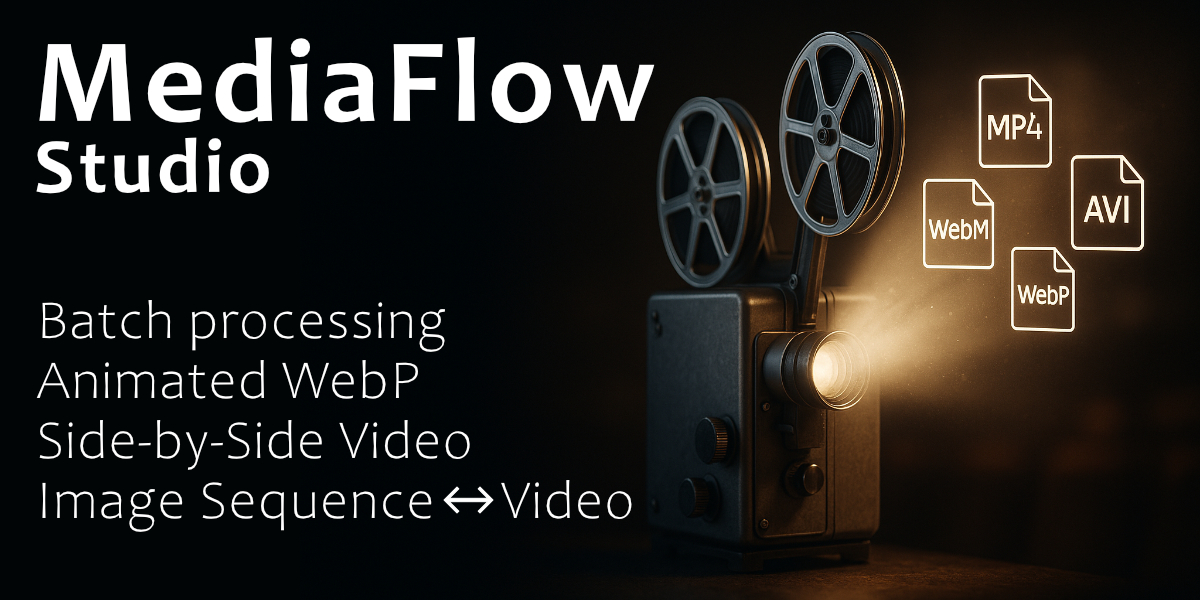
MediaFlowStudio for Blender Turn Blender into your complete video conversion studio. Why it's better: Superior compression with better quality at smaller file sizes Complete privacy - no uploading to third-party servers No file size limits or restrictions Side-by-side comparisons show dramatic quality improvements Key Features: Advanced video compression Batch file processing Image sequences to video conversion Multiple format support Direct Blender integration Perfect for 3D artists, content creators, and studios who want professional results without the limitations of online converters. See the difference - our side-by-side comparisons demonstrate significantly better compression and quality retention. #Blender3D #VideoCompression #MediaProcessing #BlenderAddon #PostProduction
Categories
Tags
Installation
- Download MediaFlow Studio and check which Blender versions the creator supports. Keep the installable archive (for example,
MediaFlow_Studio.zip) intact. If the download is a bundle, extract it first to find the add-on archive. - In Blender, go to Edit → Preferences → Add-ons. In Blender 4.2 and newer, open the top-right menu and choose Install from Disk. In older versions, click Install….
- Select the add-on archive (for example,
MediaFlow_Studio.zip) or its standalone.pyfile and confirm the installation. - Find the add-on in the Add-ons list and tick its checkbox if it isn’t already enabled.
Check the creator’s instructions for any extra setup, such as dependencies or license activation.
Compare with other products
Choose a category to find products to compare with this listing.