Product listing
Max Group - Ultimate Grouping for Blender
By Pickeri yang ·
$15.00
List price: $15.00
Listing details
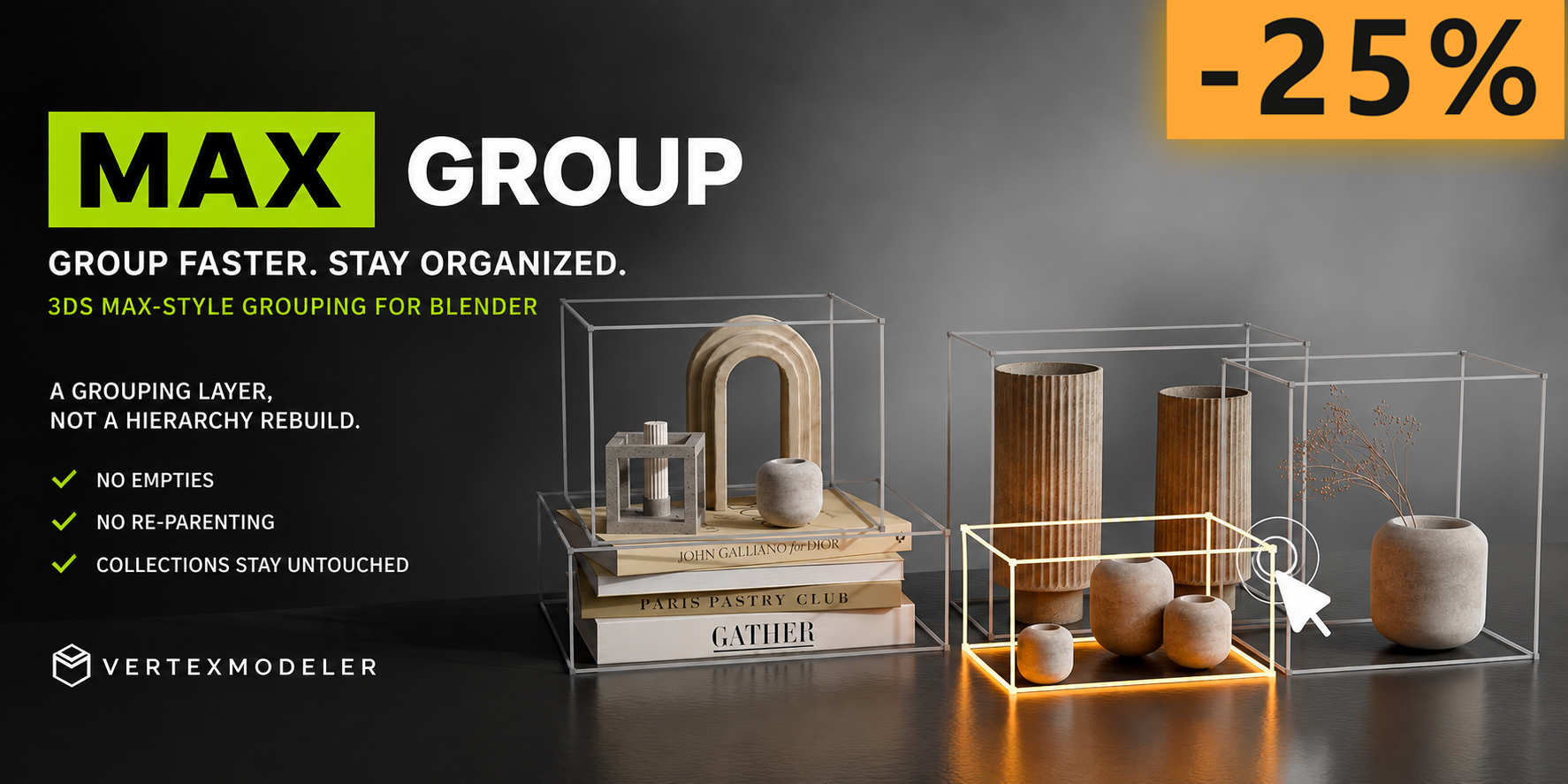
Max Group is the ultimate grouping solution for Blender—built to eliminate frustrating group-selection headaches. Instantly select complete groups, precisely access individual objects, and manage nested assemblies with ease, all without disrupting Blender Collections, parenting, or scene hierarchy.
Categories
Tags
Installation
- Download Max Group - Ultimate Grouping for Blender and check which Blender versions the creator supports. Keep the installable archive (for example,
Max_Group_-_Ultimate_Grouping_for_Blender.zip) intact. If the download is a bundle, extract it first to find the add-on archive. - In Blender, go to Edit → Preferences → Add-ons. In Blender 4.2 and newer, open the top-right menu and choose Install from Disk. In older versions, click Install….
- Select the add-on archive (for example,
Max_Group_-_Ultimate_Grouping_for_Blender.zip) or its standalone.pyfile and confirm the installation. - Find the add-on in the Add-ons list and tick its checkbox if it isn’t already enabled.
Check the creator’s instructions for any extra setup, such as dependencies or license activation.
Compare with other products
Choose a category to find products to compare with this listing.
Product versions
-
2.0.7 published
Created Sep 14, 2026 · Published Sep 14, 2026
Release notes (source)
<h3 data-section-id="ypu358" data-start="27" data-end="56" class="">Bug Fixes — Version 2.0.7</h3><p>
</p><ul data-start="58" data-end="596">
<li data-section-id="1rcmhu5" data-start="58" data-end="196">
Fixed group bounding boxes appearing for invisible objects in Local View, isolated views, hidden collections, or hidden viewport states.
</li>
<li data-section-id="183rwtu" data-start="197" data-end="277">
Fixed hover previews leaking between multiple 3D Viewports or Blender windows.
</li>
<li data-section-id="wl6yrt" data-start="278" data-end="364">
Group bounding boxes now correctly follow each viewport’s <strong data-start="338" data-end="355">Show Overlays</strong> setting.
</li>
<li data-section-id="1n9v8ou" data-start="365" data-end="522">
Fixed mixed object selection: selecting any object inside a closed group now automatically includes the entire group while preserving ungrouped selections.
</li>
<li data-section-id="ngfr80" data-start="523" data-end="596">
Improved hover-state cleanup when moving between viewports and editors.</li></ul>