Product listing
Material Lab - One Click Prototyping Material Suite
By Dimitri Gregorio ·
$22.00
List price: $22.00
Listing details
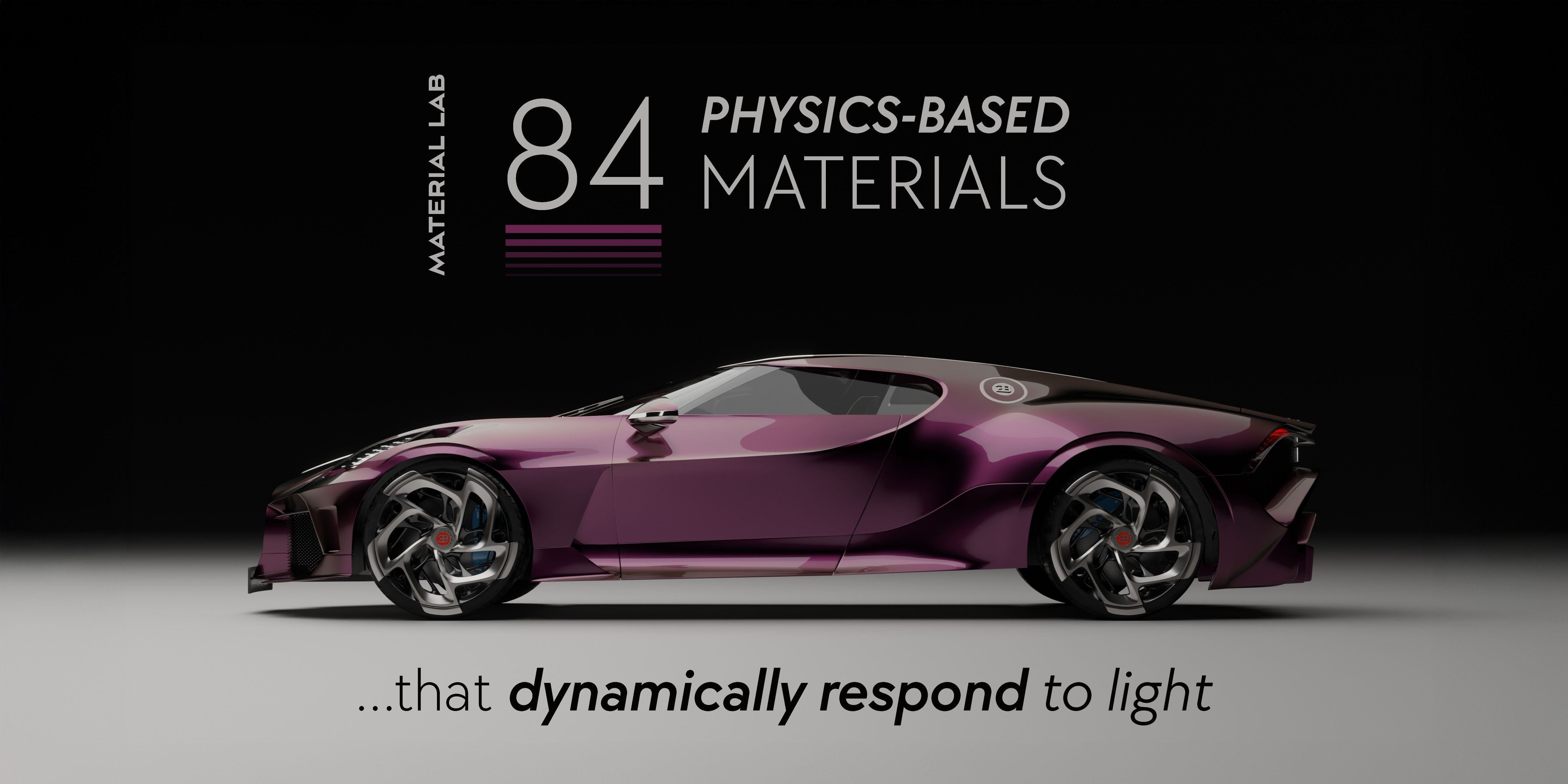
MaterialLab uses advanced physics-based nodes that recreate natural light behavior without slowing down your scene. These 84 materials apply instantly, no UV mapping needed, and adapt perfectly to any object. It’s quality without compromise.
Categories
Tags
- animated
- archviz
- arch-viz
- bcon22
- bcon25
- bfcm22
- bfcm23
- bfcm24
- car paint
- clay
- glass
- high gloss
- high quality materials
- interior
- iridescence
- loveblender
- material
- material collection
- materiallab
- material lab
- material library
- material pack
- materials
- materials collection
- materials pack
- materials-pbr
- metal
- pearlescence
- plastic
- procedural materials
- procedural materials pack
- procedural textures
- realistic materials
- real metals
- sci fi
- shader
- shaders
- spring22
- spring23
- spring24
- summer21
- summer22
- summer23
- summer24
- winter24
Installation
- Download Material Lab - One Click Prototyping Material Suite and check which Blender versions the creator supports. Keep the installable archive (for example,
Material_Lab_-_One_Click_Prototyping_Material_Suite.zip) intact. If the download is a bundle, extract it first to find the add-on archive. - In Blender, go to Edit → Preferences → Add-ons. In Blender 4.2 and newer, open the top-right menu and choose Install from Disk. In older versions, click Install….
- Select the add-on archive (for example,
Material_Lab_-_One_Click_Prototyping_Material_Suite.zip) or its standalone.pyfile and confirm the installation. - Find the add-on in the Add-ons list and tick its checkbox if it isn’t already enabled.
Check the creator’s instructions for any extra setup, such as dependencies or license activation.
Compare with other products
Choose a category to find products to compare with this listing.