Product listing
LOD Forge
By Mykola Piatkov ·
$9.99
List price: $9.99
Listing details
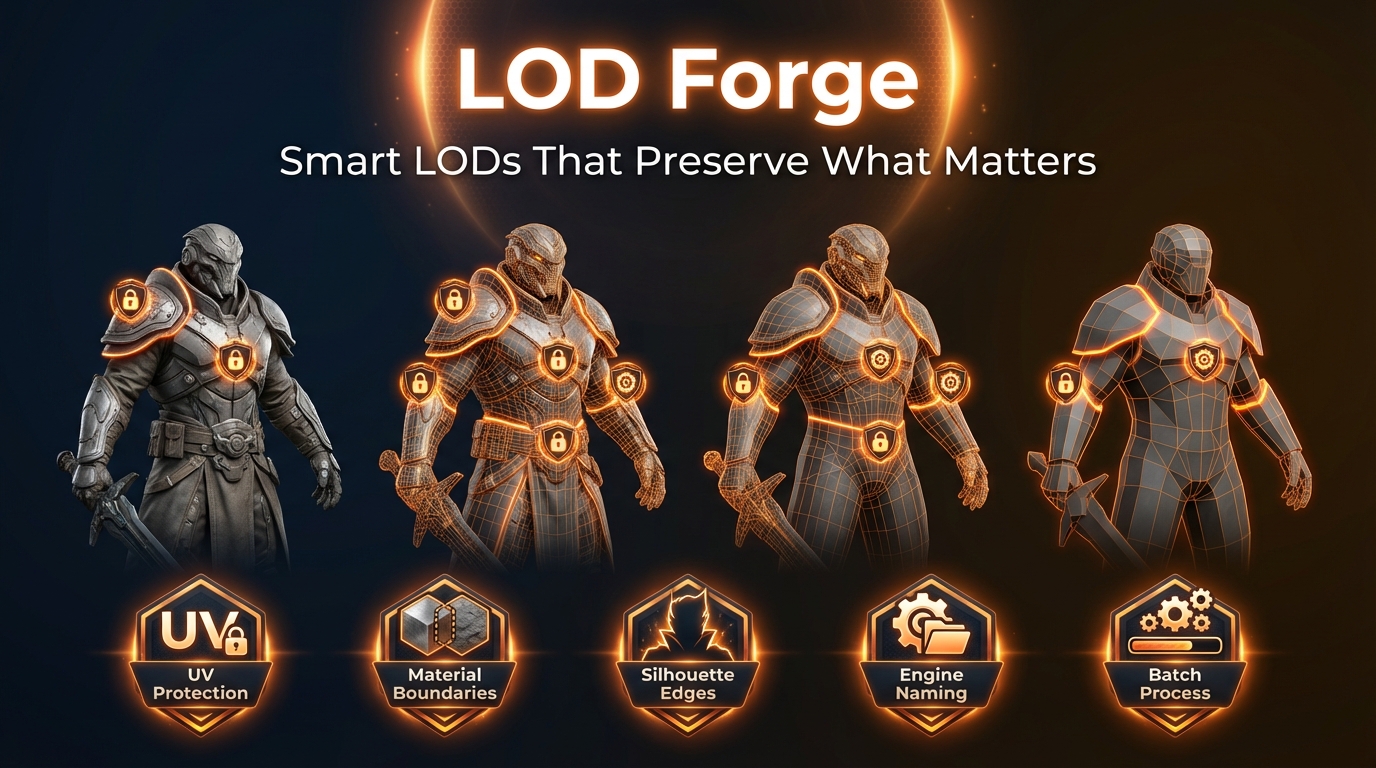
One-click LOD chains that keep the silhouette: decimation that holds UV seams, material boundaries and the feature edges carrying the shape, with the triangle count shown for every level.
Categories
Tags
Compare with other products
Choose a category to find products to compare with this listing.
Product versions
-
1.0.2 published
Created Oct 7, 2026 · Published Oct 7, 2026
Release notes (source)
<p>Generate LODs and Batch Generate on an object that already has a chain now rebuild that chain instead of adding a second one (Rock_LOD1.001 and a second group empty). With any level of the chain active, the chain is rebuilt from LOD0. Only objects LOD Forge built are replaced: they are now marked, so LOD objects that came with a model, or a chain made by 1.0.1, are left alone and named in the message; remove those with Remove LODs to rebuild.</p><p>Batch Generate now fills the LOD Metrics panel with the active object's chain. Before, the panel kept the numbers of whatever was generated earlier.</p><p>Remove LODs removes only this object's group. Before, the group was found by a partial name: Remove LODs on Rock could delete BigRock_LODGroup and leave Rock_LODGroup in place.</p><p>If objects with the LOD names already exist and LOD Forge did not build them for this object (a plain Rock next to someone's Rock_LOD1), Generate stops and names them instead of creating .001 copies.</p><p>Generate LODs and Batch Generate no longer stop with a Python error on a mesh with shape keys (Blender cannot apply the decimation to it), which also left a half-built LOD1 in the scene. LOD1 and below are now built from the mesh's basis shape without shape keys, and the message says so; LOD0 keeps all of its keys.</p><p>A mesh with a parent (a wheel on a car) keeps it: the LOD group takes the mesh's place under the parent. Before, Generate cut the mesh loose and it jumped by the parent's offset, and Remove LODs left it without a parent. Objects you parented to the LOD group stay under the rebuilt group.</p>
-
1.0.1 published
Created Oct 2, 2026 · Published Oct 2, 2026
Release notes (source)
<p>Maintenance release. The package now ships an updated README (install steps for Blender 4.2 and later, uninstall).</p><p>Minimum Blender is now 4.2 LTS (earlier builds were tested on 3.x; 4.2 is what we test on).</p><p>Documentation: the sidebar tab is named as it reads in Blender (LODForge).</p><p>No changes to the tools. Verified from the installed archive on Blender 4.2.9 and 5.2.0.</p>