Product listing
LM Studio Gobos & volumetrics
By Mr Steve 3D ·
From $1.00
Listing details
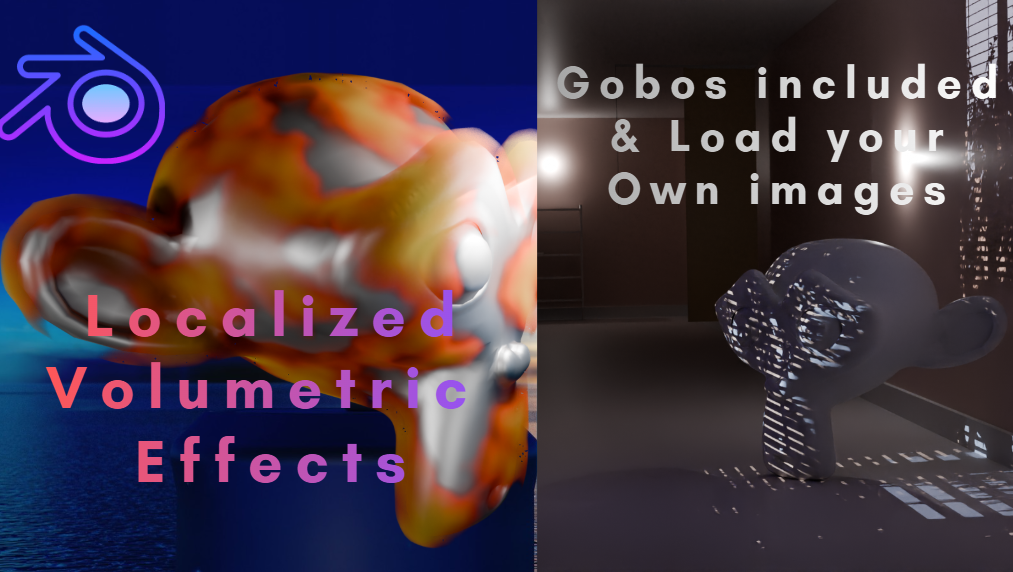
"Unleash cinematic atmosphere with Lighting and Volume Controls. Instantly project custom texture masks using the dynamic Gobo icon gallery—fully expandable by importing your own zip folders of image masks to cycle through—and deploy animated localized volumetrics on meshes or planes to create scrolling cloud systems.
Categories
Tags
Installation
- Download LM Studio Gobos & volumetrics and check which Blender versions the creator supports. Keep the installable archive (for example,
LM_Studio_Gobos_&_volumetrics.zip) intact. If the download is a bundle, extract it first to find the add-on archive. - In Blender, go to Edit → Preferences → Add-ons. In Blender 4.2 and newer, open the top-right menu and choose Install from Disk. In older versions, click Install….
- Select the add-on archive (for example,
LM_Studio_Gobos_&_volumetrics.zip) or its standalone.pyfile and confirm the installation. - Find the add-on in the Add-ons list and tick its checkbox if it isn’t already enabled.
Check the creator’s instructions for any extra setup, such as dependencies or license activation.
Compare with other products
Choose a category to find products to compare with this listing.
Variants
-
LM Studio 6 LITE with Eevee Next Bloom disabled
Price: $1.00 · List price: $1.00
-
Light Magic Studio Basic Trial published
Price: $1.00 · List price: $1.00
-
NEW LM IES suite disabled
Price: $10.50 · List price: $10.50
-
LM Studio 8 published
Price: $9.95 · List price: $9.95