Product listing
Lite Explosion FX
By Dmytro Zubaryev ·
$12.00
List price: $12.00
Listing details
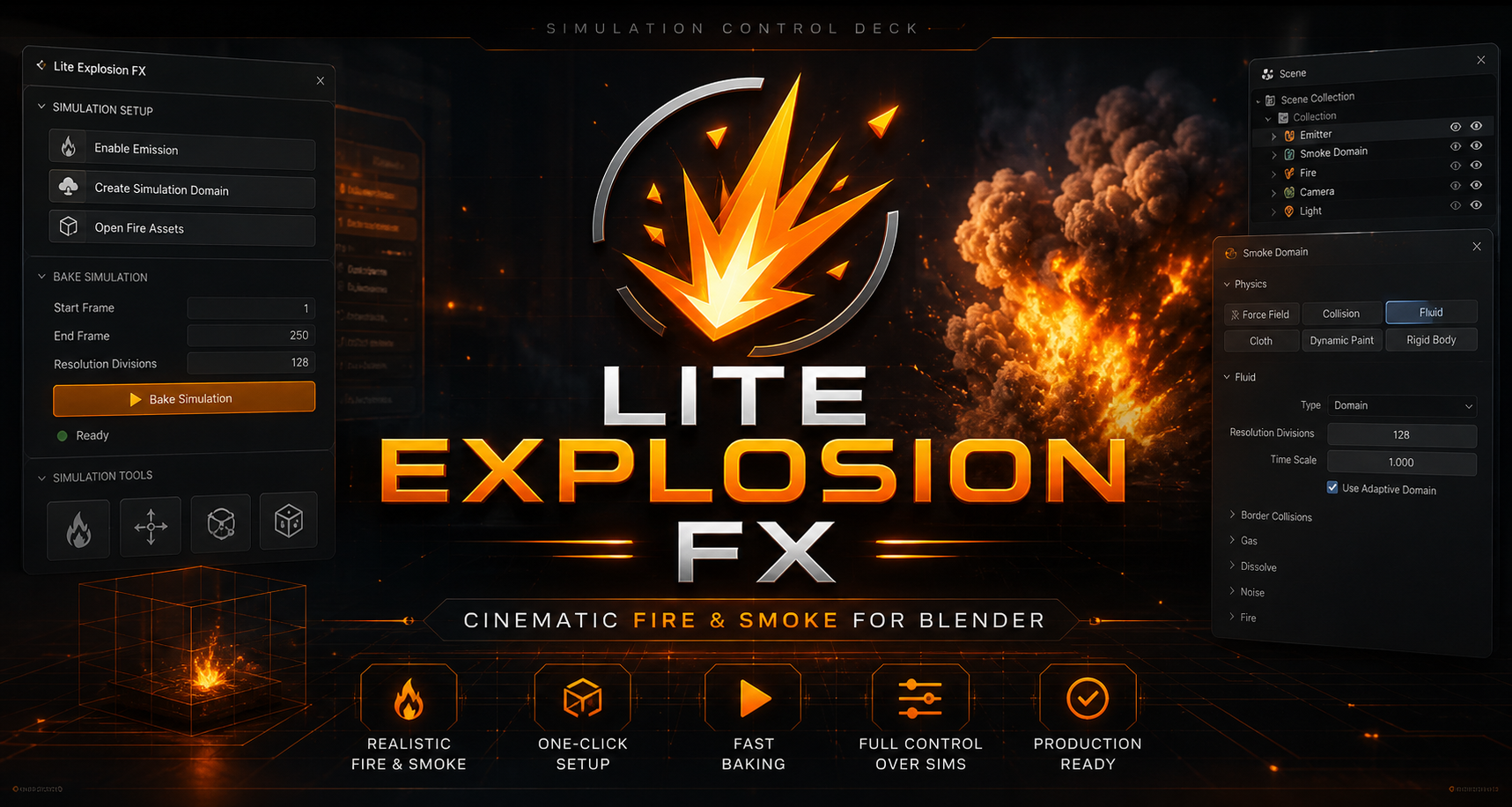
Cinematic Fire, Smoke and Explosion Control for Blender Lite Explosion FX is a focused Blender add-on built for artists who want cinematic explosion simulations without fighting the interface. It brings fire, smoke, emission tuning, domain setup and baking controls into one clean futuristic control deck. The add-on is designed for rapid look development: deploy the effect, tune the simulation, define the bake range, adjust resolution divisions, monitor bake status and iterate again in the same scene with a cleaner overwrite workflow.
Categories
Tags
Installation
- Download Lite Explosion FX and check which Blender versions the creator supports. Keep the installable archive (for example,
Lite_Explosion_FX.zip) intact. If the download is a bundle, extract it first to find the add-on archive. - In Blender, go to Edit → Preferences → Add-ons. In Blender 4.2 and newer, open the top-right menu and choose Install from Disk. In older versions, click Install….
- Select the add-on archive (for example,
Lite_Explosion_FX.zip) or its standalone.pyfile and confirm the installation. - Find the add-on in the Add-ons list and tick its checkbox if it isn’t already enabled.
Check the creator’s instructions for any extra setup, such as dependencies or license activation.
Compare with other products
Choose a category to find products to compare with this listing.